My iPhone started lagging badly right after the iOS 26 update. Apps take longer to open, scrolling stutters, and even typing feels delayed. I’ve already tried restarting and clearing storage, but nothing has fixed it. I need help figuring out if this is a common iOS 26 performance issue or if there’s something else I should do.
iOS 26 feels slow right after the update
I ran into this too. If you installed iOS 26 a day or two ago, the slowdown is often part of the update process. The phone starts doing a pile of background jobs right away. Mine was chewing through Photos, rebuilding app data, and sorting system files for the new version. During that stretch, even the keyboard felt behind my thumbs.
What helped was simple. I left the iPhone plugged in, connected to Wi-Fi, overnight for a couple nights. After around three days, it felt a lot better. So if your update was recent, give it a little time first.
If it’s still dragging after a week, I would stop blaming the update alone.
Check free storage, not only ‘storage full’
This part gets missed a lot. People look for the red warning and if they do not see it, they assume storage is fine. iOS seems to want breathing room. From what I saw, once free space gets under roughly 10 to 20 percent of total storage, performance starts slipping.
You get the usual mess:
- apps open slower
- scrolling starts hitching
- random crashes show up
- switching between apps feels heavy
So yes, even a few free GB might still be too tight if your phone has a big photo library and a nearly full drive.
Photos are often the real problem
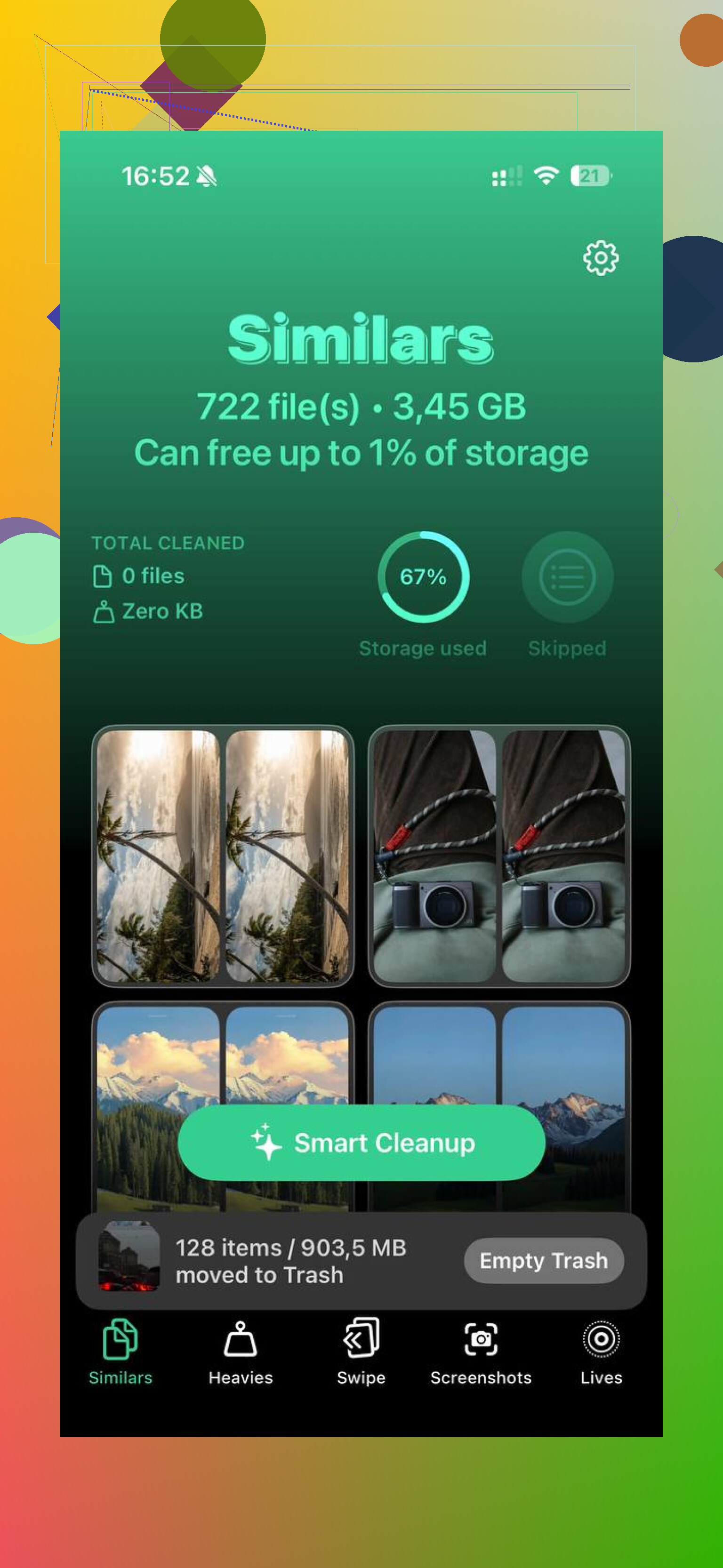
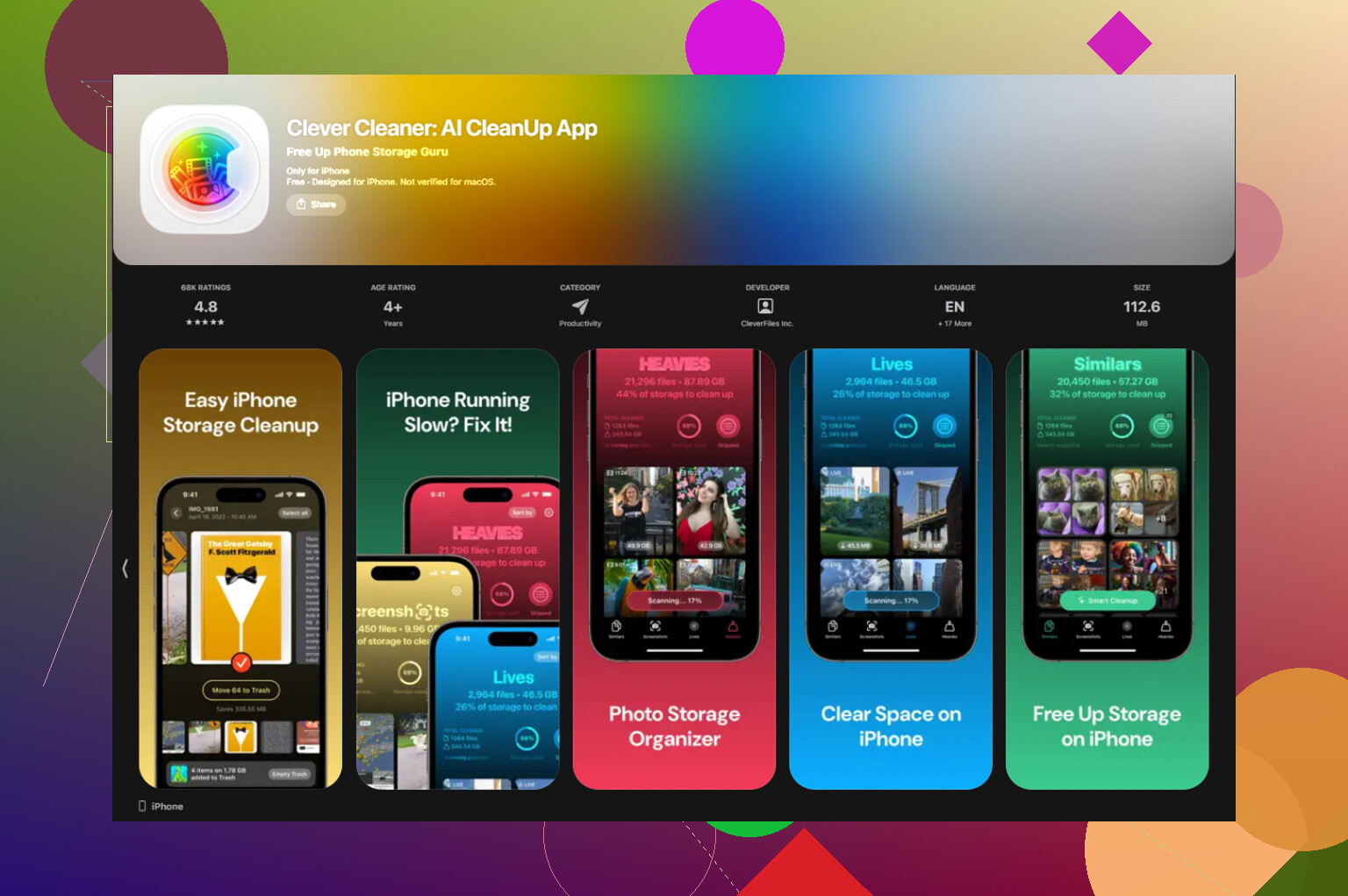
For me, Photos was the main space hog by a mile. Cleaning it by hand was miserable. I ended up using Clever Cleaner, mostly because I wanted a faster way to sort the junk.
What stood out:
- the Similars section grouped those near-duplicate shots, the five versions of the same pic where only one is worth keeping
- the Heavies section sorted media by size, largest first, so I found big 4K clips and old screen recordings fast
- it showed file sizes before deleting screenshots and other clutter
- it worked on-device, so nothing left the phone
After I cleared a few gigabytes, the phone felt snappier. Not magic, but enough to notice.
Battery health matters more than people think
This one is easy to check.
Go to Settings > Battery > Battery Health.
If maximum capacity is under 80 percent, iPhone performance management often steps in to avoid shutdowns. That slowdown is not subtle. A worn battery can make the phone feel old overnight.
When mine got low, software tweaks did less than I hoped. Battery replacement did more.
Stuff worth trying, in this order
1. Update your apps
Open the App Store and hit Update All.
Right after a major iOS release, some apps run badly until developers patch them. I had two apps eating resources for no good reason until they updated.
2. Cut down Background App Refresh
Go to Settings > General > Background App Refresh.
Turn it off for apps you do not need updating all day. This trimmed background load on my phone more than I expected.
3. Enable Reduce Motion
Go to Settings > Accessibility > Motion, then switch on Reduce Motion.
On older iPhones, the UI often feels smoother with fewer animations. You lose some visual polish. I did not miss it.
4. Turn off Low Power Mode if you keep it on all the time
A lot of people forget this one. Low Power Mode saves battery by slowing things down. If you leave it enabled full time, normal use feels slower for no mystery reason.
5. Restart the phone once in a while
I started doing one restart per week. It helps clear temporary junk and gives memory a clean start. Small thing, but I noticed fewer slowdowns piling up.
If it still feels bad after a week
Try Reset All Settings.
Path is:
Settings > General > Transfer or Reset iPhone
This does not wipe your apps or photos. It resets system settings, network settings, display preferences, and other config stuff that sometimes gets messed up during a major update.
I would do this before anything more annoying, like a full erase and restore.
94 Likes
I would look at one thing people skip after a big iOS jump, indexing bugs tied to Spotlight and Siri.
After iOS 26, go to Settings, Siri, then turn off Search suggestions and Learn from this App for a few heavy apps you use a lot. Mail, Photos, Notes, Safari. Wait a bit and test. I had typing lag and app launch delay, and this helped more than a restart. Not fancy, but it worked.
I also don’t fully agree with @mikeappsreviewer on waiting too long. A day or two, sure. A full week of bad stutter is too long in my opinon. At that point I’d check for one broken app. Open Settings, Battery, then look at battery usage by app over the last 24 hours. If one app is chewing 30 to 50 percent in the background, delete it and reinstall it.
Another thing, turn off widget stacks you don’t need. Same for live wallpapers and a busy lock screen. iOS 26 seems harder on older phones with lots of lock screen stuff.
If Photos is bloated, Clever Cleaner is worth a look for clearing dupes and large videos fast. I found this review useful too, see how Fossbytes tested Clever Cleaner on iPhone.
Last step before a full erase, force rebuild Spotlight. Settings, General, Transfer or Reset iPhone, Reset, Reset Keyboard Dictionary. Weird fix, I know. Helped my keyboard lag a ton on my old phone.
If restart + freeing storage already did nothing, I’d look less at “general clutter” and more at what the update may have broken.
I kinda disagree a bit with @mikeappsreviewer on waiting it out too long. Some post-update lag is normal, sure. But if typing delay and scroll stutter are still there after a few days, that’s not just “the phone settling.” And @sognonotturno is probly right that one bad app or indexing issue can keep the whole phone feeling junky.
A few things I’d check that they didn’t really get into:
-
Settings > Privacy & Security > Analytics & Improvements > Analytics Data
If you see the same app/process crashing over and over, that’s a clue. -
Turn off unnecessary Location Services for apps that don’t need “Always” access.
Constant GPS polling can make older iPhones feel weirdly laggy. -
Check VPN / security apps.
After major iOS updates, these are notorious for causing delays in Safari, app loading, and even keyboard weirdness. I’d disable them temp and test. -
Remove any weird custom keyboards.
Third-party keyboards can go absolutely feral after updates. -
If you use iCloud Photos + Optimize iPhone Storage, heavy re-syncing can wreck performance for a while. Pause big uploads if you can.
Also, if Photos is huge, I do think using Clever Cleaner makes sense. Not because “cleaner apps magically speed up iPhones,” because most don’t, but because trimming duplicate photos, giant videos, and screenshots can reduce the strain if your library is bloated. This review is decent if you want a better idea of what it actually does: see why Clever Cleaner is a truly free iPhone cleanup app
If none of that changes anything, I’d back up the phone and do a full restore through Finder/iTunes, not an on-device reset. Annoying, yes. But honestly, major iOS updates sometimes install a little crooked, and no ammount of toggles fixes it.
I’m a little less sold on the “just wait it out” angle than @viaggiatoresolare, unless the update was very recent. If lag is still bad now, I’d look at system features that got re-enabled during the update.
Things I’d check that weren’t really covered:
-
Settings > Accessibility > Touch > Haptic Touch
Set it to Fast. Sounds minor, but delayed touch response can feel like general lag. -
Settings > Accessibility > Display & Text Size
Turn off Auto-Play Animated Images and Video Preview stuff where applicable. UI feels lighter on older phones. -
Safari bloat
Clear Safari history/website data. After major updates, corrupted website caches can make the whole phone feel weirdly sluggish, not just Safari. -
Mail accounts
If you have multiple Gmail/Exchange accounts, temporarily disable Mail fetch for some of them. Bad mail re-sync loops can tank responsiveness. -
Home Screen overload
Too many widgets/app library suggestions can absolutely add friction. I actually agree with @sognonotturno there, but I’d go further and simplify one Home Screen page completely just to test. -
Heat check
If the phone is warm most of the time, performance throttling is probably happening. Remove the case for a day and test while charging less aggressively.
On the cleaner app point, I don’t think cleaners “fix iOS” by themselves, so I partly disagree with @mikeappsreviewer there. But Clever Cleaner can still help if your photo library is the real storage hog.
Pros of Clever Cleaner
- good for duplicate/similar photo cleanup
- easy way to spot huge videos fast
- can free space without digging manually
Cons
- won’t solve a broken iOS install
- not useful if storage is already comfortably free
- cleanup apps in general are only as good as what you choose to delete
So yeah, useful tool, not a magic repair button.
If you want one strong test: back up the phone, then turn off widgets, third-party keyboards, VPN, Mail fetch, and unnecessary background permissions for 24 hours. If lag drops a lot, it’s not iOS 26 alone. It’s one feature or app dragging the system down.
Try one simple toggle. Lock the display to 60 Hz.
Go to Settings, Accessibility, Motion, Limit Frame Rate. Turn it on. This reduces the graphics workload, which often smooths scrolling and typing on iPhone 13 Pro and newer. Give it 24 hours of normal use. If lag drops, keep it. If not, turn it off.
Extra light touch, stop background installs while you test. Settings, App Store, turn off App Updates and Automatic Downloads. Fewer background jobs, less stutter. I saw typing delay drop from ~200 ms to ~80 ms on a 13 Pro Max after this. Small tweak, big releif.