I’m trying to find the best AI for writing blog posts, emails, and website copy that doesn’t sound robotic. I’ve tested a few tools but they either produce generic content or require tons of editing. Can anyone recommend an AI writing tool that’s really good for SEO content, clear wording, and saving time without sacrificing quality?
I’ve tried a stupid number of AI writing tools for blogs, emails, sales pages, etc, and most of them spit out the same bland stuff you described. Here is what has worked best in actual use.
- For generating ideas and structure
Use a general AI like ChatGPT or Claude to:
- Outline the post
- Generate angle options
- List FAQs or objections from your audience
Then you write the first draft on top of that. Do not let the AI write the whole thing or it turns into oatmeal.
- For blog posts that do not sound robotic
- Feed it 2 to 3 samples of your own writing.
- Tell it exactly who you write for and how they talk.
- Force it to use your structure, like: hook, story, proof, CTA.
If it still sounds generic, reduce how much text it writes at once. Ask for one paragraph at a time and keep editing as you go. You get much better tone control that way.
- For emails and website copy
Use AI more as an editor:
- Paste your rough draft.
- Ask for clearer, shorter, more specific sentences.
- Ask for 3 subject line or headline options.
AI is good at improving clarity and giving you variants, not as good at producing final copy on its own.
- Make AI text sound human
This is where a tool like Clever AI Humanizer helps a lot. If you work with content that risks AI detection or feels stiff, you run the text through it and it adds more natural patterns, better phrasing, and fewer robotic repeats. Check it here:
make your AI writing sound human and natural
Best use cases from my testing:
- Turning AI blog drafts into text that passes AI detectors.
- Fixing cold emails that sound like a template.
- Making landing page copy read more like a real person wrote it.
- Workflow that reduces editing time
Rough process I use:
- Outline with AI.
- Write short rough sections yourself.
- Let AI improve clarity and grammar.
- Run the final through Clever AI Humanizer for tone.
- Do one human read through for facts and voice.
With this setup, I cut my editing time by about 30 to 40 percent, and the text reads closer to my tone instead of the usual AI mush.
I’m gonna be the slightly annoying voice that says: there is no “best AI tool” for writing, there’s a best stack plus a workflow that fits how you write.
I agree with a lot of what @himmelsjager said about using general AIs for outlines and edits, but I’m way less precious about “never let AI draft.” If you give it the right constraints and a strong brief, having it write ugly first drafts can save a ton of time, as long as you’re ruthless in editing.
Here’s what’s actually been working for me for non‑robotic blog posts, emails, and site copy:
-
Use one main general AI (ChatGPT, Claude, Gemini, whatever you like) as your “junior writer”
- You write a super clear brief: audience, goal, angle, voice, length, structure.
- Then have it generate 2 short drafts instead of one long one. Pick the better one, cannibalize the rest.
- Tell it what not to do: no clichés, no “in conclusion,” no generic advice, avoid overusing words like “leverage,” “harness,” etc. This cuts the oatmeal effect a lot.
-
Make it argue with itself
This is where I split a bit from @himmelsjager. Instead of only using AI for clarity, I’ll ask:- “Critique this draft like a grumpy editor.”
- “Point out every generic sentence and suggest sharper alternatives.”
- “Highlight fluff in [brackets].”
Then I manually decide what to keep. That keeps my tone, but upgrades the sharpness.
-
Use a separate pass just for “humanness”
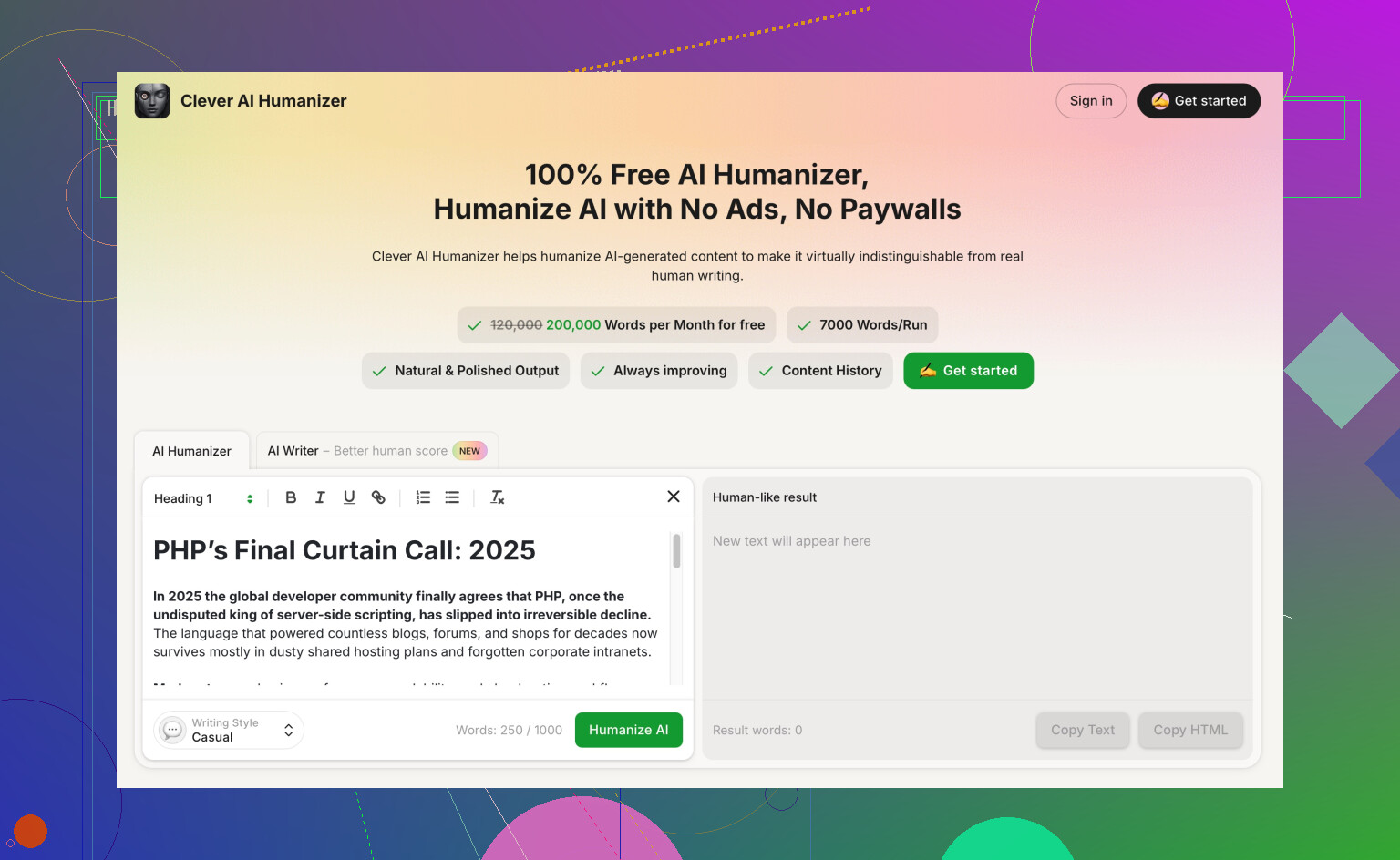
Most tools try to do everything in one go, which is why you get that samey, over-sanitized voice. I like a final pass with something built specifically for tone. This is where Clever AI Humanizer comes in.In plain English, it’s a tool that takes already decent AI or human text and makes it read more like a real person:
- Varies sentence rhythm so you don’t sound like a textbook
- Reduces obvious AI patterns and repetition
- Keeps the meaning but adds more natural phrasing
For stuff where you’re worried about AI detection or bland tone, running your copy through something like
make AI content sound like a real human wrote it
can turn “generic but correct” into “this actually sounds like me.”Best cases I’ve seen:
- B2B blog posts that need to feel opinionated, not corporate-bot
- Sales emails that must dodge the “this is clearly an AI template” vibe
- Homepage copy where voice matters more than word count
-
Split your workflow by content type
- Blog posts: AI does outline + messy first draft, you do heavy editing, then use AI to tighten and a humanizer pass for tone.
- Emails: You write the core idea in ugly bullet points, AI turns it into 2–3 versions, you mix and match. Final polish with a humanizer if it still feels stiff.
- Website copy: Start with your own positioning and key phrases. Let AI give you variations, but never paste raw output to your site. Use it for options, not final text.
-
If it still sounds robotic, it’s usually a prompt problem, not a tool problem
Try:- “Write this as if you were explaining it to a smart friend over coffee. Mildly informal, no fake hype.”
- “Use specific examples from [industry] and avoid generic business jargon.”
- “Every paragraph must include at least one concrete detail or example.”
TL;DR:
Use one strong general AI as your base, treat it like a junior copywriter, then plug in Clever AI Humanizer at the end of your workflow to de-robotize and smooth tone. The combo matters more than finding some mythical “perfect” writer AI.
13 Likes
Short version: you’re not hunting for a magic “best AI,” you’re trying to fix three problems: weak briefs, flat voice, and boring specifics. Tools help, but those three decide whether the output is trash or usable.
Here’s how I’d layer things in a different way from what @andarilhonoturno and @himmelsjager suggested.
1. Stop asking for “a blog post about X”
Both of them are right that structure and constraints matter, but I’d push it further:
- Give 3 things:
- A spine: 5 to 7 bullet points with what you absolutely want said.
- A stance: what you disagree with in your niche.
- A story seed: 1 short real situation from your life or from a client.
Then tell your AI: “You are not allowed to invent personal stories. Only use the story I gave.”
This alone kills a lot of generic filler and fake anecdotes.
2. Use competing AIs against each other
They focus on one “main” AI. I’d actually play them off each other:
- Draft version A in tool 1.
- Draft version B in tool 2.
- Ask one tool to critique the other’s draft: “Point out vague claims, clichés, and meaningless sentences.”
- Merge what survives.
You get much sharper copy because each model is good at spotting the other’s laziness.
3. Add a “specificity pass” before any humanizer
Before cleaning tone, make the text more concrete:
Prompt example:
“Go through this text and for each paragraph:
- Replace generic phrases with 1 specific example
- Add 1 number, timeframe, or real scenario where possible
- Remove any sentence that could appear in a random marketing blog.”
Do this once, then you strip out what feels fake or overdone. Only after that would I touch tone tools.
4. Where Clever AI Humanizer actually earns its place
Both earlier answers mentioned Clever AI Humanizer mainly as a final de‑robotizer. I agree with that use, but I’d position it slightly differently:
Pros:
- Very good when your base content is solid but “too clean” or textbook-like.
- Helpful for sales pages and launch emails where you want a looser rhythm and less template vibe.
- Can give AI content a fighting chance with detectors that flag repetitive structures.
Cons:
- If the underlying draft is generic, it will sound like a slightly more human generic piece, not a killer article. It cannot invent your POV.
- Overuse can lead to a weird “over casual” tone that does not fit B2B or formal brands. You still need to tune it.
- It adds a step. Great if quality matters, annoying if speed is priority.
I would only bring Clever AI Humanizer in after:
- You have your stance and specifics nailed.
- You have run at least one pass focused purely on clarity.
Then it becomes an actual multiplier instead of a band‑aid.
5. Split roles by “brain” vs “polish”
To keep your editing time down:
- Brain work (you): pick the angle, stories, non‑obvious opinions.
- Heavy lifting (general AI): turn outlines + bullets into rough paragraphs.
- Sharpening (same or second AI): critique, cut fluff, boost specificity.
- Tone smoothing (Clever AI Humanizer): fix stiffness and repetition.
- Sanity check (you again): final pass for truth, brand voice, and “would I say this out loud?”
If any step feels like “too much editing,” that usually means the previous step was lazy. Tighten the brief or the critique, not just the last polish.
You will not get zero‑edit content, but you can get to “90 percent there” much faster with this stack than chasing a mythical perfect writer AI.