Struggling to Move Files Between Android and Mac? Here’s What I’ve Tried
Let’s skip the commercials and get straight into the nitty-gritty. Moving files from your Android phone to your Mac just…never feels as easy as it should. I’ve banged my head against this digital wall more times than I want to admit. Here’s a rundown of three of the big guns out there, and what I actually think of ‘em.
MacDroid: When You Just Want Things to Work
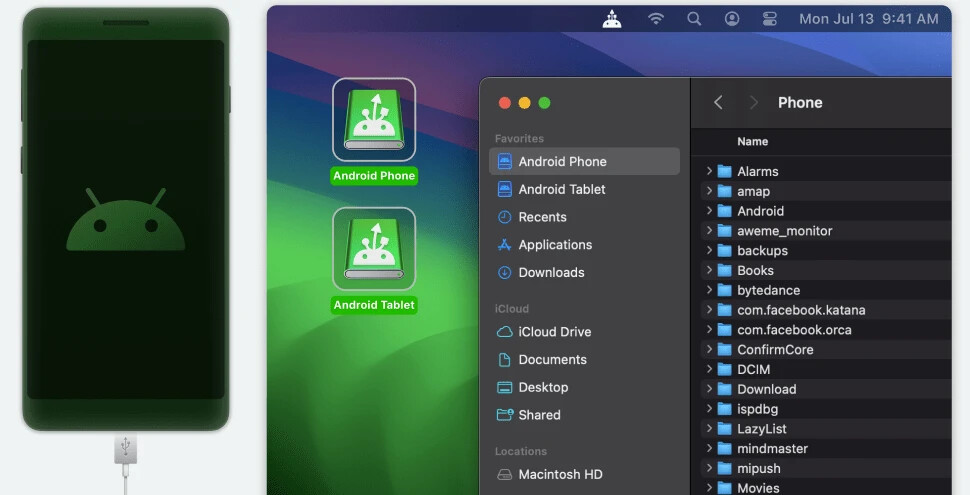
So MacDroid — honestly, it’s about as close as you get to plug-and-go on a Mac. I plugged in my Pixel, fired up the app, and boom: my phone appeared in Finder like any other drive. Just like dealing with a flash drive — none of those “knock on wood” moments.
Pros:
- Actually shows up in Finder; drag-and-drop heaven.
- Handles both entire folders and individual files.
- Doesn’t freak out with large videos (which, trust me, is rarer than it should be).
Cons:
- Free version is a tease — one-way transfers only. Want to send files back to your phone? Gotta cough up for Pro.
- Not available on Windows. Mac only, so XP refugees need not apply.
Look, I keep trying other stuff but end up crawling back to MacDroid. Maybe I’m a creature of habit, or maybe I just like my sanity.
dr.Fone: Feature Buffet (but Pricey Side Dishes)
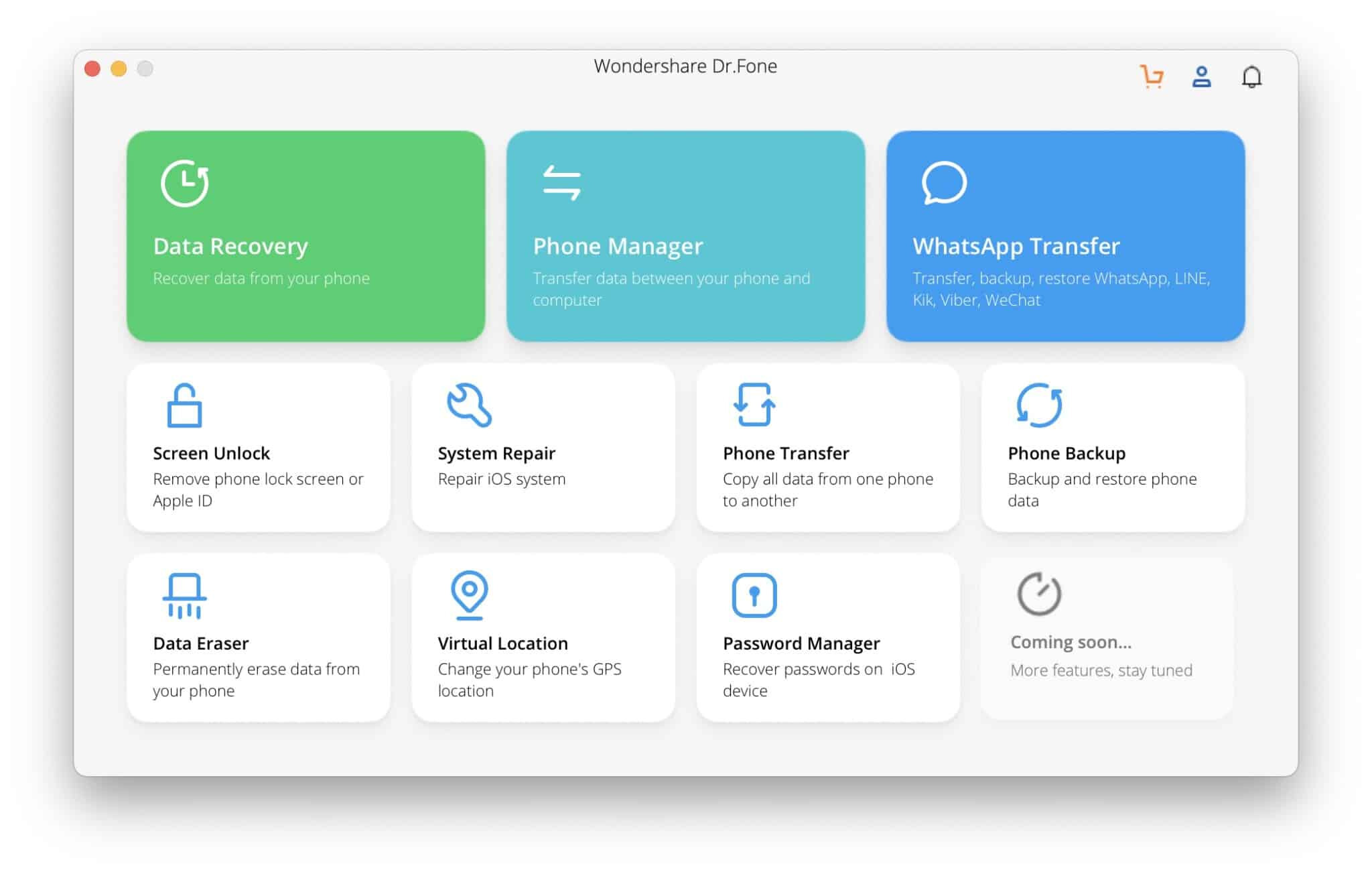
dr.Fone makes some big promises. You can back up, restore, transfer, repair, erase — practically anything short of making your coffee. But dang, it will make your wallet sweat.
Advantages:
- Transfers more than photos: contacts, texts, whatever.
- Built-in emergency tools if your phone decides to throw a tantrum.
Drawbacks:
- Overwhelming if all you want is file transfer: too many extra steps and pop-ups.
- Most of the juicy features are locked behind “premium” buttons.
- Did I mention it’s not cheap?
I’ll level with you: if your Android phone is in trouble, dr.Fone might rescue it. But for everyday transfers? It’s like using a power drill to open a paint can. Maybe overkill.
OpenMTP: Open-Source with Open Wounds
Now, OpenMTP. That’s the “no frills, just code” option. Built by folks who got tired of the basic Android File Transfer failing (which, let’s face it, happens a lot). It’s free, so you’re not risking anything.
Pros:
- Open-source, so fewer sneaky surprises.
- Slick two-pane interface. Feels a bit like a classic FTP client.
- Supports big file moves without breaking a sweat… most of the time.
Cons:
- Sometimes can’t find your phone (especially after an Android update — ask me how I know…).
- User interface isn’t “Mac pretty” — more like a Linux app that wandered over.
- Occasional bugs and random connection drop-offs.
If you live for open source, this one’s for you. For normies, it’s a bit hit-or-miss.

TL;DR — Why I Stick With MacDroid
After spending too many late nights fighting with other alternatives to Android File Transfer, MacDroid is the one I trust not to mess with my blood pressure. It does one job and does it well: file transfers between Android and Mac, smooth and simple. No drama, no “upgrade for full access!” nags every two minutes, and no cryptic error messages when all you wanted was to move a few MP3s.
Want fuss-free, reliable file transfers? Just give MacDroid a shot. You’ll thank yourself later when you don’t have to explain to your group chat why you’re still missing the latest meme dump.