My GoToMyPC subscription expired and I need to access my home computer remotely, but I can’t afford another paid service right now. Are there any reliable and secure free options anyone can recommend? Would really appreciate suggestions from anyone who’s found something that works well.
So, I’ve been messing around with GoToMyPC, and I gotta say—their trial is so short it barely gives you time to blink. And those login hoops? Not exactly helpful for troubleshooting a parent’s computer or randomly jumping in to save the day. Anyway, if you’re in the market for something that doesn’t throw up endless barriers, here are five free alternatives that won’t have you bashing your keyboard in frustration.
What Can I Use Instead of GoToMyPC (For Free)?
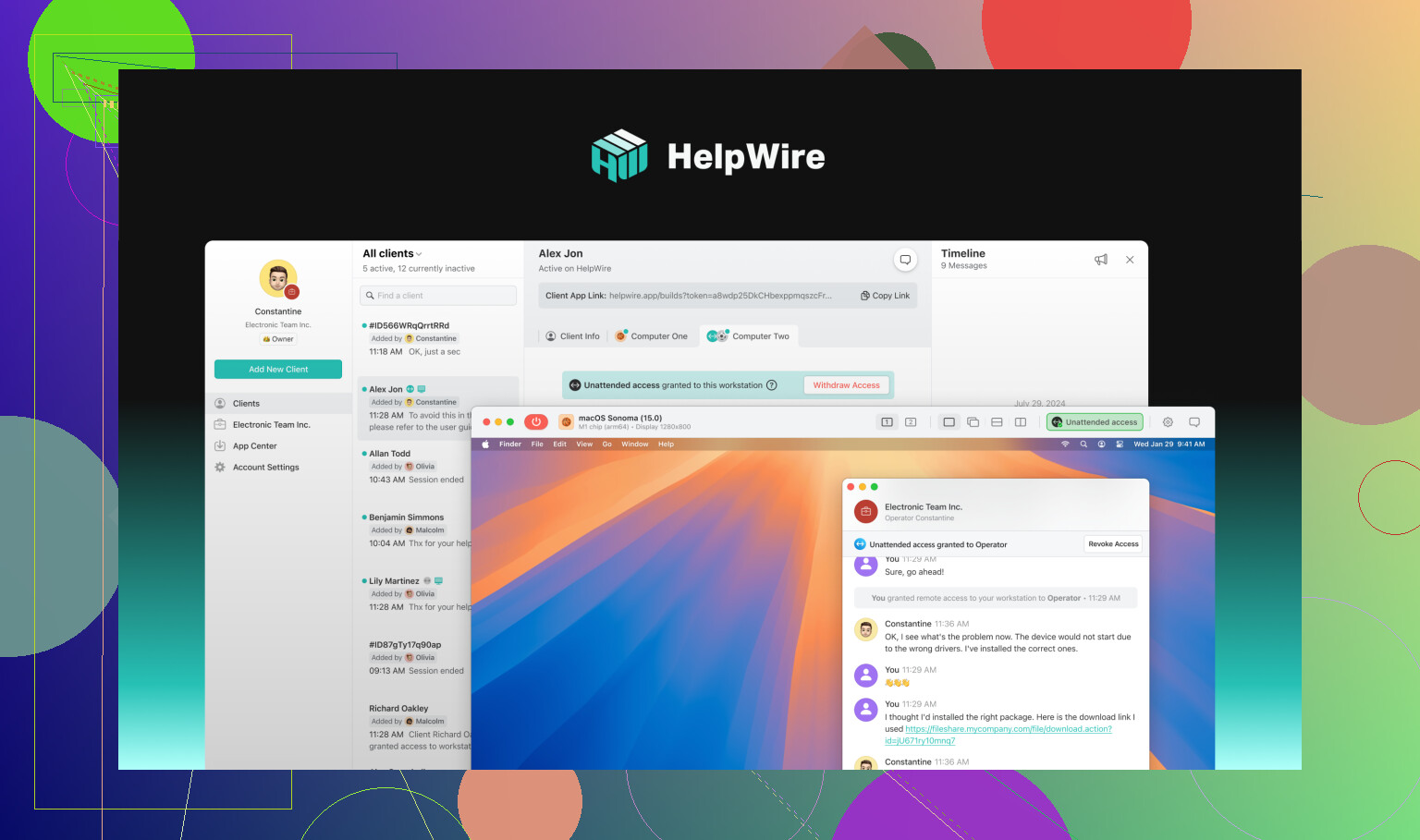
HelpWire
You know when you just want to connect ASAP—no accounts, no 900-step registration, just pure remote access? That’s where HelpWire, best remote GoToMyPC alternative comes in. Seriously, it’s as close to plug-n-play as most of us can hope for. You grab the Quick launcher, share a session URL, the host runs a small file, grants you the green light, and you’re in. Trying out a fancy account? Sure, that’s there for team stuff and more control, but you can skip it if you’re in “just fix this” mode.
- Supported OS: Windows, macOS, Linux
- What’s Better: No logins to fuss with, feels zippy even when your WiFi’s having a tantrum, and there’s some neat user/team management if that’s your jam.
- What’s Annoying: Don’t bother looking for a mobile app—it doesn’t exist. (Yet?)
How I Got It Running:
Downloaded HelpWire Quick, tossed a session link to my friend, they ran the EXE, clicked “OK,” and boom—I was poking around their desktop. Want fancier tools? Make a full HelpWire account.
TeamViewer
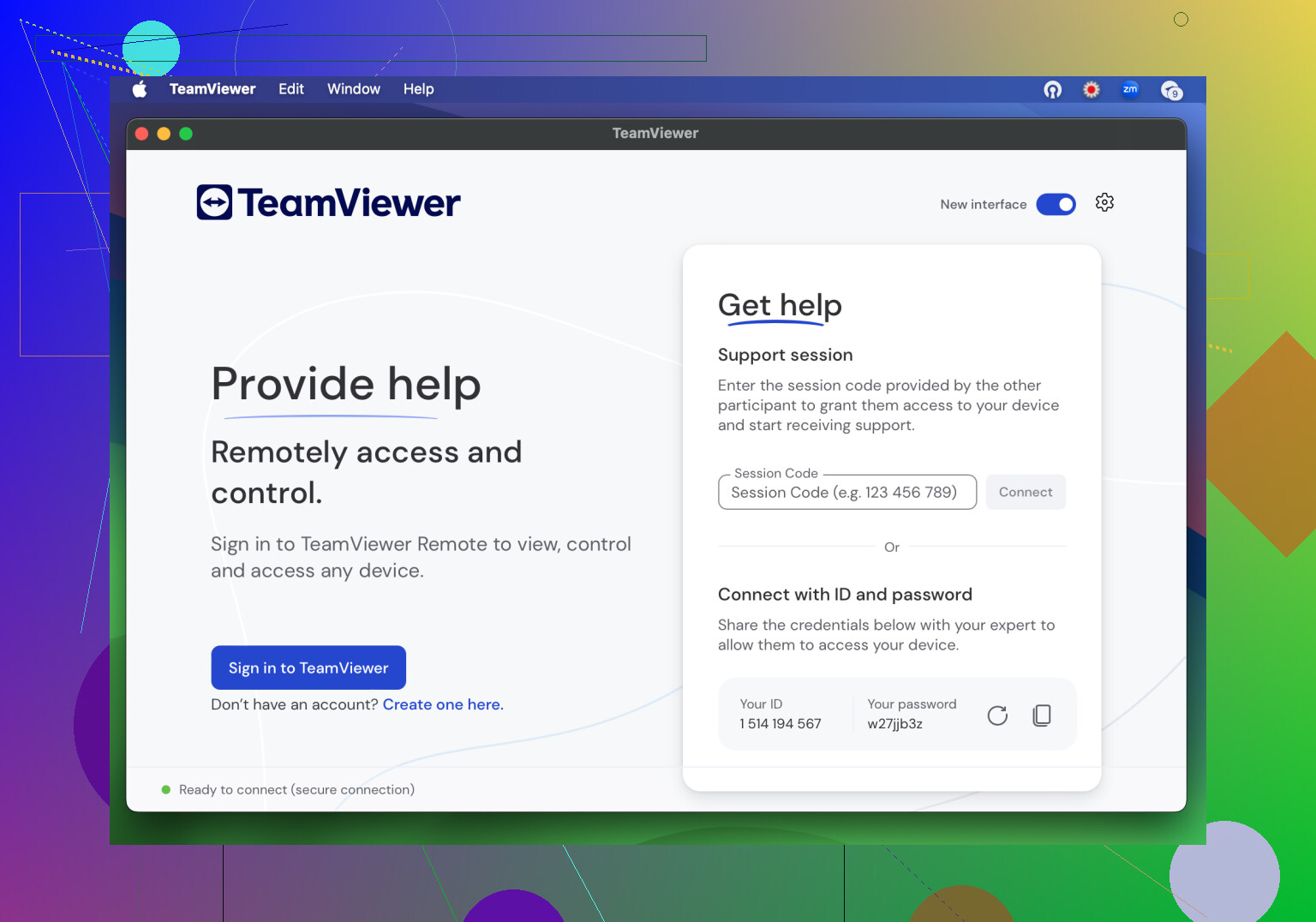
TeamViewer’s honestly the first name anybody drops in these convos. It’s loaded with bells and whistles: you can reboot machines, use clipboard, and even send custom key combos. Great, right? Well, sort of. You don’t get an official trial countdown, but every so often it’ll go, “Whoa, you look like you’re using this commercially! BYE!” and lock you out until you grovel for reinstatement. Not fun if you’re mid-support.
- Platforms: Windows, macOS, Linux, Android, iOS (the free plan has quirks and limits—surprise!)
- Best Parts: Full toolkit, session length isn’t strictly capped
- Ugh Factor: That “commercial suspicion” ban can strike out of nowhere, and giving new devices approval is a drag.
AnyDesk
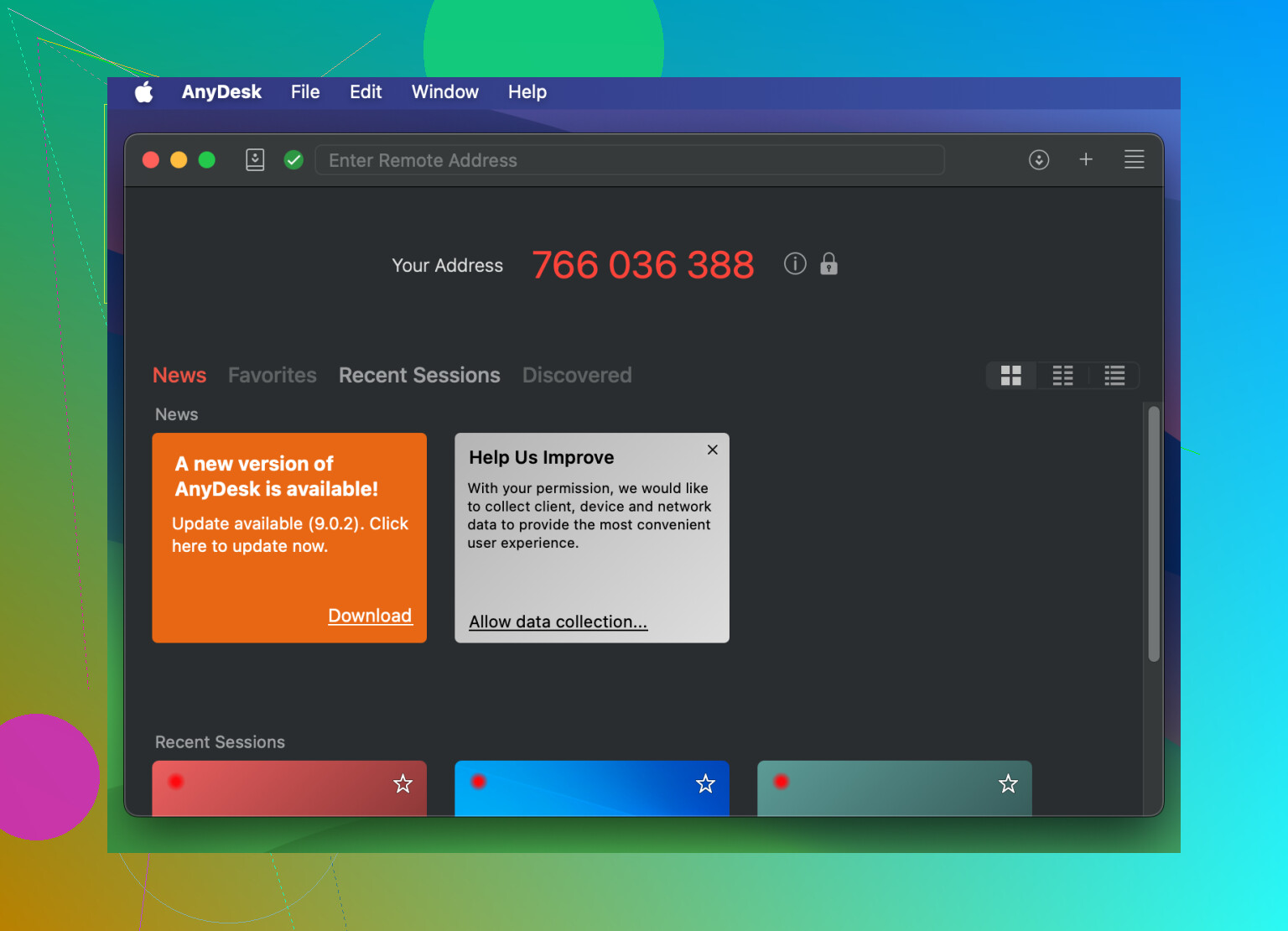
Alright, let’s talk AnyDesk. Everyone hypes up how easy it is—just toss over a code, and you’re linked up. No login circus to jump through, and you can tweak permissions in all sorts of ways. Here’s the letdown—delays are frequent. Try streaming a YouTube tutorial while remote? Feels like each click arrives by carrier pigeon.
- Platforms: Windows, macOS, Linux, Android, iOS, Raspberry Pi, plus a bunch more
- Strengths: Super flexible permissions, code-based pairing, skip logins entirely
- Weaknesses: Noticeable input lag, and—yep—sometimes it accuses you of being a business user and gives you the boot
Chrome Remote Desktop
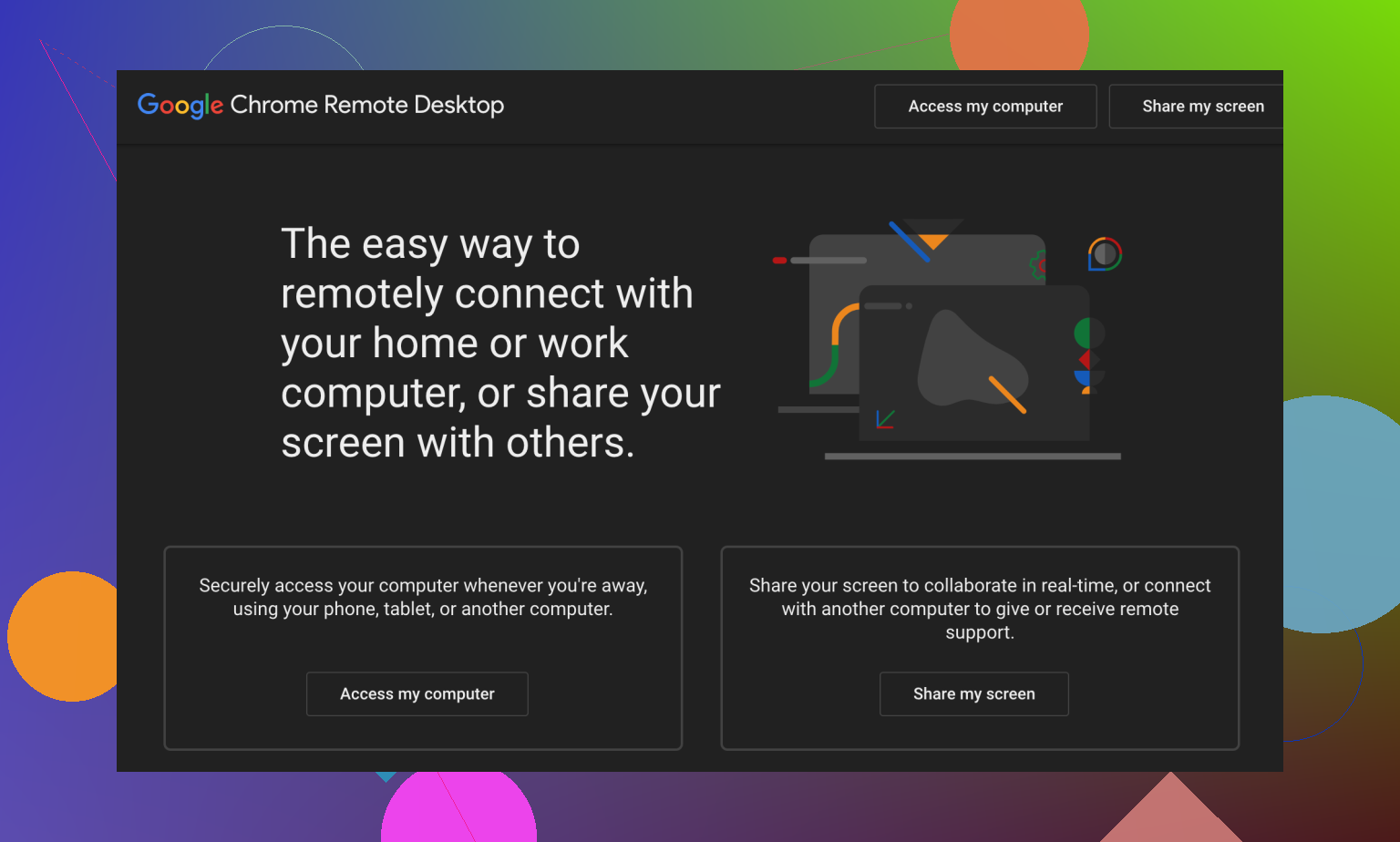
I’ll be blunt—nobody loves setting up Chrome Remote Desktop. Both users need Google accounts, and it’s a smidge more involved than just firing up an app. That said, once you leap those hurdles, it’s rock-solid. Crisp resolution, smooth video, but… hope you didn’t want to send files back and forth.
- Platforms: Windows, macOS, Linux, Android, iOS
- Nice Bits: Doesn’t cost you a dime, stable connection, perks of being a Google-backed tool
- Not-So-Nice Bits: Requires Google logins (which feels more “enterprise” than “help dad with his printer”), zero file transfer options
Splashtop Personal
Okay, here’s where it gets a little weird. Splashtop Personal is like Splashtop’s baby sibling—mostly for home use, and you’ll notice it. You’ll install, then install again, then install something else, and by the end your desktop looks like an IT graveyard. Plus, both sides need the same Splashtop account, so forget helping out the random cousin. There’s jittery mouse motion and no drag & drop. If you just want to access your own devices, cool. Anything beyond that? Eh.
- Platforms: Windows, macOS, Android, iOS (access only, not controlling)
- Highlights: Not as quick to cry “commercial use”—as in, you won’t get random lockouts
- Downsides: Setup is convoluted, account sharing isn’t great for actual support, jittery and no drag-n-drop
Wrapping Up
Tried 'em all and honestly? HelpWire is the only one I’d trust for on-demand support. No endless setup, no “Are you running a business?” pop-ups, just solid access that works when you need it most.
14 Likes
Okay, so @mikeappsreviewer did a pretty solid job listing the usual suspects, but honestly, I don’t totally vibe with all their picks. TeamViewer and AnyDesk are “free” only in theory—once you start using them a little too much, BAM, suddenly you’re labeled a business and stuck with annoying lockouts. Chrome Remote Desktop? Ugh, more Google logins, because that’s exactly what my life needs. And Splashtop Personal, lol, unless you LOVE installing seventeen things to get one remote desktop session running.
There’s actually a built-in old-school solution that nobody wants to talk about anymore: Windows Remote Desktop (RDP). Yeah, it’s a little geekier to setup (especially if you’re dealing with NAT or firewalls), and it’s Windows-only, but if you’re just connecting to YOUR home PC, it’s 100% free, secure enough if you don’t forward port 3389 to the whole internet, and keeps things in the family. Kick on a quick VPN (OpenVPN or WireGuard) and you’ve got a secure tunnel straight into your desktop. No third-party “are you a company?” nags.
That said, sometimes you do need something dead-simple for others, and that’s where HelpWire really stands out (sorry, gotta agree with @mikeappsreviewer there). No logins, just a quick link, and you’re done—feels fresh compared to these “legacy” solutions. Only wish they’d hurry up with that mobile version, because sometimes you gotta remote in from the car, you know?
For those wanting even more tinfoil-hat security, take a look at Remmina (if you’re on Linux) or DWService.net—both are totally free, open-source, and a weirdly overlooked part of this conversation. DWService lets you set up unattended access, supports multiple OS’s, and is community-driven if you care about that stuff. Not the prettiest, but it works.
Long story short:
- For quick, no-bull support? HelpWire.
- Want totally free with a little geek cred? RDP+VPN or DWService.
- Those “free” mainstream tools? Only free until you trip a wire.
Just don’t forget to lock down your router if you go the RDP route. You don’t want randoms poking around your desktop and seeing your—uh—unique desktop background choices.
Honestly, GoToMyPC’s whole “pay or get out” attitude grates on me, but the so-called “free” alternatives like TeamViewer and AnyDesk aren’t all rainbows either, as both @mikeappsreviewer and @reveurdenuit pointed out—they’ll happily slam you with a “suspected commercial use” popup when you least expect it, and then you’re locked out while your mom is still yelling about her frozen printer. There’s nothing quite like that panic, let me tell you.
I’ll admit, Chrome Remote Desktop does the trick in a pinch—solid connection, not much fuss, but you’re tied to Google’s ecosystem and, like, do we really need to hand another slice of our lives to the Big G? And file transfer is a joke, so if you need anything more than “just looking around,” you’re outta luck. Splashtop Personal is just… “personal” in the most restrictive sense—the minute you try to remote into anybody else’s machine, it’s like you triggered an anti-aircraft alarm: NOPE.
Now, I’ll throw a wild card here: check out RustDesk. Open-source, stays outta your way, runs peer-to-peer if you want, and there’s even a portable mode. Setup is easy-ish, and it hasn’t startd giving me the “you’re too professional!” treatment. It can be a little rough around the edges UI-wise (it’s not winning design awards), but in terms of “set it up and forget it,” it’s been way less drama than the others. DWService, as @reveurdenuit mentioned, is cool if you can handle its retro charm and basic features.
Honestly, HelpWire is the only newish tool that hasn’t either locked me out, forced me through 800 registrations, or somehow conspired with my dad to make remote troubleshooting even more excruciating. It’s dead simple to get going and, unlike RDP or VPN combos (which—let’s be real—aren’t for the average person), there are no router headaches or sudden “oops, security breach” worries. I would love to see a mobile option, but for desktop-to-desktop stuff? Total win, and I’d take it any day over wrestling with legacy monsters like TeamViewer.
So, yeah, RustDesk (if you want totally open-source and maybe tinker a bit), HelpWire for plug-and-play, and if all else fails, scream at your ISP and consider mailing a USB stick—just kidding (not really).
If you mainly need files, skip remote desktop. Sync your Desktop and Documents folers with OneDrive. The free plan includes 5 GB, with access from any browser or phone.
Enable Files On-Demand, move key files into OneDrive, then test acess before leaving home. Add two-factor authentication. Your home PC does not need to stay online after syncing. For larger files, use Google Drive or Dropbox.
Careful with RustDesk if you use their default public relay servers, since you’re routing through infrastructure you don’t control. For your own home PC it’s fine, but for one-off help on someone else’s machine HelpWire’s link setup is less hassle than talking a relative through installing anything.