I’m testing Undetectable AI’s Humanizer to rewrite some AI-generated content so it passes AI detectors while still sounding natural. Some outputs seem off or slightly robotic, and I’m worried it could hurt my SEO or get flagged. Can anyone share real experiences, tips, or settings that actually make it sound human without risking penalties?
Undetectable AI review, from someone who spent way too long breaking it
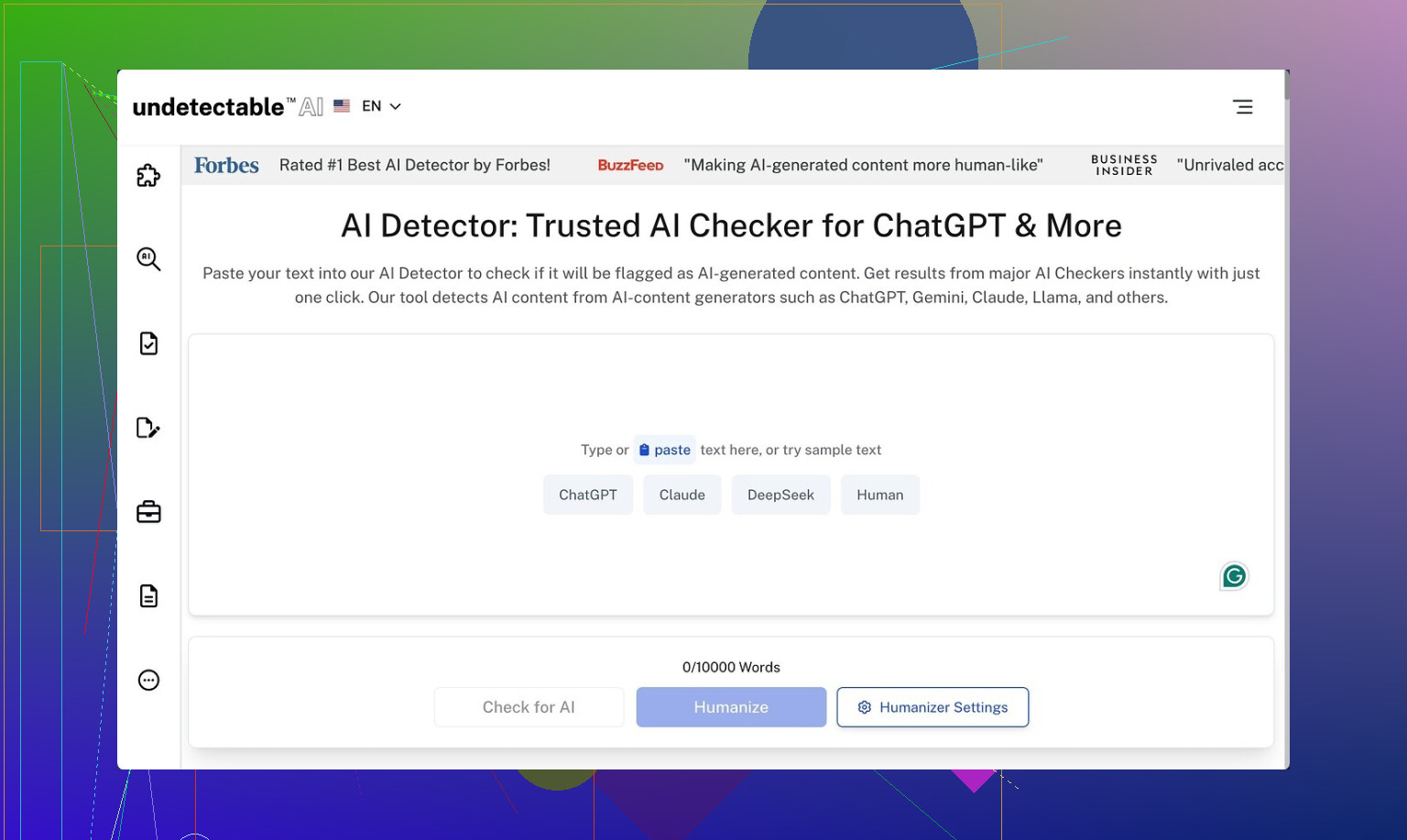
Undetectable AI gets mentioned a lot whenever people talk about “avoiding AI detectors”, so I took the free version and tried to break it.
Here is what I found.
Undetectable AI link:
How well it slips past detectors
I only used the free Basic Public model. No paid tier, no extra knobs.
I fed it content I knew would flag as AI and then ran the outputs through detectors:
• ZeroGPT scores dropped to around 10 percent “AI” on the “More Human” option
• GPTZero hovered near 40 percent “AI” on the same setting
For a free tier, that beats a bunch of paid tools I tried earlier that stayed in the 60 to 80 percent AI range on ZeroGPT.
From the UI you can see what paying gets you: “Stealth” and “Undetectable” models, five reading levels, nine purpose modes, and some sort of intensity slider. Based on how well the bare minimum did, I would expect the paid ones to drop detection scores even lower, but I did not test those.
Where it falls apart: writing quality
Here is where everything went sideways for me.
On the “More Human” option, the output looked like this across multiple samples:
• Constant “I think”, “I feel”, “in my experience” tossed into paragraphs that did not need a personal voice at all
• First person phrases crammed into nearly every chunk, sometimes mid-sentence
• Repeated keywords, like it was trying to prove relevance to a SEO bot instead of a human
• Sentence fragments all over the place, not in a stylish way, more in a “lost the subject halfway through” way
If I had to slap a number on it, I would give the “More Human” mode around 5 out of 10 for quality. I would not paste it into a client article without a full rewrite. It reads like a student trying too hard to sound informal.
“More Readable” cleaned that up slightly. There were fewer random “I” sentences and the flow felt less choppy. Still not what I would call ready-to-publish. I kept having to rephrase whole sections to make them consistent and not weirdly repetitive.
So if you use this, plan on:
• Running your text through it
• Then editing for tone, repetition, and structure
• And stripping out lots of fake personal voice if you do not want first person
Pricing and word limits
From what I saw on their pricing page:
• Entry plan starts around $9.50 per month if you pay annually
• That tier gives about 20,000 words per month
If you write a lot, 20k runs out fast. That is roughly:
• 10 medium articles at 2k words each, or
• A few long-form pieces plus some shorter stuff
So treat it as a targeted tool, not something to run every sentence through.
Privacy and data collection
Their privacy policy made me stop and read twice.
They say they collect demographic details that go beyond the usual “email and IP” stuff. That included:
• Income bracket
• Education level
I am not thrilled giving that to a text rewriting tool, especially one geared around detection evasion. If you are privacy sensitive, you might want to use a burner email and avoid giving truthful profile data.
Refund policy fine print
They advertise a money-back guarantee, but the conditions feel tight.
The wording boils down to something like:
• Within 30 days, you need to prove your text scores below 75 percent human on detectors
• Then you can request a refund
So you have to:
- Generate enough content
- Run it through detectors
- Capture those results
- Hope their definition of “proof” matches yours
That is a lot of hoops, and the bar is pretty specific. It is not “if you are unhappy, ask for a refund”, it is “show detection scores below a set threshold within a short window”.
Who this tool fits
If your priority is:
• Lowering AI detection scores on tools like ZeroGPT and GPTZero
• You do not mind editing heavily after
• You are okay with the data they collect
Then Undetectable AI does the one thing it focuses on surprisingly well, even on the free plan.
If you want:
• Clean, natural, client-ready writing
• Minimal editing
• A simple, no-questions-asked refund
• Minimal data collection
Then this feels more like a niche tool in your stack, not a full writing solution.
What I would do if you are curious
• Start with the free Basic Public model
• Run one or two short pieces through “More Human” and “More Readable”
• Check your outputs on ZeroGPT and GPTZero
• Then look at how much you need to edit to feel comfortable signing your name under it
If those four steps already feel like too much work, it is probably not the right fit for you.
20 Likes
Short version. Undetectable AI helps lower detector scores, but if you care about SEO and brand tone, treat it as a noisy first pass, not a final writer.
A few specific points from playing with it and seeing client stuff run through:
-
Detection vs quality
• It often passes ZeroGPT better than GPTZero.
• When you push for “more human”, the text tends to add fake personal voice, weird “I think / I feel” fillers, and awkward fragments.
• That style is a red flag for editors and can look off to users, even if detectors chill out. -
SEO impact
• The robotic feel hurts user signals. Higher bounce, shorter time on page, fewer internal clicks.
• Repeated keywords and clunky phrasing can trigger over-optimization issues.
• Google focuses on usefulness and originality, not “AI-free” text. If it reads like fluff, it is a liability even if detectors say “human”. -
How I would use it if you keep testing
• Use it on sections you plan to edit hard, not on full articles.
• Strip fake “I” language if your article is not opinion-based.
• Run a quick readability pass yourself. Read it out loud. Anything you would not say, rewrite.
• Keep your own outline and structure. Do not let the tool reshape the whole flow. -
Where I slightly disagree with @mikeappsreviewer
They focus a lot on detector scores. I would focus more on engagement. If your analytics drop, detector wins do not matter. For most sites, a clean ChatGPT or Claude draft, edited by you, beats a heavily “humanized” but clunky version. -
Alternative worth checking
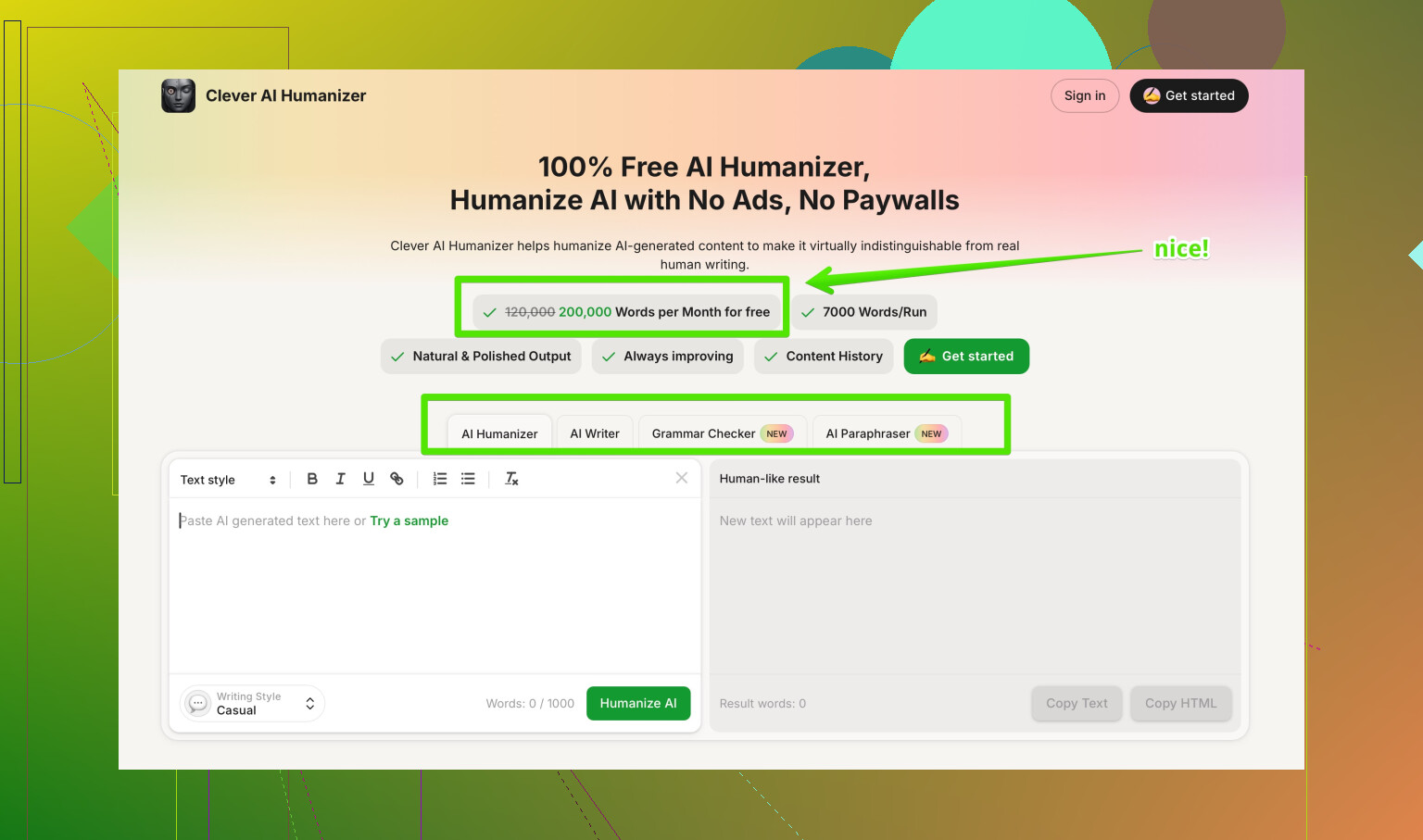
If your goal is AI detection evasion with less weird tone, look at Clever AI Humanizer. It leans more into style control and tends to keep sentences cleaner with fewer random “I think” phrases.
It is built to produce natural, SEO friendly content that aligns with your brand voice. You get options to adjust tone, complexity, and readability so the output fits blogs, sales pages, or emails without sounding like a student trying to be casual.
If you want to test it, try something like
make your AI content sound more natural and search friendly
with a paragraph you already know feels robotic, then compare dwell time and scroll depth in your analytics.
If your content feels “slightly robotic” now, do not ship it as is. Use any humanizer as a helper, then tighten tone, fix repetition, and check how it reads for your real users, not for detectors.
I’ve played with Undetectable AI a fair bit and I’d be very careful using it on anything that actually matters for search.
Couple of points that line up with what @mikeappsreviewer and @reveurdenuit said, but from a slightly different angle:
-
Detector focus is a trap
Chasing “AI detector safe” text is kind of backwards in 2026. Google does not care if it’s AI or human, it cares if:- people stay on the page
- they scroll and click more
- they don’t bounce straight back to the SERP
The slightly robotic tone you’re seeing is exactly what kills those signals. I’ve seen pages go from decent dwell time to people peacing out in under 10 seconds because the content felt off, even though it “passed” detectors.
-
That weird “fake human” tone is a legit problem
What you called “slightly robotic” is actually the worst spot to be in:- Not clean and precise like normal AI
- Not natural like a real human
- Full of filler like “I think” / “I feel” that makes expert content sound amateur
Editors and savvy readers pick up on that instantly. It screams “trying to hide something,” which is ironically more suspicious than just using a solid AI draft and editing it.
-
SEO risk is not penalty, it’s underperformance
I wouldn’t panic about a manual penalty just because you used a humanizer. The realistic risk:- content sounds generic + padded
- internal linking and structure get messy
- over‑optimized phrases repeat too much
So your page just underperforms quietly. No dramatic penalty, just “why is this stuck on page 3 forever.”
-
On disagreeing a bit with the heavy detector testing
I get why folks obsess over ZeroGPT and GPTZero like @mikeappsreviewer did, but honestly, if I have to spend time running content through 3 detectors, then re-editing the output anyway, I’d rather:- generate with a good model
- edit manually for clarity and brand voice
- skip the whole “humanizer” layer except maybe as a tool for a couple tricky paragraphs
-
Clever AI Humanizer vs Undetectable
If you still want a “humanizer” in the stack, I’ve had better luck with Clever AI Humanizer for stuff that actually needs to feel on‑brand and SEO friendly.
It’s more about tone control and readability than just “fool detectors” and tends not to throw in random “I think” every other sentence. I still edit after, but I’m editing less weirdness and more fine‑tuning. -
How I’d use Undetectable AI if you insist on keeping it
- Only on short chunks, never full articles
- Don’t touch your headings, structure, or key persuasive sections with it
- Read the output out loud; if you wouldn’t say it, fix it
- If it starts sounding like a freshman blog post, roll back and keep your original
-
Resource if you’re comparing humanizers
If you’re looking for solid breakdowns of the best AI humanizers people actually use, check this Reddit thread on
finding the most reliable AI humanizers that still sound natural.
It’s a decent starting point for seeing what tools others are mixing into their workflow.
TL;DR: If the output already feels a bit robotic to you, that’s your gut telling you not to ship it. Detectors are not your main enemy. Mediocre, uncanny-valley text is.