I’m trying to use my iPad as a universal TV remote, but the apps I’ve tried either don’t connect to my TV or only work with certain brands. My original remote stopped working, and I need a simple app that can control power, volume, and input settings. Looking for recommendations for the best universal TV remote app for iPad that actually works.
If you’re trying to use an iPad as a remote for your smart TV, the setup is usually the same across most apps. I saw this pattern over and over. Put the iPad and TV on the same Wi-Fi network, open the app, wait for your TV to show up, then approve the pairing on the TV screen. Once it connects, your iPad handles the usual stuff, volume, moving around menus, launching apps, pause, play, typing, all of it.
Where these apps split apart is in the boring stuff that matters later. Connection stability. How many TV brands they pick up. Whether the layout feels clean or like an abandoned side project.
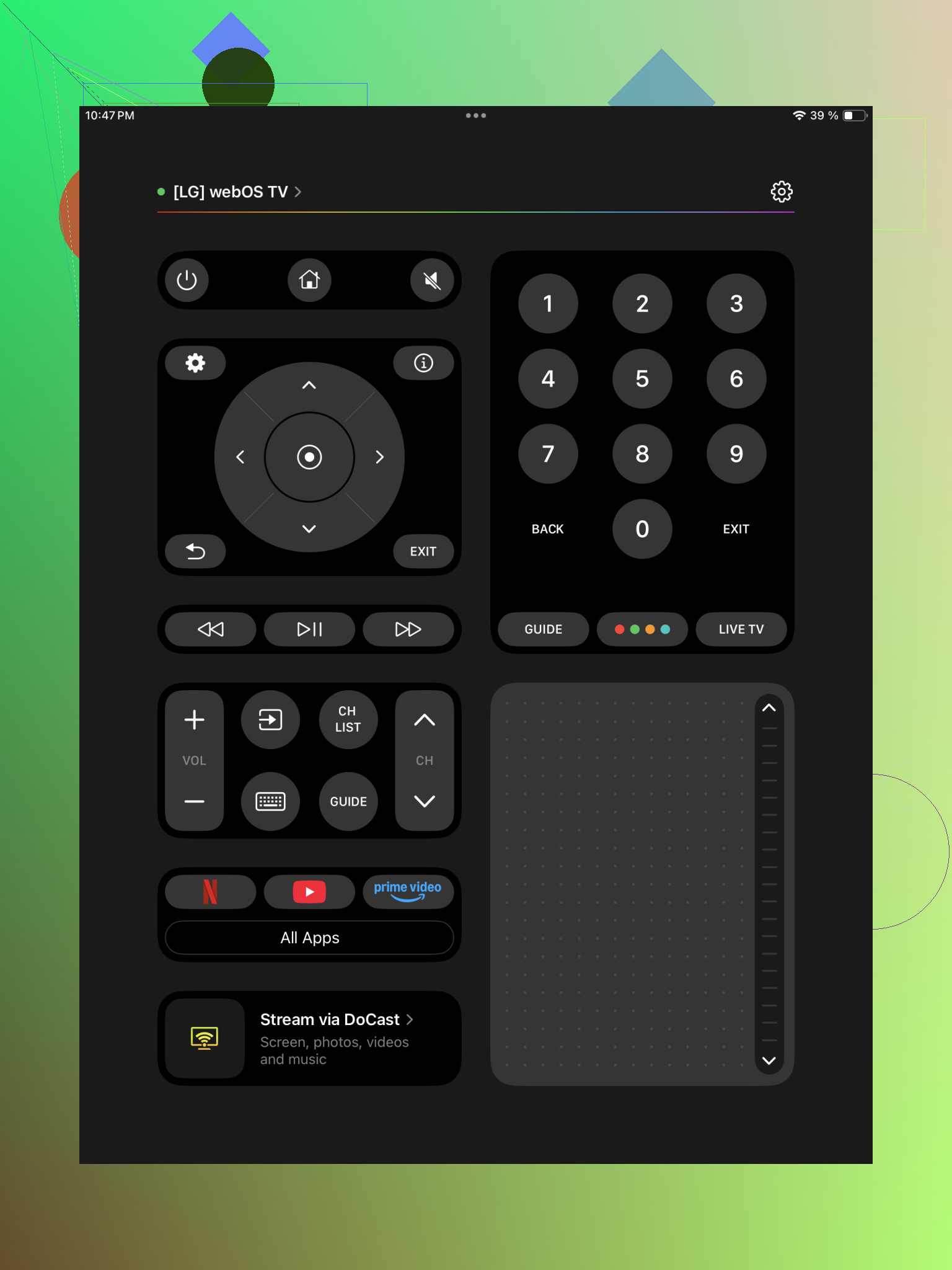
I’d put this one at the top if you want a single app and don’t feel like juggling brand-specific remotes.
What stood out for me was the broad support list. It works with Samsung, LG, Roku, Fire TV, Android TV, Google TV, and a bunch of others, so you’re not boxed into one brand. If your living room has mixed gear, or you swap TVs every few years, this matters more than people think.
Setup felt short and painless. Install it, let it scan, tap your TV, confirm the code or pairing request on the screen, done. After that, it behaves like a full remote, not a stripped-down toy. You get touchpad-style navigation, keyboard entry for search fields, volume and channel buttons, plus shortcuts for apps like Netflix and YouTube.
For me, the main win is simple. It tries to be one remote for everything, and mostly lands it. You don’t end up with one app for Roku, another for LG, and some third app you forgot you installed.
Universal Remote Smart TV
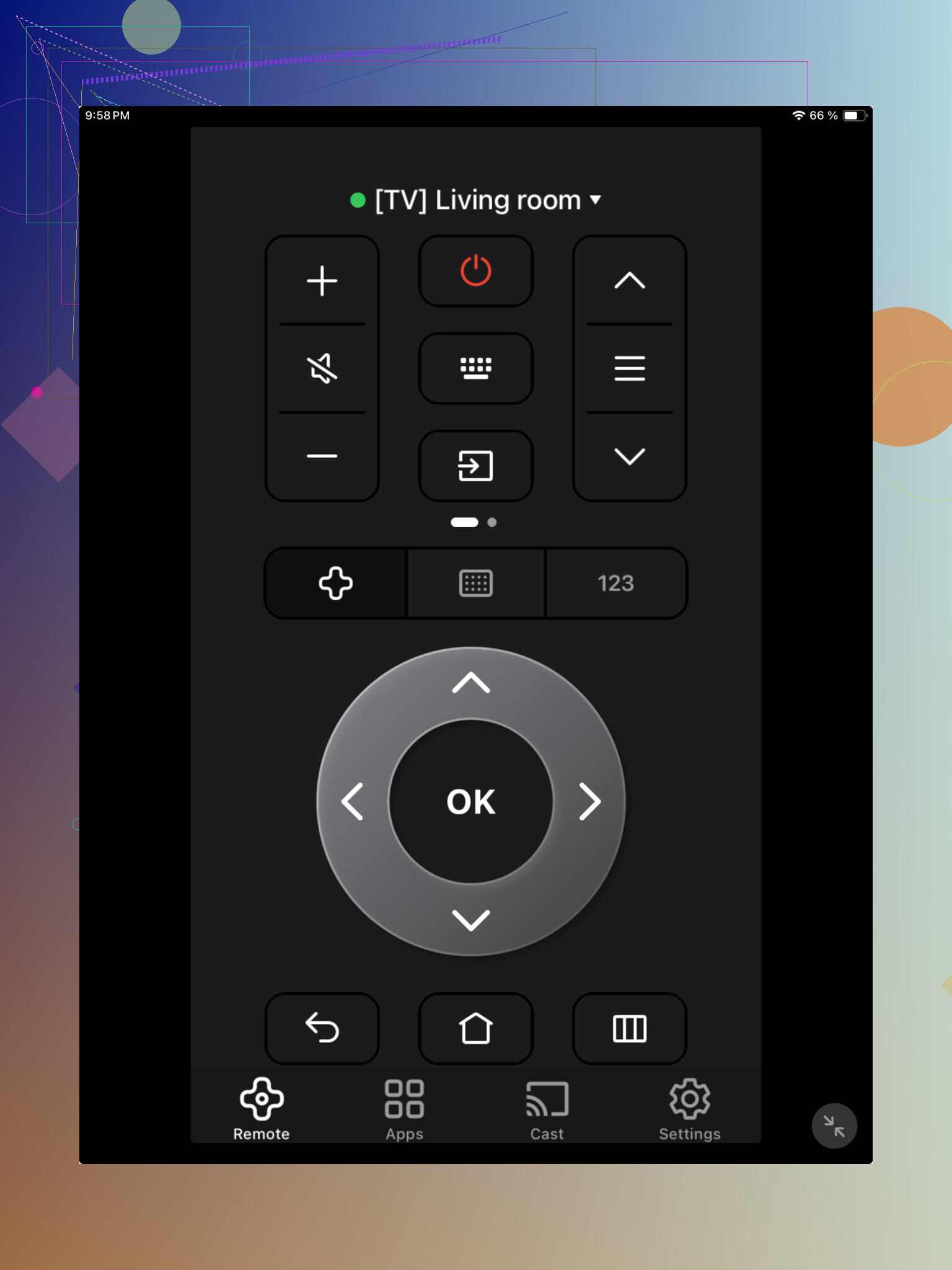
This one covers the basics and supports multiple TV brands too. It handles menu navigation, volume, and media controls without much fuss.
My take, it feels more old-school. Functional, yes. A little plain, also yes. Device detection worked, but not with the same smooth feel as the first app. If your setup is simple and you only need standard controls, it gets through the job fine.
TV Remote – Universal Remote
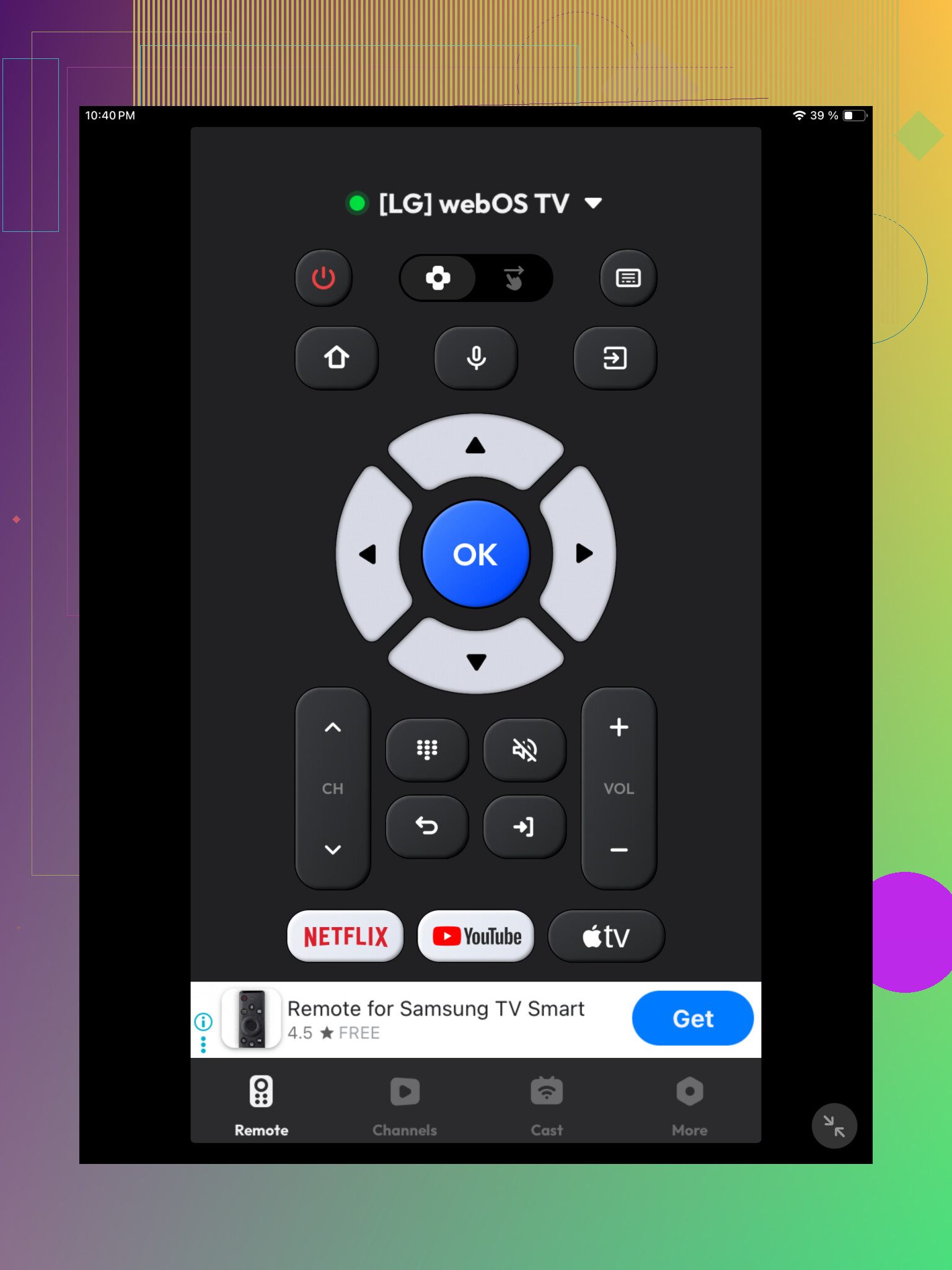
This app sits in the backup category for me. It supports common smart TV brands and gives you the main controls, directional buttons, playback, and the usual remote layout.
It worked, but I didn’t get the sense it was built to fully replace a physical remote for daily use. More like something you keep around when the real remote vanished into the couch again.
Final take
If you want one iPad app with a real shot at replacing your regular TV remote, TVRem is the strongest choice. It covers more TV platforms and packs more controls into one place.
The other two are fine if all you need is basic remote input. TVRem felt closer to a full remote setup, while the others felt more like simple universal remotes with fewer extras.
5 Likes
One thing I’d add to what @mikeappsreviewer said, check what kind of TV you have before you sink time into more apps.
Your iPad does not have IR. So if your TV is older, or if power input only works by infrared, no iPad app will fully replace the remote. That’s the part a lot of apps hide. They work best with smart TVs on Wi-Fi, Roku, Fire TV, Android TV, Apple TV, newer Samsung, newer LG.
If your TV is smart, TVRem looks like a solid pick from the list because it supports more brands in one place. I don’t agree with using a pure universal app every time though. Brand apps are often more stable. LG ThinQ, Roku, Samsung SmartThings, those tend to reconnect faster in my experiance.
If your TV is not smart, get a cheap Wi-Fi to IR blaster. Then use your iPad through that. Costs less than wasting hours on bad apps tbh.
Short version:
- Smart TV, try TVRem first.
- Brand app, if your TV brand has one.
- Non-smart TV, you need an IR blaster. Without it, power control wont work.
Big thing nobody mentions enough: some TVs won’t turn on over Wi-Fi if they’re fully off. They only respond when in standby with “network wake” enabled in settings. So if power is your main issue, the app may be fine and the TV is the problem.
I partly agree with @mikeappsreviewer and @shizuka, but I’d actually test your TV’s own settings before cycling through ten more apps. Look for stuff like Quick Start+, Wake on LAN, Network Standby, HDMI-CEC, or Mobile TV On. Those options make or break iPad remotes.
Also, if your remote died recently, check if the TV has a hidden joystick/button under the logo or on the back. A lot of sets do. That can get you into settings to enable remote features.
For apps, TVRem is probly the first universal one I’d try. If that flakes out, I’d stop forcing “universal” and use the brand app. Universal sounds nice in theory.
I’d split this by what you actually need most: power or everything else.
Small disagreement with the universal-app-first approach: if your TV is already one ecosystem, a dedicated app often feels less annoying long term. Universal apps are great for testing compatibility, but not always best for daily use.
What I’d try first on iPad: TVRem – Universal Remote
Pros
- One app for multiple brands and platforms
- Usually cleaner than juggling 2 to 4 brand apps
- Good if you have a TV plus streaming box setup
- Helpful for keyboard input and app shortcuts
Cons
- Still depends on your TV supporting network control
- May not handle full power-on for some models
Where I agree with @shizuka, @reveurdenuit, and @mikeappsreviewer is that hardware limits matter. But I’d add one more check people skip:
See whether your TV is connected by 2.4 GHz vs 5 GHz Wi-Fi weirdness
Some TVs are picky. Your iPad can be on the same router but different band handling can still make discovery flaky. Reboot router, disable VPN on iPad, and temporarily turn off Private Wi-Fi Address for that network if pairing keeps failing.
Also, if volume doesn’t work, that can be an audio path issue, not an app issue. Example:
- TV speakers on = app volume works
- Soundbar/receiver via optical or ARC = volume may need CEC or a separate app
So:
- Smart TV, mixed devices: try TVRem – Universal Remote
- Single-brand setup: brand app may be smoother
- Old TV or no network wake: app alone won’t fully replace the remote
That’s probably the fastest way to avoid wasting time.