I lost the original remote for my JVC TV after moving, and now I can’t access some settings or inputs easily. I need help choosing a compatible universal remote or an app for a JVC TV that’s easy to program and works with all the main functions.
If you need a universal remote for a JVC TV, I’d keep it down to two paths.
- Use your phone, if the TV is a smart model
- Buy a cheap physical universal remote, if the app route fails or your TV is older
A universal remote is simply one controller that works with different brands, either through preset codes or auto-detection.
Phone app route
If your JVC TV is smart, I’d start there. It saves a trip and you don’t need to wait for shipping.
One app worth trying is TVRem – Universal TV Remote.
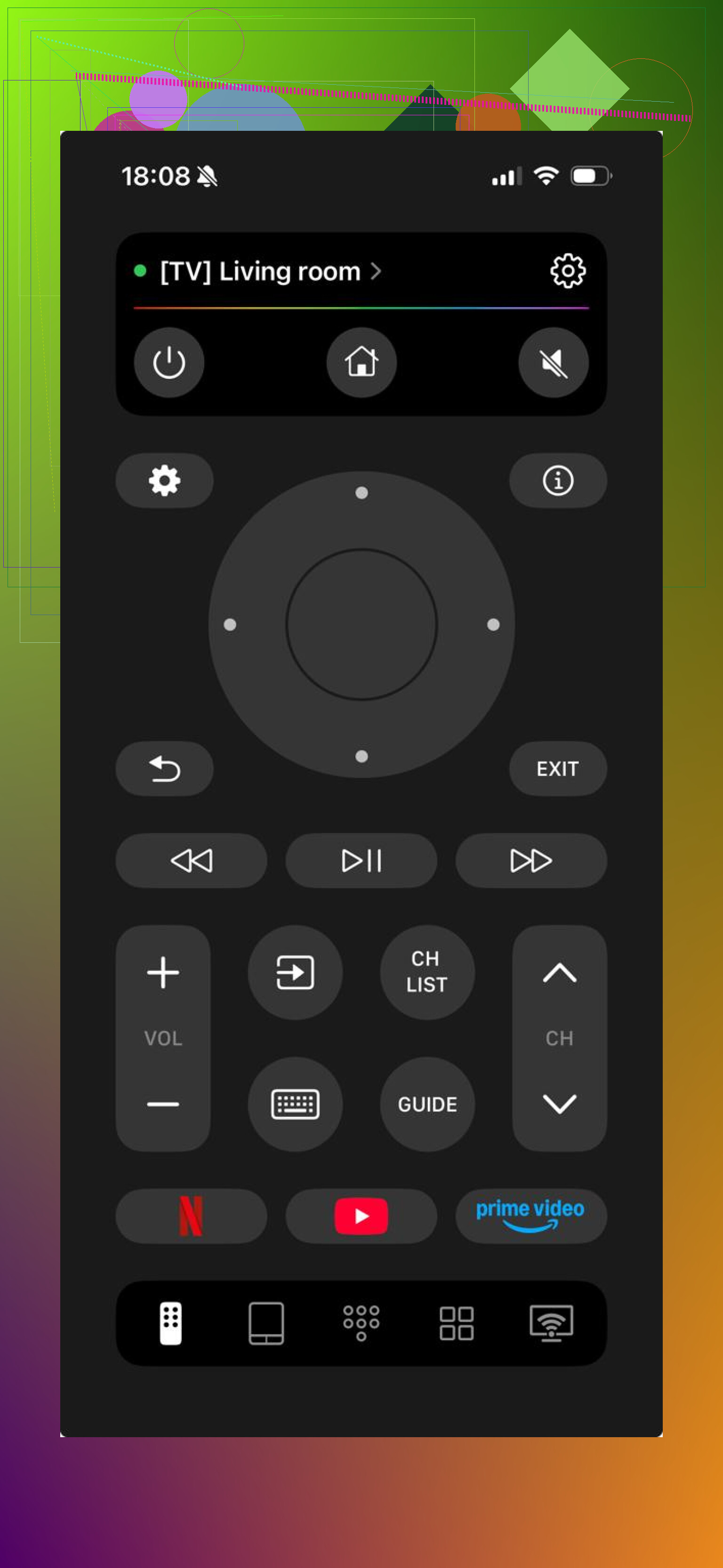
What I did was simple:
- put the phone and TV on the same Wi‑Fi
- open the app
- let it scan
- tap the TV name
- done
From what I saw, it works with JVC sets running Android TV, Google TV, and Roku TV. So you don’t need to spend time figuring out which smart platform your set uses first.
If you only need a quick replacement because the original remote is missing or dead, this is the fastest thing to try.
Another app people use is Universal Remote・TV Smart.
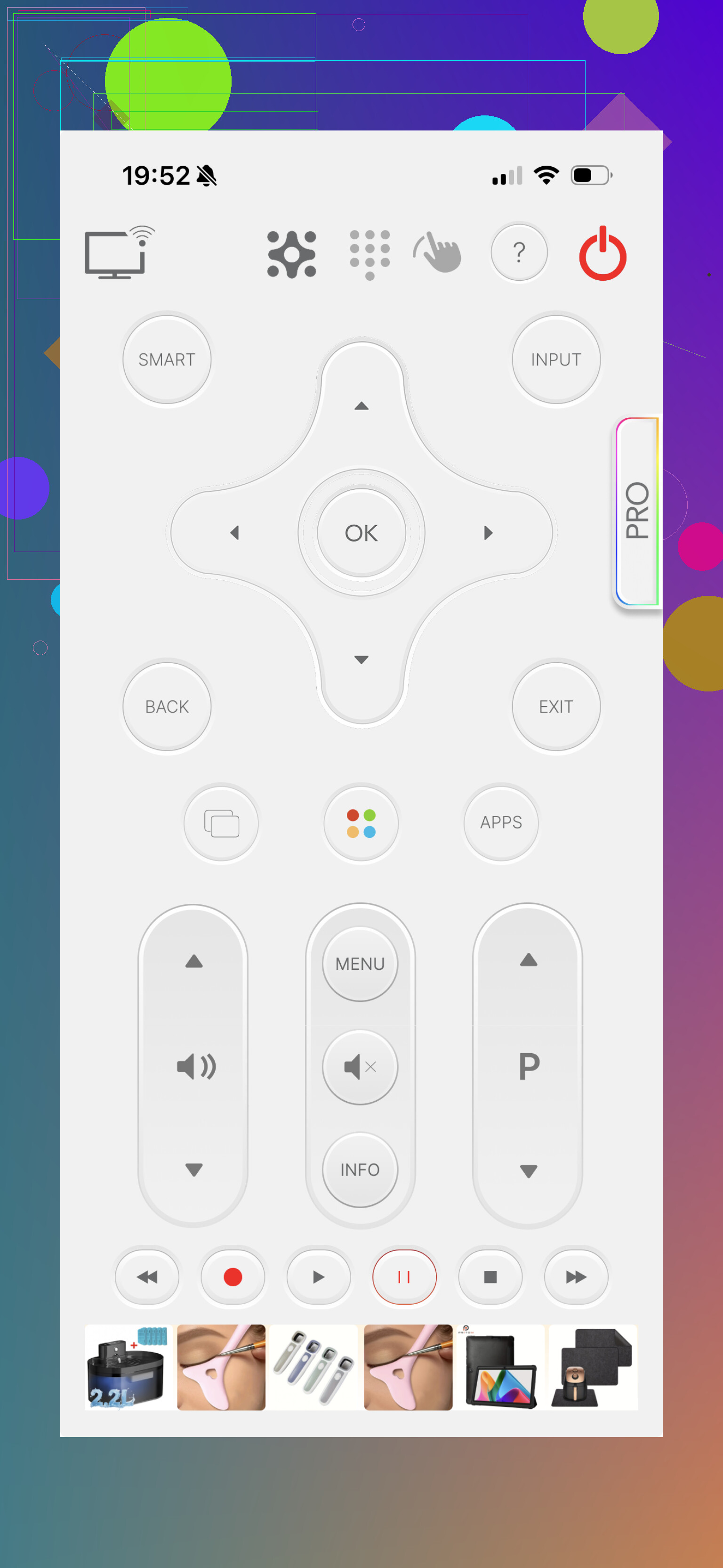
It follows the same idea, Wi‑Fi pairing with the TV, but it adds more stuff:
- touchpad controls
- keyboard input
- voice options
- casting on some setups
I found it a bit heavier than the simpler remote apps. Also, some features sit behind payment.
Setup is still easy enough:
- install it
- connect your phone and TV to the same Wi‑Fi
- select the TV
- start using it
Physical remote route
If your JVC TV is older, or the app refuses to connect, I wouldn’t fight with it for too long. A cheap universal remote usually fixes the problem faster.
Most of these work through IR, so Wi‑Fi does not matter.
A few common picks:
- JVC RM-1011R Universal Remote, often works with no setup, you put in batteries and try it
- JVC RM-C530F Universal Remote, basic and tends to work with a lot of JVC TVs
- JVC RM-L1796 Universal Remote, more of a plain replacement-style option
In my experience, this route is boring in a good way. Cheap, simple, done.
What I’d do
If your JVC is a smart TV, try a phone app first, especially TVRem. It’s the quickest test and you might not need to buy anything.
If the TV is older, or pairing fails, get a low-cost universal remote. Most of them land in the $3 to $10 range and tend to work without much fuss.
The easiest order is still the same. Try the app first. If it flops, go physical. That’s what I’d do.
68 Likes
I’d skip the ultra-cheap no-name remotes first. A lot of them handle power and volume, then fail on input, menu, or settings. For a JVC, look at One For All or GE branded universal remotes. They usually have better code libraries and clearer code search instructions.
Best bet by type:
- One For All URC series, easy code search, solid JVC support
- GE 4-device or 6-device remote, cheap, sold almost everywhere
- A model-specific JVC replacement remote, often works faster than a “universal” one
If your TV has Roku built in, buy a Roku TV remote made for JVC/TCL/Hisense style Roku sets. If it’s Android-based, I’d lean physical over app unless your old remote is gone for good. I disagree a bit with @mikeappsreviewer there, phone apps are fine, but they’re annoying for daily use tbh.
Check your TV’s sticker first. Get the full model number. Search remote options by that, not by “JVC TV” only. That saves a lot of trial and eror.
I’d actually split this by how you need to use the TV, not just by whether it’s smart or old.
If you mostly need Input, Menu, Settings, and numbers, get a model-specific replacement remote first. Not a “universal” one. A lot of universal remotes technically work, but only half-work. Power and volume are easy. Deep menu stuff is where the junk ones fall apart. That’s the annoying part nobody mentions enough.
What @mikeappsreviewer said about apps is fine for testing, but I kinda side more with @cazadordeestrellas on daily use. Phone remotes are handy, not comfy. If your Wi-Fi glitches or the TV isn’t fully booted, you’re stuck.
What I’d buy:
- One For All if you want a real universal remote
- GE / Philips universal remote if you want cheap and easy
- Exact JVC replacement remote by TV model number if you want the least hassle
Big tip: check the sticker on the back of the TV and see if it says:
- Roku TV
- Android TV / Google TV
- or just plain JVC LCD/LED
That matters more than the logo on the front, tbh.
Also, if your phone has an IR blaster like some older Androids did, an app can control even non-smart TVs. People forget that option exists. iPhone won’t do that by itself though.
My vote: skip the mystery $6 remote packs, they’re usualy trash. Find your exact model, then buy either a replacement remote or a One For All with JVC codes.
Check one thing nobody’s stressing enough: how your JVC handles inputs without a remote. Some JVC sets lock you out of HDMI switching unless the remote has a proper Input/Source key mapped correctly. That’s why I partly disagree with @mikeappsreviewer’s “app first” angle for everyone. If the TV isn’t already on Wi-Fi, an app can be useless on day one.
My practical order:
- Exact replacement remote by model number
- Name-brand universal
- App only as backup
Why this order? Because if you need Menu, Input, sleep timer, picture settings, channel scan, the closest thing to the original remote usually wins.
Pros of a JVC replacement remote
- Usually no programming
- Best chance of working with hidden settings
- Cheap
Cons
- Only works for that TV
- Some aftermarket replacements feel flimsy
Pros of a universal remote
- Can control soundbar/box too
- Easier to replace later
- Better if you have multiple devices
Cons
- Button mapping can be weird
- Some codes miss menu or input functions
I’m with @cazadordeestrellas on avoiding super-cheap no-name remotes, and with @viajeroceleste on checking the exact sticker first. If your set says Roku TV, buy a Roku TV replacement remote made for JVC. If not, go One For All before GE if you care about menu access.
You compared One For All and GE, model-specific JVC remotes, and phone apps. Good list.
Simpler path, use HDMI CEC with a streaming box or console. Plug Roku, Fire TV, Apple TV, PS5, or Xbox into HDMI. Power the device. The TV switches to that input via CEC. The device remote handles power and volume on many JVC sets. Steps: connect, wait 10 seconds, press Home on teh device remote. If nothing switches, try another HDMI port labled ARC or CEC. This avoids programming and pairing. Example, Fire TV Stick remote drives TV power and volume after setup.