I lost my Android TV remote and need a universal remote app that actually works. I tried a couple, but they either would not connect or had too many ads. Looking for the best TV remote app that is easy to set up and reliable.
If you need an iPhone remote for Android TV, I had better luck with TVRem than with a few random ones I tried and deleted after 5 minutes.
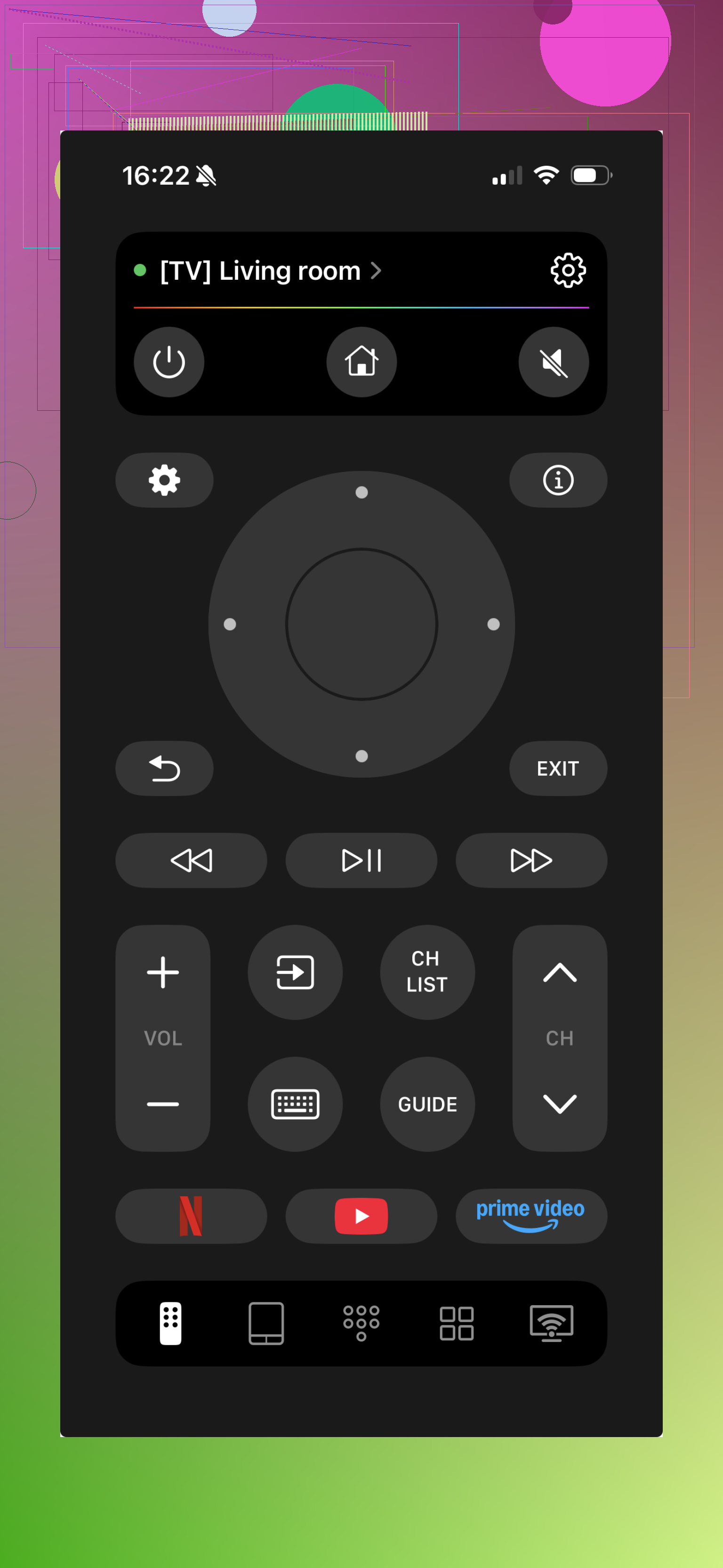
What it did on my setup:
- Direction pad stuff, up, down, left, right, OK
- Volume buttons and playback controls
- Home, back, and menu shortcuts
- Phone keyboard input, which saved me from pecking out passwords one letter at a time on the TV
- Fast setup. I put the phone on the same Wi-Fi as the TV, opened the app, and it found the device with no weird extra steps
It works with Android TV, and I saw support for Roku and Fire TV too, so it feels less annoying if you’ve got mixed devices in one house.
I’d point to this app page if you want to check the details. For me, the main use was simple. Lost remote cushions-eating remotes again. Needed keyboard input. Done.
Other ones worth trying if TVRem isn’t your thing:
Google TV app
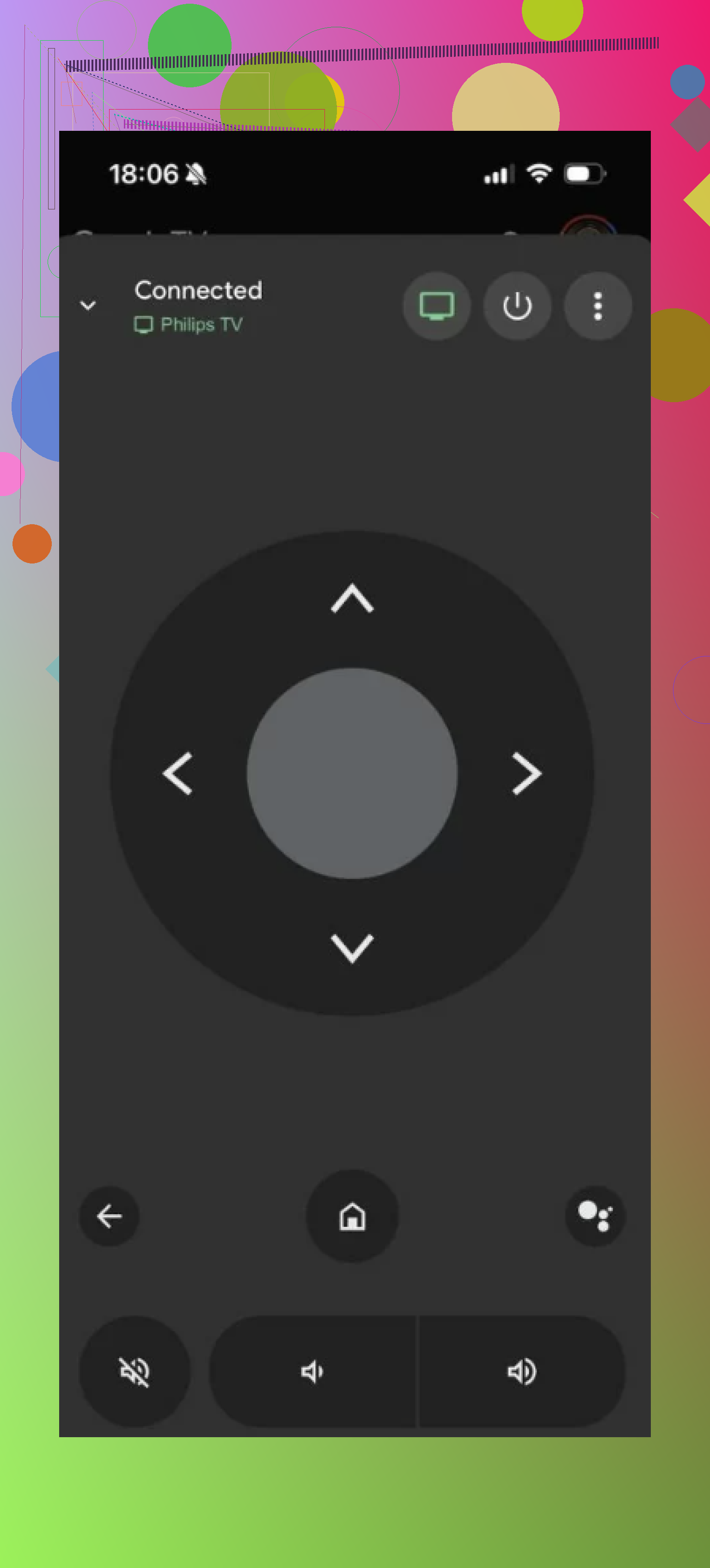
This is the official one, on Android and iPhone. I found it steady on most Android TV boxes and TVs. Voice search helps. Typing from your phone is there too.
Universal Remote App for All TVs
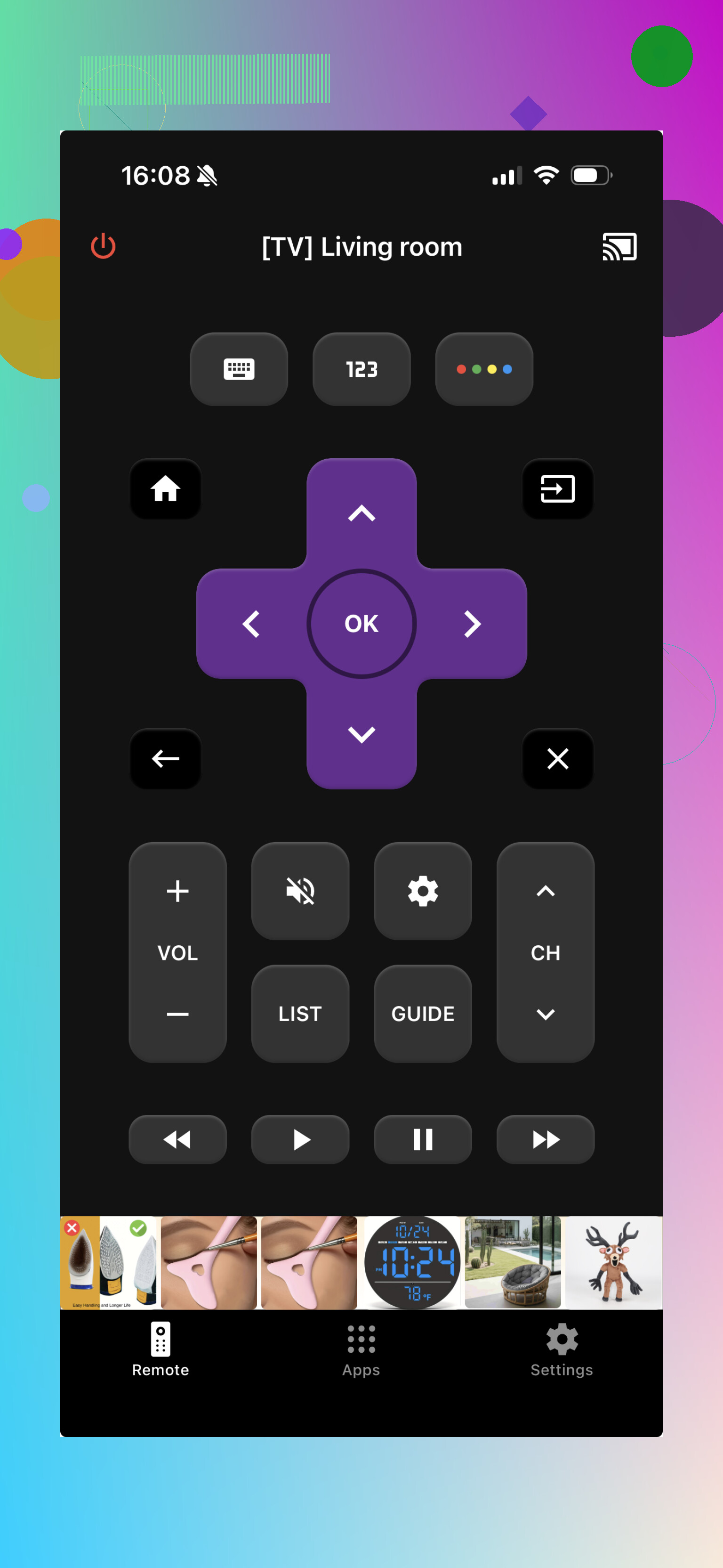
These third-party apps usually support a pile of brands, including Android TV. Bit of a mixed bag sometimes, but handy if you’ve got older gear or off-brand hardware.
Brand apps
Sony, Philips, Sharp, and some others have their own remote apps. If your TV brand has one, I’d test it too. A few of them include extras like sending media from your phone to the TV, which I didn’t expect first time I used one.
If your main goal is replacing a missing remote and typing faster on search screens, TVRem is a solid place to start.
37 Likes
I’d start with the Google TV app first, not a third-party one. It tends to pair faster with Android TV because it talks to Google accounts and the TV OS better than most ad-filled remote apps. If your TV shows up in the app and your phone is on the same Wi-Fi, setup is usuallly quick. The keyboard input is solid too.
I disagree a bit with @mikeappsreviewer on going third-party first. For Android TV, first-party is the safer bet. Fewer popups. Fewer fake buttons. Less junk.
If Google TV fails, check your TV brand app next. Sony and TCL apps are hit or miss, but when they work, they’re more stable than generic universal remote apps.
One more thing people miss. Some phones with IR blasters work with apps like Mi Remote, but most Android TVs use Wi-Fi or Bluetooth, not IR. So if an app asks you to point your phone at the TV, that’s often the wrong type of remote for your setup.
My order:
- Google TV app
- Your TV brand app
- Then try TVRem or similar
Skip anything with full-screen ads.
I’d actually add one option neither @mikeappsreviewer nor @cazadordeestrellas really stressed enough: the built-in Android TV Remote Service route through Google Home controls. On some TVs and boxes, the remote tile shows up there more reliably than in random “universal remote” apps, and with way less ad-trash. It’s kinda boring, but boring is what you want when your real remote has vanished into the couch void.
My honest ranking would be:
- Google Home / built-in Google remote controls
- Google TV app
- Brand-specific app
- Then third-party stuff like TVRem
Also, check this before blaming the app:
- TV and phone on same Wi-Fi band
- VPN off on phone
- TV remote settings not disabled
- Restart TV once, seriously, it fixes dumb stuff way more than it should
If your TV is old or weird, “universal” can mean “universally annoying.” First-party stuff is usualy less flashy but more stable.
Plug a USB keyboard into your Android TV or streaming box. Use arrow keys, Enter, Esc, and the Home key to navigate. Typing passwords and searches is much faster too.
For daily use, buy a cheap wireless keyboard with a USB dongle. It works without Wi-Fi pairing, accounts, apps, or ads. Setup takes under a minute and is usuallly more dependable than phone controls.
Phone remote apps have one annoying habit nobody mentioned: they drop the connection the second your phone screen sleeps or your Wi-Fi flips to the 5GHz band while the TV sits on 2.4GHz. So an app that ‘works’ during setup can feel broken later, and people blame the app when it’s really the network. @yozora already hit the same-band point, which is the real fix here.
The keyboard idea from @nanocloud1188 is underrated for typing, but heads up, a plain USB keyboard usually can’t power the TV on or reach some Android TV settings menus, so you still end up wanting a proper remote for the basics. If TVRem or the Google TV app does pair cleanly for you, just turn off battery optimization for it so the OS doesn’t kill it in the background. That one setting fixes more ‘it disconnects randomly’ complaints than switching apps ever does.