I’m putting together my travel kit for a long trip next year and my MacBook will be my main device for pretty much everything. I’ll be visiting several countries over a few months, and part of the trip includes attending a few matches during the 2026 FIFA World Cup.
I’m trying to figure out which apps are actually worth installing before I leave!
I’ve spent a few long trips carrying only a MacBook and my phone, no tablet, no extra gear. After doing it the hard way, a handful of apps kept saving me time or fixing small annoyances before they turned into bigger ones.
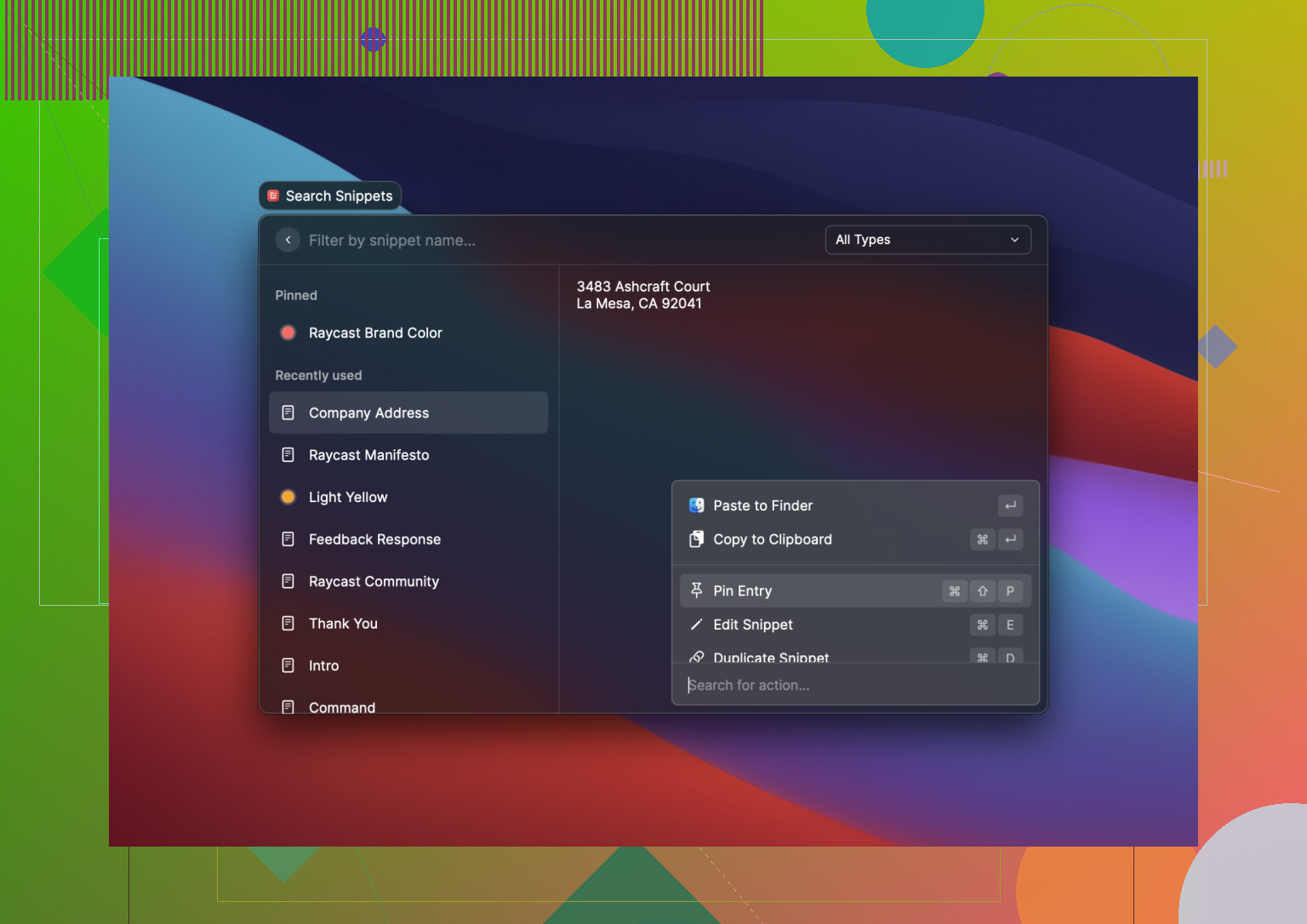
Raycast
Raycast ended up being one of those things I used way more than I expected. I mostly started with app launching, then got hooked on file search, clipboard history, and quick commands. When you’re bouncing between maps, bookings, notes, and screenshots, it cuts a lot of pointless clicking. On a travel setup, where screen space feels tight, I found it easier than constantly hopping around Finder and menus.
Spark Mail
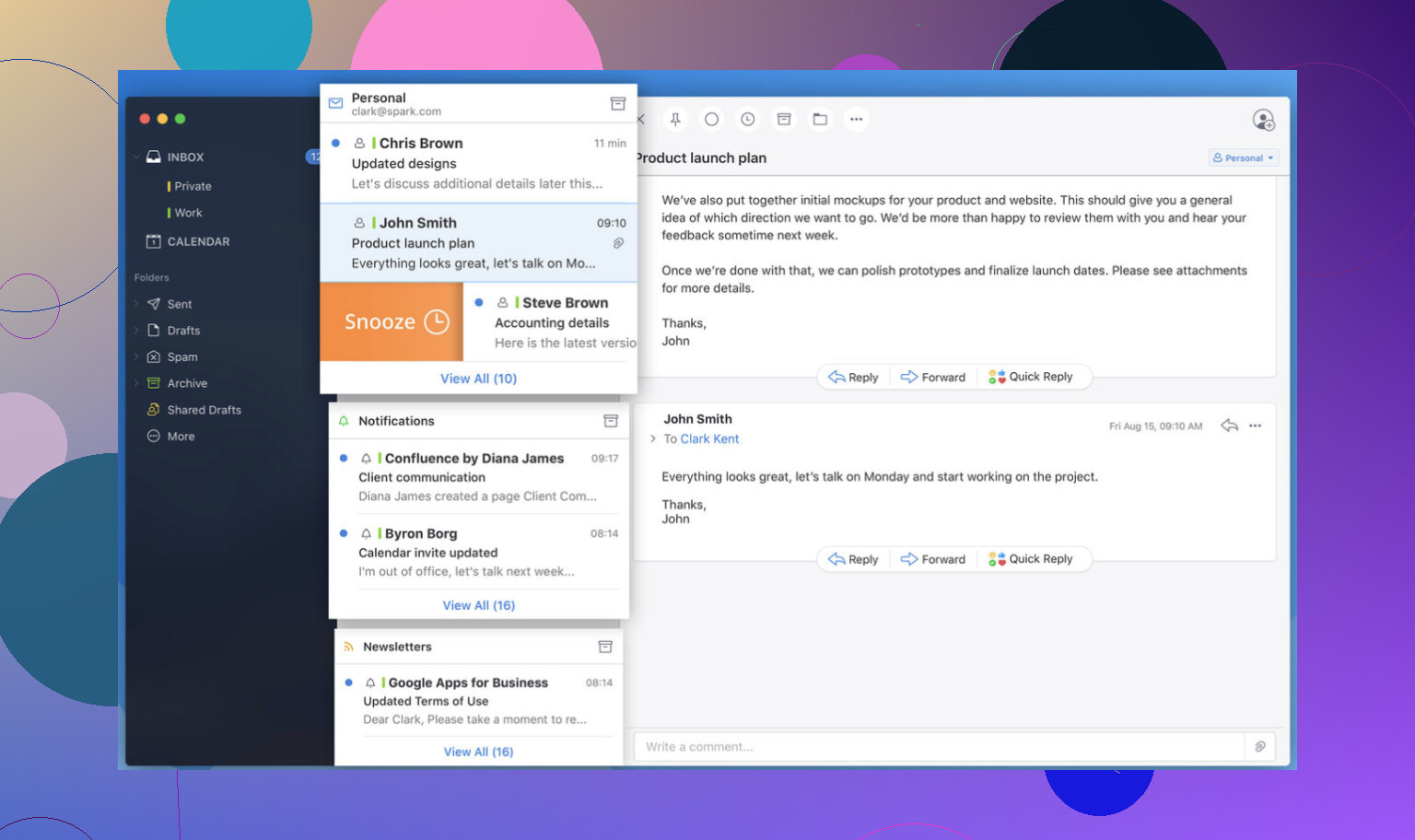
Email gets ugly fast on trips. Airline changes, hotel check-in info, payment receipts, support replies, random verification emails. Spark helped me keep that mess under control. I liked it most when I needed to pull up one booking fast instead of digging through a swamp of unread junk. If your inbox turns into a travel drawer stuffed with papers, this makes it less annoying.
MacDroid
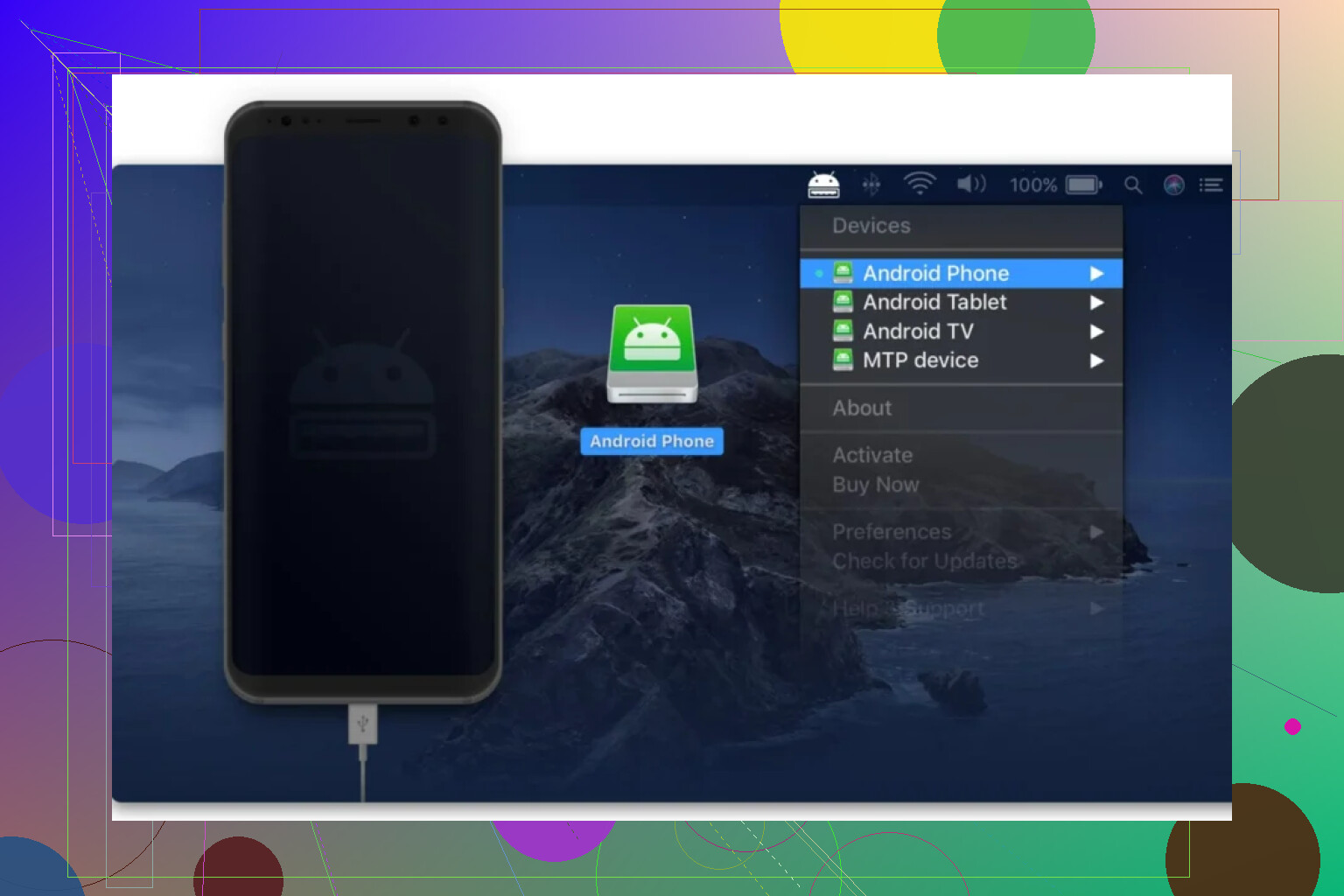
If your phone is Android and your laptop is a Mac, file transfer gets old real fast. MacDroid fixed most of that for me. I plugged the phone in, opened Finder, and moved photos and videos over without dealing with weird workarounds. This mattered most when Wi-Fi was bad, which happend more than I wanted. USB was the reliable option. Wireless transfer is there too if your connection isn’t awful.
Amphetamine
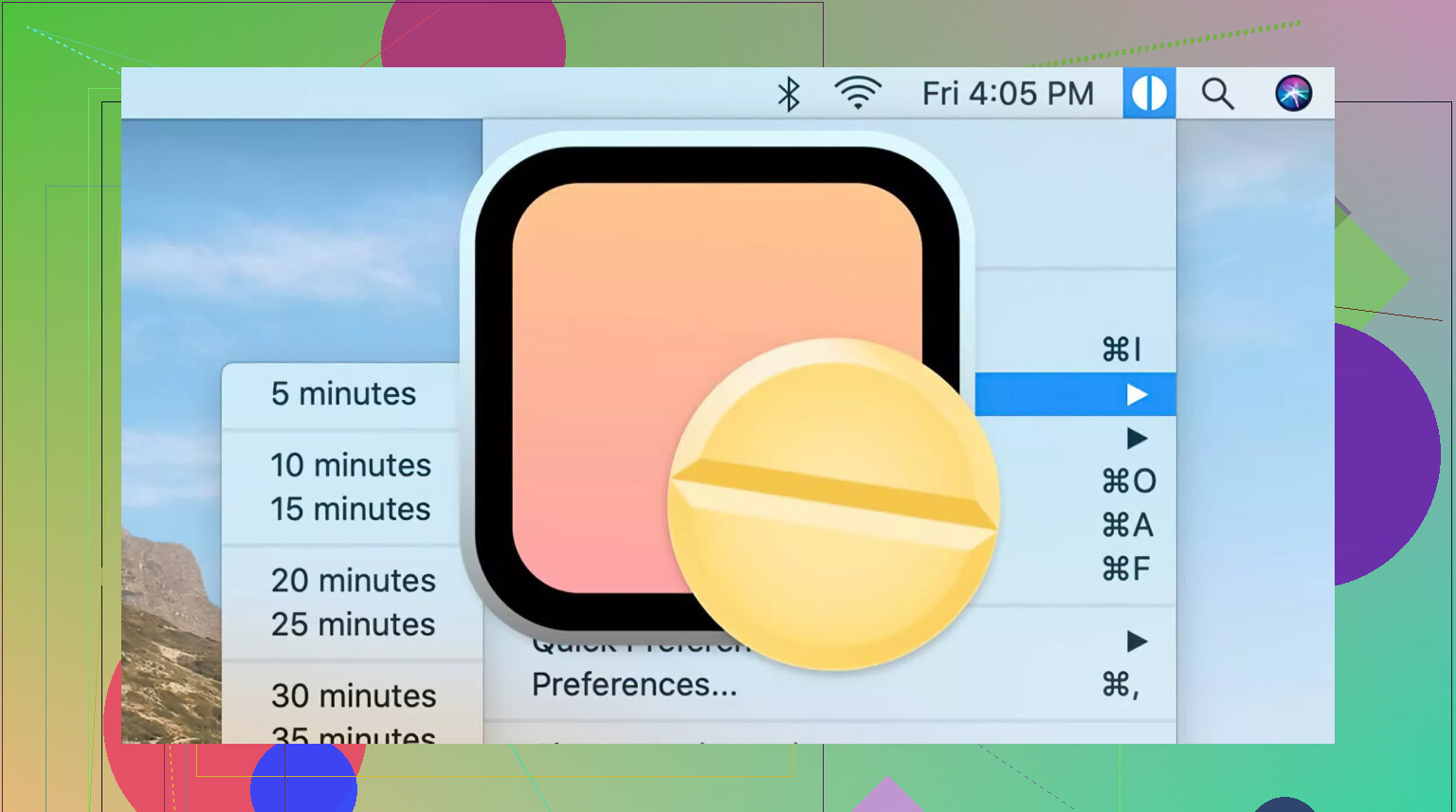
This little app stops your MacBook from sleeping at the worst time. I used it during long uploads, file copies, backups, and video exports. If you’ve ever come back to your laptop expecting a finished transfer and found it asleep instead, you already know why this matters.
Obsidian
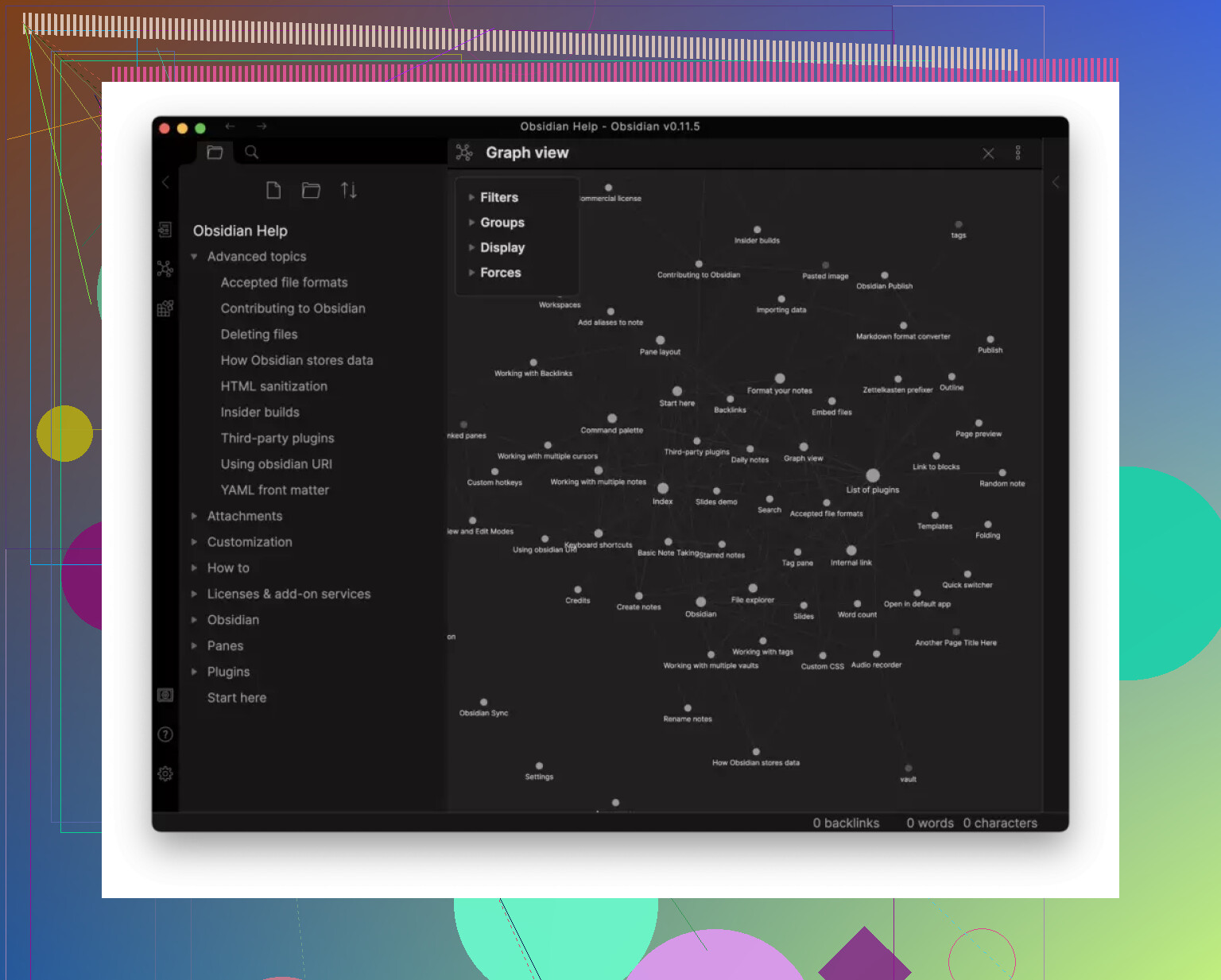
I’m picky about notes, so Obsidian fit well for trip planning. Notes stay local, which I prefer, and linking stuff together turned out useful. I connected places, train info, backup plans, food spots, and random reminders in one web instead of scattering them across apps. If you like building detailed itineraries instead of keeping loose scraps, this one feels solid.
Elmedia Player
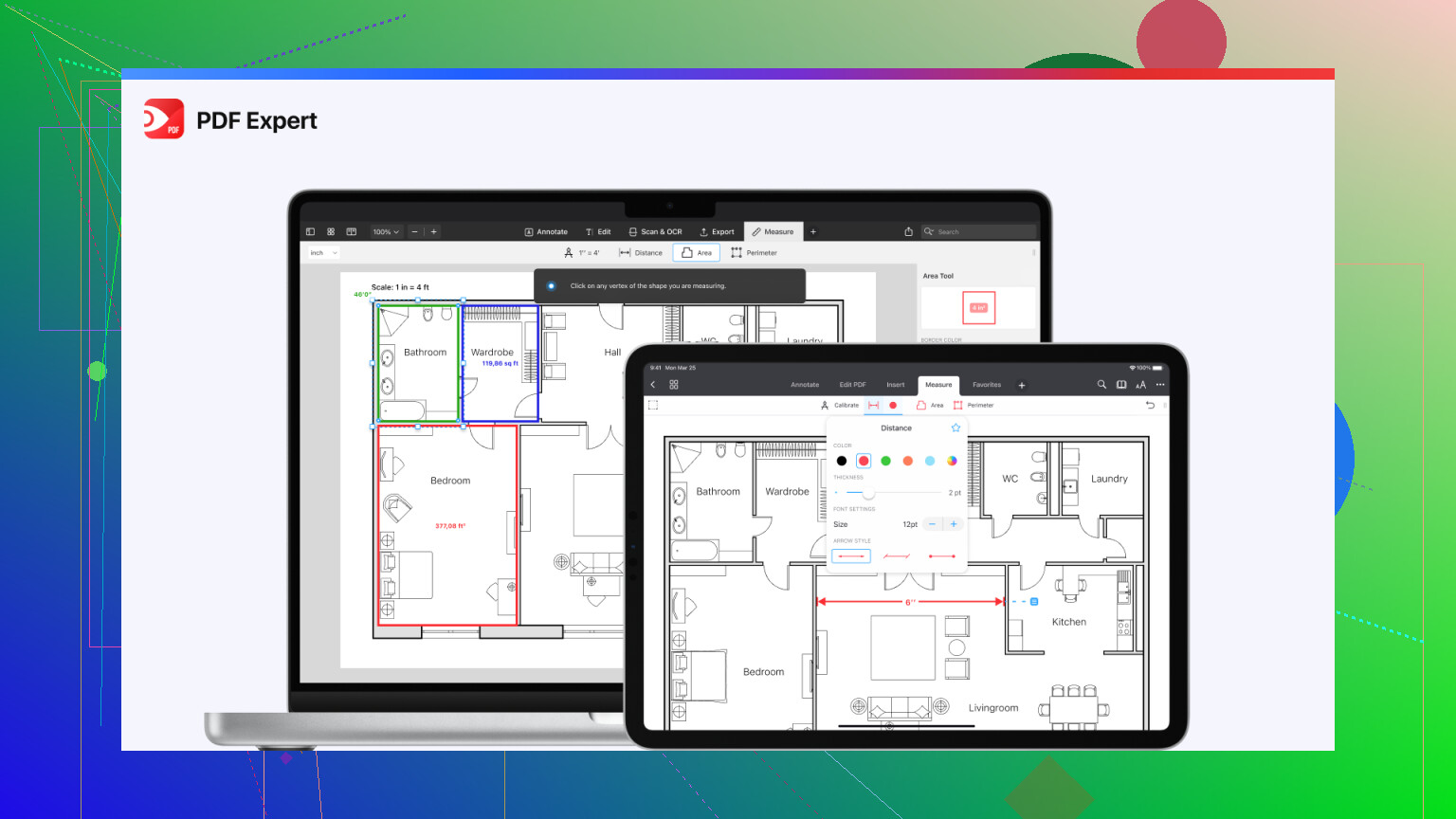
I tried a bunch of media players on macOS and Elmedia Player gave me the least trouble. I used it to check video clips shot during the trip, and it handled mixed file formats without me hunting down codecs or patching together fixes. Subtitle support helped too. If you want to throw footage onto a bigger screen later, it handles that as well, which was nice in hotel rooms with a TV.
NordVPN
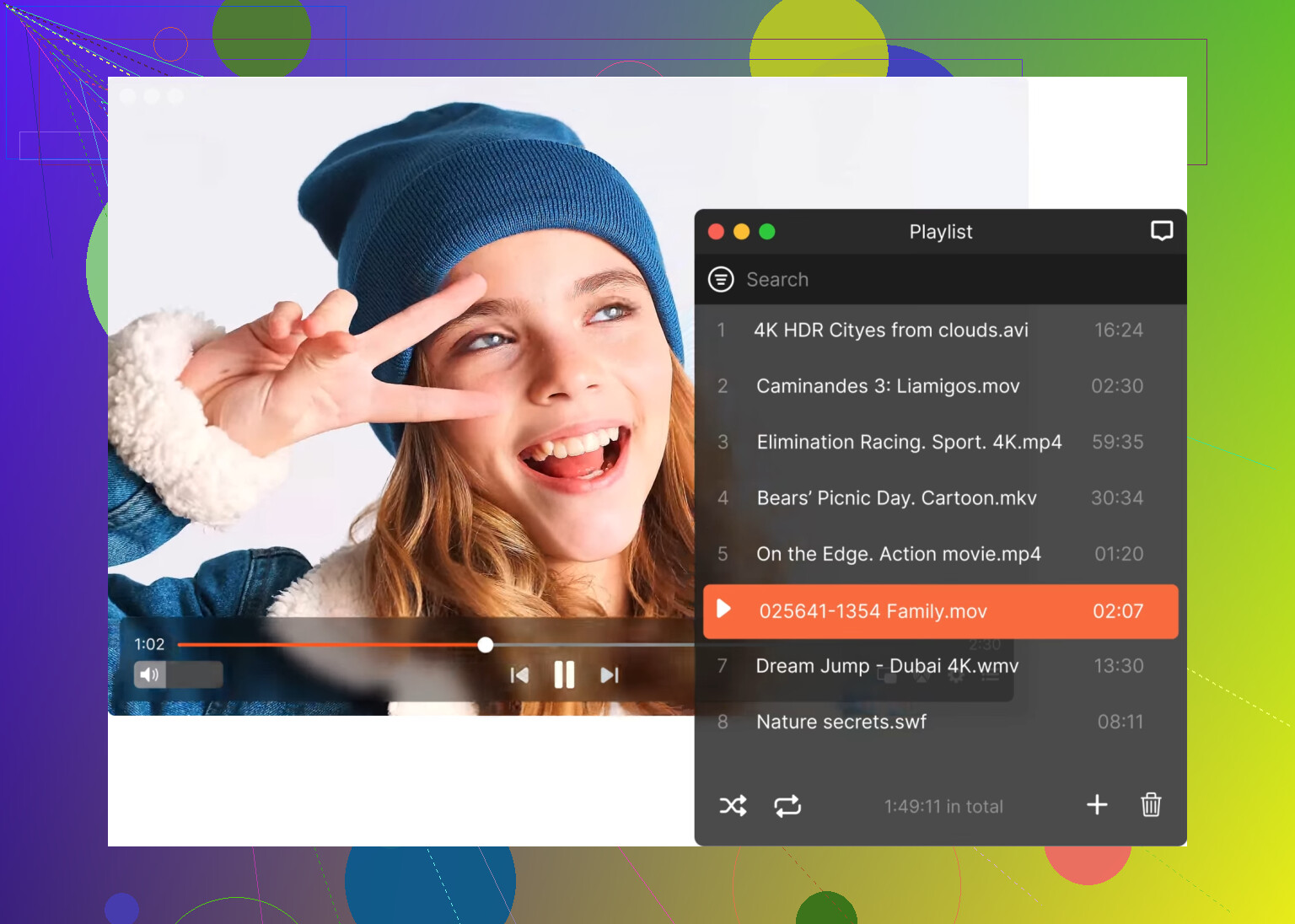
I don’t think much about a VPN until I’m stuck on airport or hotel Wi-Fi. NordVPN was mostly there for public networks, especially when I had to log into banking, bookings, or other accounts I didn’t want floating around on sketchy connections. It also helped with region-locked services from home when I was abroad.
PDF Expert
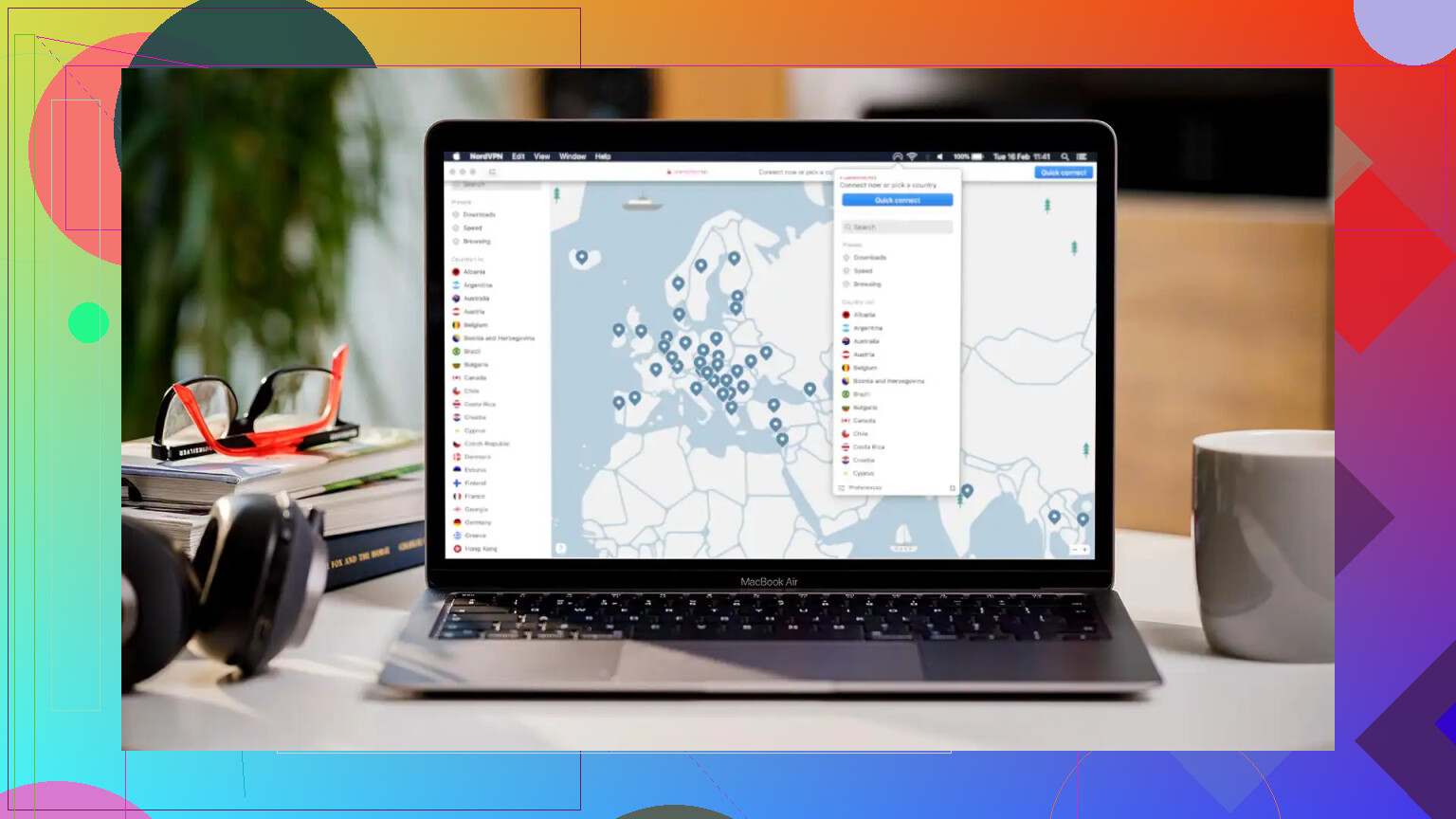
Trips generate a stupid number of PDFs. Boarding passes, reservation sheets, insurance docs, museum tickets, rental details. PDF Expert made it easier for me to read, mark up, sign, rename, and keep those files in order. It saved me from opening random documents and squinting at filenames like final-final-booking2.pdf.
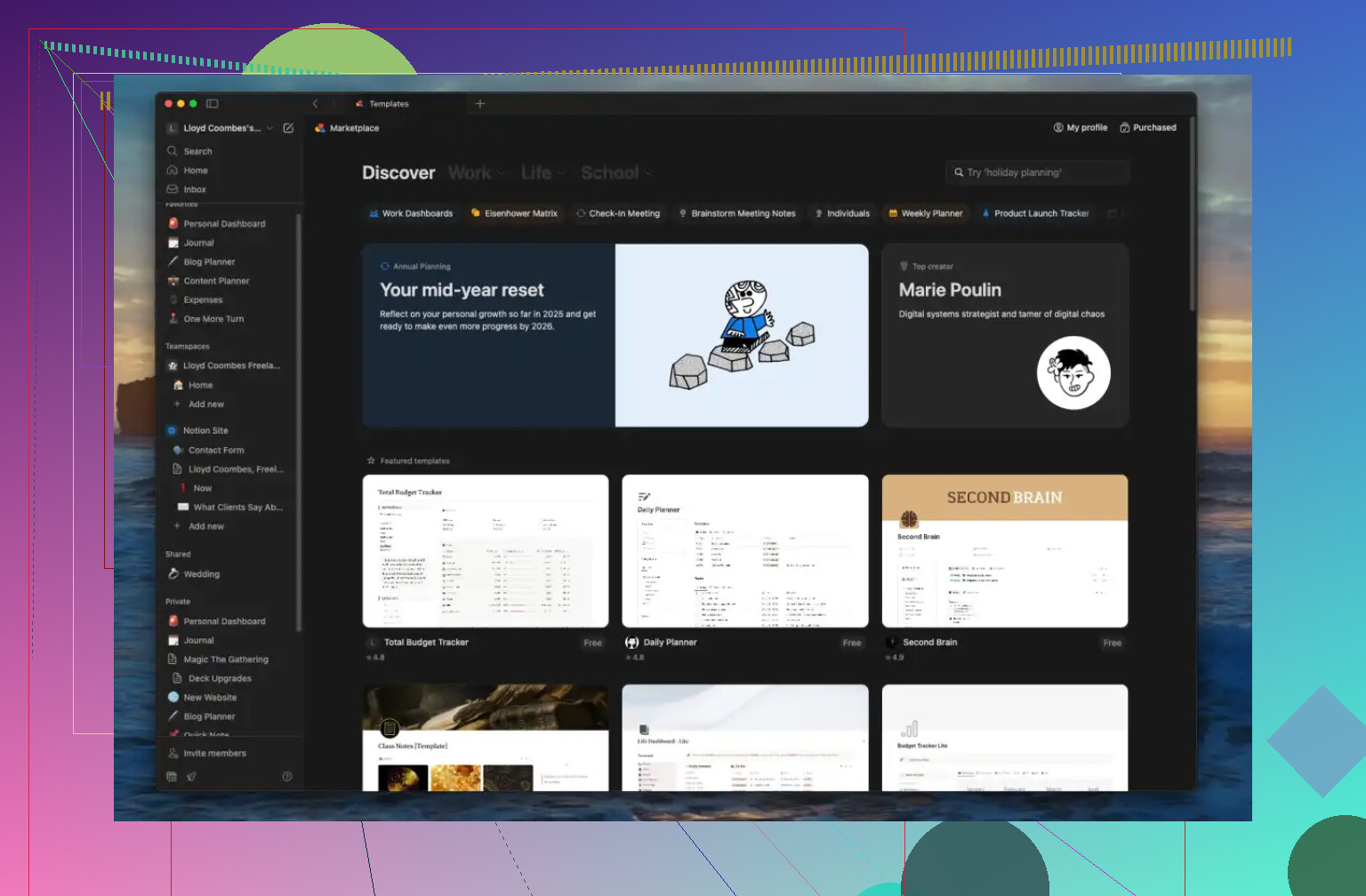
Notion
Notion worked well for me as the all-in-one planning space. I kept flights, hotel info, budget notes, packing lists, day plans, and little checklists in one place. What I liked was how loose or structured it could be. Some trips only needed a simple page. Others turned into a whole setup with tables, links, and timelines because, well, plans got messy.
6 Likes
I’d split it into travel apps and recovery apps.
For travel, I always bring TripIt, 1Password, Google Drive, and a solid offline maps app. TripIt saves time when airline emails get messy. 1Password matters more than people admit. You will hit logins, 2FA, card portals, embassy forms, all of it. I also keep a local folder with PDFs synced to Drive, because airport WiFi fails at the worst time.
For work and events, I’d add Zoom, Slack, and a menu bar timezone app like World Clock Pro. If part of your trip includes attending meetings or confernces, timezone mistakes are one of the dumbest ways to miss stuff.
I differ a bit from @mikeappsreviewer on note apps. Obsidian is great, but for long trips I pick Apple Notes for speed. Less setup, faster search, better scan feature on the fly.
Two boring picks matter a lot. KeyboardCleanTool, if you work from cafes and spill crumbs like me. CoconutBattery, so you can check battery health before it gets ugly mid-trip.
If you use Android, MacDroid is worth keeping on the MacBook. Wired transfer is still the least annoying option when hotel internet is bad or cloud sync drags. That part is not fancy, it’s jsut reliable.
My rule is simple. Every app on the laptop needs to save time offline, fix file chaos, or reduce login pain. If it does none of those, I leave it off.
I’d actually build this around failure points, not “best apps.” That’s where I differ a bit from @mikeappsreviewer and @techchizkid.
My must-haves:
- 1Password for passports, cards, logins, Wi-Fi creds, backup codes
- TripIt or Flighty for itinerary sanity
- Apple Notes for fast capture. I know some people love fancy note systems, but on the road I want zero friction
- DEVONthink or just a brutally organized Finder folder for docs
- Dropover for temporary file dumping when desktop chaos starts winning
- AlDente if you’ll be plugged in at conferences a lot
- Keka because compressed files still show up in the most annoying moments
- LocalSend for quick device-to-device transfers without relying on cloud nonsense
If you’re on Android, MacDroid for Mac is one I would absolutely keep installed. Wired transfer is still the least flaky option when hotel Wi-Fi is acting dumb, and moving photos/video straight between Android and macOS is way less annoying with it.
One small disagreement with the “install everything” approach: too many utility apps can make a travel machine feel cluttered fast. I’d keep the setup lean and test it for a week before the trip. That usually exposes what you acutally use vs what just sounded smart at home.