I keep seeing the AI Cleaner app recommended in ads and in the App Store, but I’m worried it might be a scam or collect too much data. I’m looking for real user experiences or expert advice on whether this app is trustworthy, what permissions it asks for, and if anyone has had issues with security, privacy, or hidden charges after installing it.
AI Cleaner: Clean UP Storage – my experience vs a better option
I installed AI Cleaner: Clean UP Storage because I was low on space and tired of doing manual cleanup. Looked decent at first glance, but it went downhill pretty fast for me.
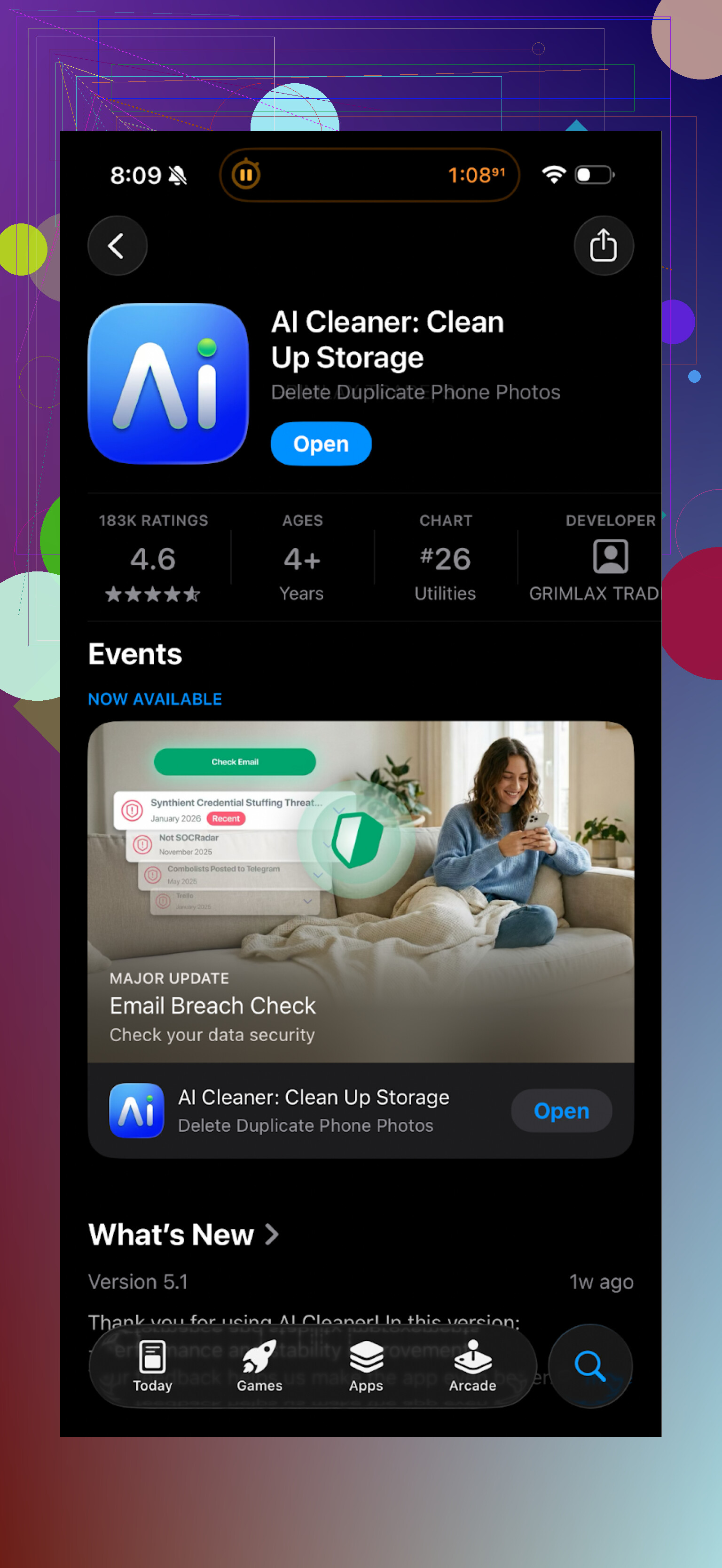
Here is what happened.
I ran a full scan. It showed a bunch of junk, duplicates, “similar” photos, large files, the usual. The problem started when I tried to clear anything useful. Every second tap turned into some “upgrade” wall. I’d tap delete, it would throw a pay screen. Back out, try something else, same story. It felt like the main function was to sell a subscription, not to clean storage.
The so‑called AI detection of duplicates was also off. It sometimes grouped:
• Slightly different versions of the same scene
• Photos with different people but similar backgrounds
• Edits with the original, without making it clear which one was which
I had to double check every group. If you’re trying to clear hundreds of images, that gets old fast and you risk deleting stuff you want to keep.
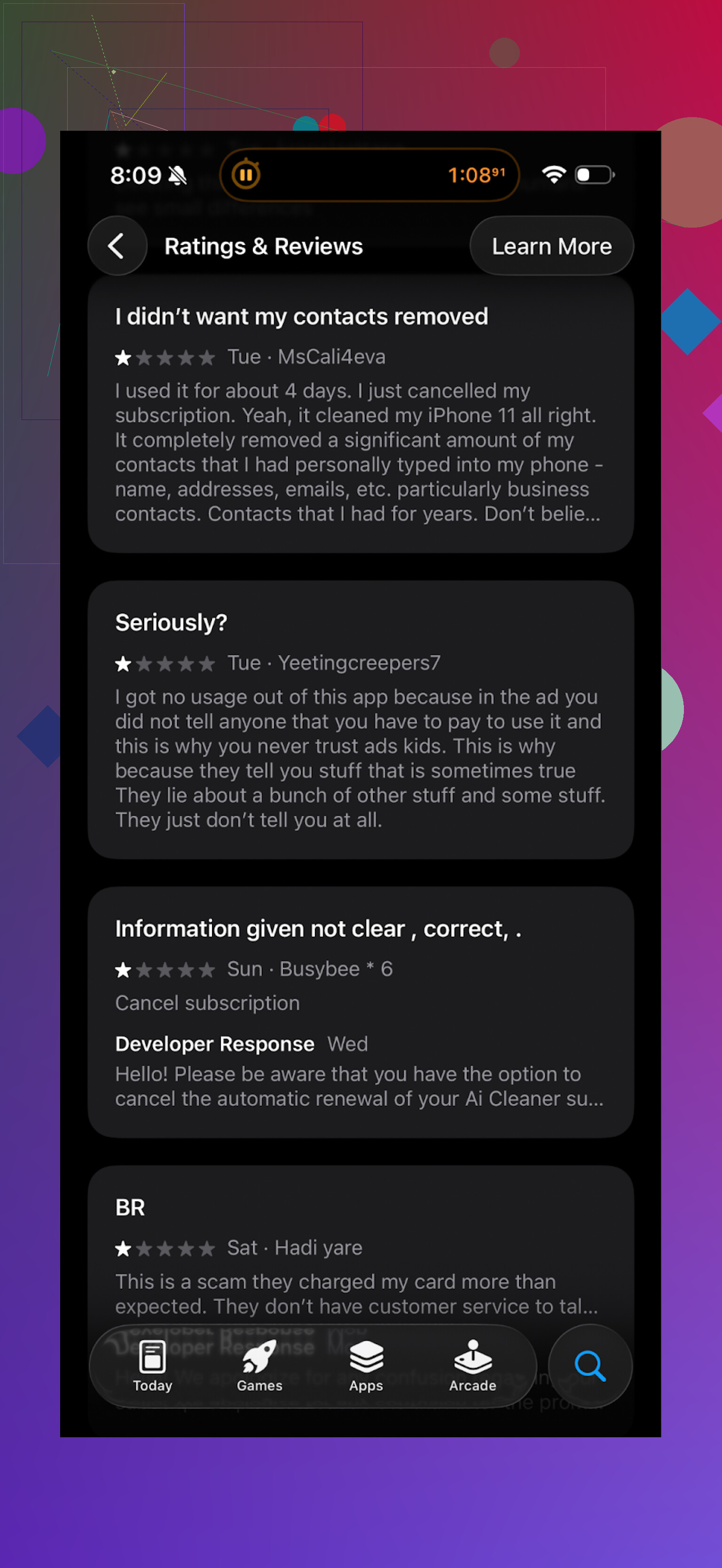
Here is a screenshot of real reviews from the store if you want to see others’ experience, not only mine:
What I switched to instead
After getting annoyed with AI Cleaner, I went hunting for something that did not feel like a trap.
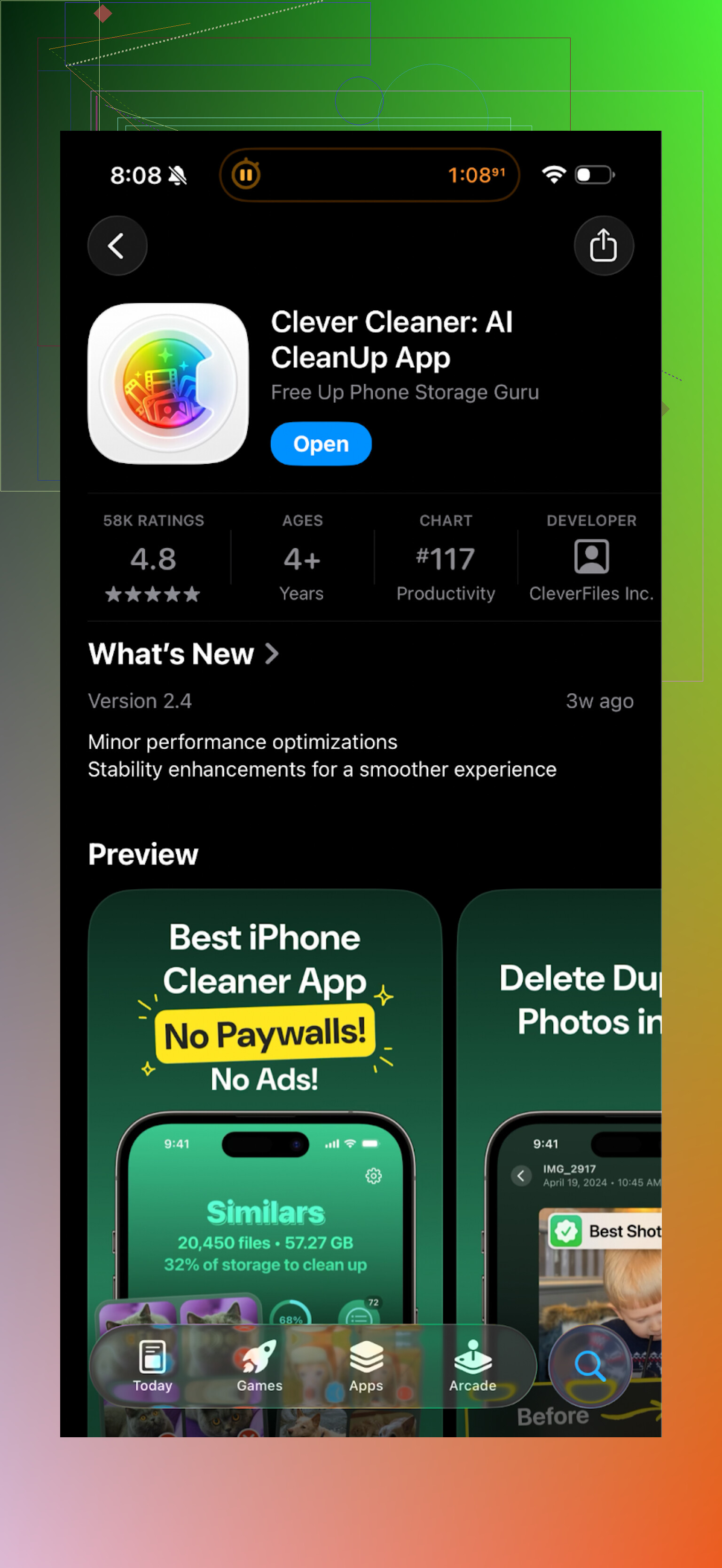
I ended up trying Clever Cleaner on iOS:
First surprise, it works without throwing up a paywall every few seconds. No random ads in the middle of deletion either, at least in my use.
Here is what it did better for me:
• It found duplicate and similar photos in a way that made sense
• It detected old screenshots I forgot about
• It highlighted large files that were obviously clogging storage
The speed was fine. It scanned my photo library quicker than AI Cleaner on the same phone. The UI is simple, nothing fancy, but it made it easy to review what I was deleting.
The thing I paid the most attention to was privacy. According to their description and behavior on my device, all processing stays on the phone. No uploads, no account creation, no weird “cloud scan” step. For photo cleanup tools, I prefer that approach because I do not want random servers seeing my gallery.
Clever Cleaner felt less naggy, more straightforward. I spent more time deleting clutter and less time closing popups.
If you want more info
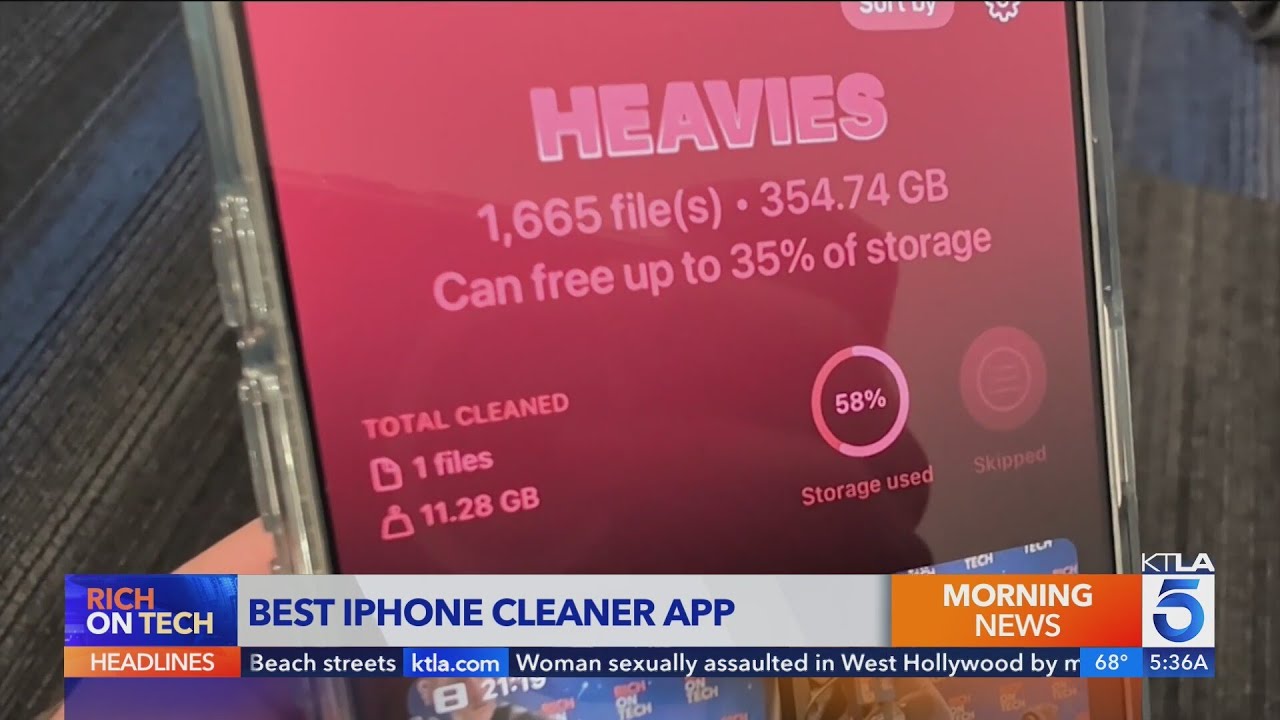
There is a video overview here if you prefer watching instead of reading:
Their homepage with more details:
App Store link again:
Extra reading if you are on iPhone and worried about cleaners
If you want a broader take on iPhone cleaner apps and some warnings about risky ones, this Reddit thread helped me sort through the noise:
My bottom line after trying both: I uninstalled AI Cleaner and kept Clever Cleaner. If you are going to try a storage cleaner, I would start with Clever Cleaner and skip the heavy upsell stuff.
64 Likes
Short version from a more security/privacy angle: AI Cleaner is not a scam in the sense of malware on iOS, but it is aggressive with upsells and not ideal if you care about data access and transparent behavior.
Some points that might help you decide:
-
Safety on iPhone
• iOS sandboxing stops apps from being “viruses”. AI Cleaner cannot secretly access your banking apps or system files.
• The risk is more about what it does with your photos and usage data, plus the subscription traps. -
Data and privacy
• Check its App Store “App Privacy” section. For AI Cleaner, you will see it wants access to Photos, possibly identifiers, usage data.
• If it lists “Data Used to Track You” or “Data Linked to You” for analytics/advertising, assume your usage data goes to third parties.
• I did not see a clear statement that all photo analysis stays on device. That is a red flag compared to cleaners that state on-device processing. -
Real experience stuff
My experience was similar to what @mikeappsreviewer described, but from a different angle.
• The paywall behavior is aggressive. You install a “cleaner” and end up managing popups and subscription screens more than storage.
• The “AI” photo grouping mislabels similar vs duplicate photos. I had mixed stacks where one tap could delete an edit I wanted to keep.
• Subscription screen design feels like it pushes you to tap “Continue” without making the price and renewal obvious enough. Always check the tiny text under the big button. -
Is it a scam
• It is a legit App Store app with a real developer account, so not a fake installer or phishing thing.
• The business model feels like “max out subscription revenue” instead of “help you clean storage in a transparent way”.
• I would call it high friction and low trust, not full-on scam. -
About Clever Cleaner App as an alternative
• If you want a cleaner, I had a better privacy and UX experience with the Clever Cleaner App.
• It focuses on on-device photo scanning, with clear categories like duplicates, similar, screenshots, large videos.
• Less aggressive upsell behavior. You spend more time actually reviewing and deleting files.
• For photo-heavy users, on-device scanning is important, because your personal photos do not leave your iPhone. -
Practical checks before you install anything like this
• Read the 1-star and 2-star reviews first. Look for patterns: auto-charges, hard to cancel, fake “virus” warnings, etc.
• Open the app’s website and privacy policy. Search for words like “third party”, “sharing”, “advertising partners”, “analytics”.
• In iOS Settings > Privacy > Photos, set access to “Selected Photos” if you want to test first. You do not need to give an app your entire photo library at once.
• Always cancel any free trial immediately after starting it, so it does not auto renew if you forget.
My answer to your question “is AI Cleaner safe to install”
• Technically safe from a malware perspective.
• Not great if you dislike hard upsells and unclear data practices.
• If your main worry is privacy and you still want a cleaner, skip AI Cleaner and try something like Clever Cleaner App that is more explicit about on-device processing and less naggy with subscriptions.
Short version: “safe” in the iPhone‑virus sense, sketchy in the “do I actually want this on my phone” sense.
A few points that build on what @mikeappsreviewer and @viajeroceleste already said, from a slightly different angle:
-
Risk level on iOS
• iOS won’t let AI Cleaner rummage through system files or banking apps, so it’s not going to hijack your phone.
• The real risk is dark-pattern subscriptions and over‑broad access to your Photos and tracking data, not classic malware. -
Data collection / privacy angle
• Open the App Store page, scroll to “App Privacy.” If you see “Data Used to Track You” or “Data Linked to You” for ads/analytics, that means your behavior is being monetized.
• Cleaner apps often request full access to Photos. That’s technically needed to scan duplicates, but combined with tracking and vague wording like “improve our services,” it’s a red flag.
• AI Cleaner does not clearly shout “on‑device processing only” in a big obvious way. For anything touching your entire photo library, that’s… not ideal. -
Dark patterns & UX
• The aggressive paywalls both of them described are exactly what I’ve seen in this category: “free” download, then every action tries to herd you into an auto‑renewing sub.
• The tricky part: some of these screens are designed so the price text is tiny and the “Continue” button looks like the only sane option. You are not crazy for thinking it’s a trap.
• I slightly disagree with them on one thing: I don’t think AI Cleaner is “high friction and low trust” so much as “classic subscription funnel dressed up as a utility.” Functionality feels secondary. -
“AI” duplicate detection reality check
• These apps love to slap “AI” on what is often just similarity matching.
• When it starts grouping “same background, different people” as duplicates, you’re basically doing manual review anyway, which kills the point.
• Deleting mistakes here is permanent enough to be painful, so if you try AI Cleaner at all, do small batches and double‑check everything. -
Is it a scam?
• Not a scam in the strict sense: it’s a legit App Store app, no sideloading, no obvious malware.
• The “scammy” feeling comes from:- Over‑aggressive upsell behavior
- Vague privacy posture
- UI that nudges you into a pricey subscription for something your iPhone already partly does (like offloading apps, iCloud optimization, manual bulk delete).
-
What I’d actually do in your shoes
• First line of defense: built‑in tools.- Photos > Albums > Duplicates (iOS has a native duplicates section now in many regions).
- Settings > General > iPhone Storage to remove big apps and old messages.
• If that is not enough and you insist on a cleaner app, I’d avoid anything that throws a sub screen the minute you tap “scan.”
• Clever Cleaner App keeps coming up for a reason: the on‑device processing claim plus less nagging makes it a more tolerable option if you really want an AI‑style photo cleanup tool. It fits the “I don’t want my entire camera roll on someone’s server” concern much better.
-
Practical test if you’re still curious about AI Cleaner
• Give it “Selected Photos” access first and see how it behaves. If it instantly tries to push a yearly subscription before doing anything useful, that tells you what you need to know.
• Do not start a “free trial” unless you’re willing to set a reminder to cancel the same day. These apps live off forgetfulness.
So: safe to install in the narrow technical sense, but I wouldn’t call it trustworthy or necessary. Between Apple’s built‑ins and something like the Clever Cleaner App, AI Cleaner feels like paying for irritation plus data collection with a side of storage cleaning.
From a more “do I actually need this” angle, here is how I’d look at AI Cleaner and the alternatives.
1. Is AI Cleaner safe on iPhone?
Technically: yes. iOS sandboxing and App Store review mean it is very unlikely to be outright malware. On that point I agree with @viajeroceleste, @kakeru and @mikeappsreviewer: it will not hijack your phone or read banking app data.
Where I’m a bit stricter than some of them is on behavior: constant paywalls plus vague handling of photo data is enough for me to label it “not worth the risk or hassle,” even if it is not a classic scam.
2. Real risk profile
Different angle from what was already said:
- The financial risk is bigger than the security risk. Auto renewing trials, subtle pricing text, psychological push to “Continue” is where people actually get burned.
- The privacy risk is about scope creep. Photo access plus analytics plus tracking can quietly build a very detailed profile of you. iOS permissions dialogs do not show you that part.
I do not fully agree with the idea that this is just “high friction and low trust.” In this category, the dark patterns are the actual product. Cleaning is the side feature.
3. Do you even need a cleaner app?
Before any third party tool, squeeze the built in stuff:
- Photos has a Duplicates section on current iOS.
- Messages can auto delete old conversations and large attachments.
- iPhone Storage suggestions often reclaim more space than a “magic AI” cleaner.
For a lot of people, this already gets you 80 percent of the benefit with zero extra data sharing.
4. Where Clever Cleaner App fits in
If you still want an automated photo cleaner, I think the value of Clever Cleaner App is less about fancy AI and more about what it doesn’t do:
Pros of Clever Cleaner App
- On device processing focus, so your gallery is not being uploaded for “improvements.”
- Less aggressive upsell flow, so you actually get to use the features.
- Clear buckets like duplicates, similar photos, screenshots, large videos, which reduces the chance of nuking something important.
- No forced account creation, which cuts one more data stream.
Cons of Clever Cleaner App
- Still another app with deep Photos access, which some people will never be comfortable with, and that is a valid stance.
- Not magic: you still need to review suggested deletions if you care about edits vs originals.
- The interface is more utilitarian than slick. If you want super polished visuals, you might find it plain.
- It overlaps with features Apple keeps adding, so in a year or two its advantage might shrink.
I do not think Clever Cleaner App is perfect, but compared with AI Cleaner it aligns better with someone who is privacy sensitive but still wants a semi automated way to clear space.
5. How I would decide in your situation
- If you are strongly worried about data collection: skip AI Cleaner entirely and either:
- Use only Apple’s built in tools, or
- If you are okay with one third party, lean toward something like Clever Cleaner App that is explicit about on device work.
- If you are just curious: test any cleaner with “Selected Photos” access first, never your full library. Watch how quickly it pushes a subscription and how transparent the pricing is. If it feels like a funnel more than a tool, delete it and move on.
So my direct answer: AI Cleaner is “safe” in the narrow iOS sense, but between the upsell design and fuzzy privacy posture, it is not something I would recommend installing when options like Clever Cleaner App or simply using Apple’s own tools exist.
Your take is clear. AI Cleaner is not malware on iOS, but upsells and fuzzy data practices reduce trust. Clever Cleaner felt better, and Apple’s own tools reclaim space.
Simpler path with zero new apps:
- Connect iPhone to a Mac or PC.
- Import photos and videos to Photos app or Windows Photos.
- Sort by size, archive big videos to an external drive.
- On iPhone, Settings, General, iPhone Storage, Review Large Attachments, delete synced items.
This frees tens of GB for heavy video users. No third party access to yur library. Less risk, more controll.