First off, I totally feel your pain—accidentally deleting important messages is the worst. I’ve been there a few times myself. Let’s try some steps to hopefully get those Messenger messages back.
Step 1: Check Archived Threads
Sometimes we don’t delete messages but mistakenly archive them. To check:
- Open the Messenger app.
- Tap your profile picture in the top left.
- Go to “Archived Messages.”
- See if the messages you’re looking for are there.
Step 2: Check Facebook Data
Facebook keeps your data, but you’d have had to enable it beforehand. Go to Facebook’s web version:
- Log into your Facebook account.
- Click the downward arrow at the top right and choose “Settings & Privacy.”
- Go to “Settings” > “Your Facebook Information.”
- Click “Download Your Information.”
- Request a download of your messages and check the file once you get it.
Step 3: Google Drive Backup
Earlier versions of the Facebook Messenger app allowed users to backup data to Google Drive. If you enabled this:
- Open the Google Drive app.
- Tap the menu and go to “Backups.”
- Look for Messenger backups.
Step 4: Use a Data Recovery Tool
If the above steps don’t work, it might be time to look into some data recovery software. Disk Drill
is a great option for this. It’s software that allows you to recover deleted files from your Android device.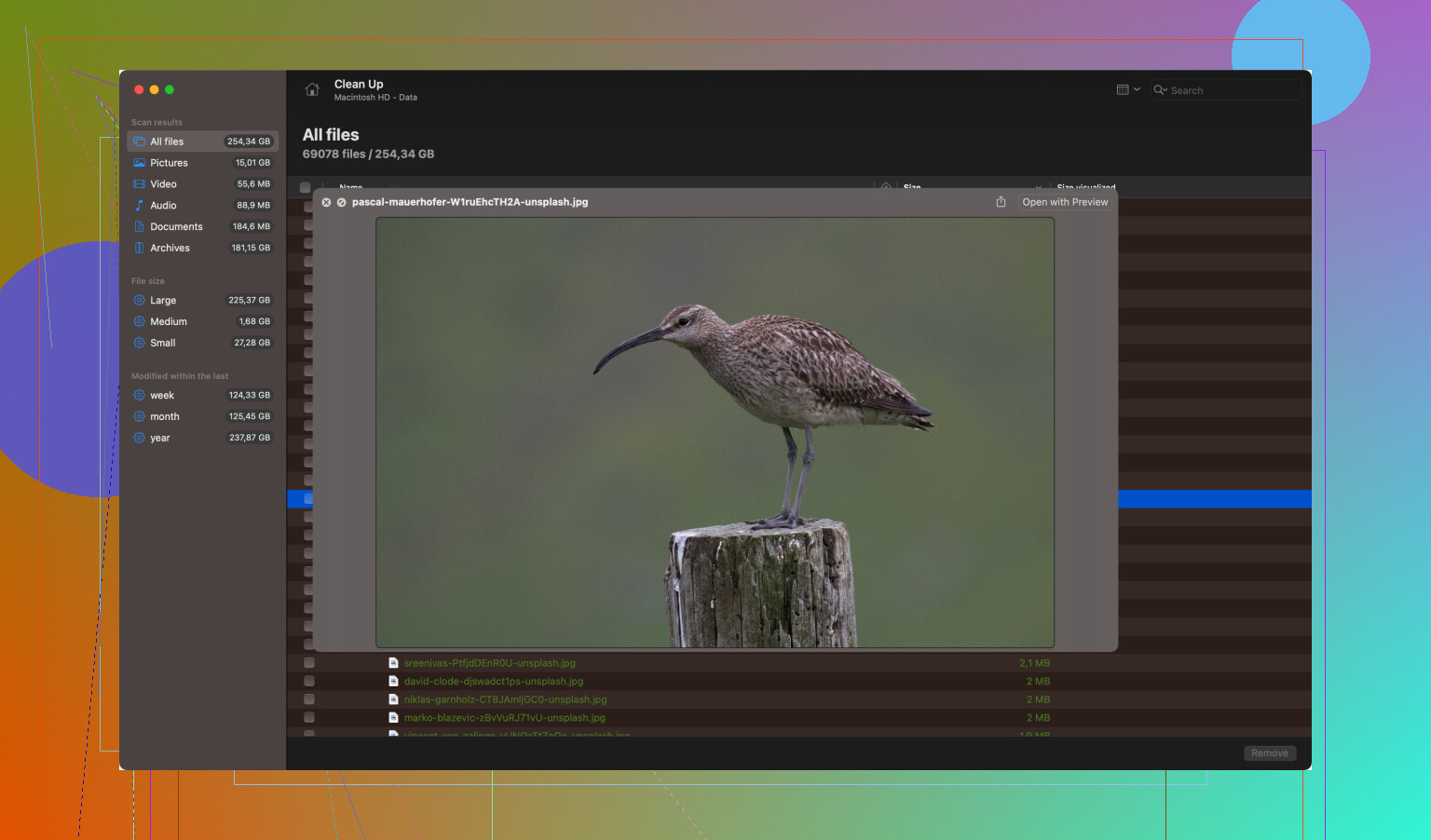
To get started with Disk Drill:
- Download Disk Drill Data Recovery Software from this link.
- Install the software on your PC and connect your Android device via USB.
- Follow the on-screen instructions to scan and recover deleted data.
Remember though, the success rate of recovering deleted messages depends on a number of factors, including the time elapsed since the deletion and whether new data has overwritten the old messages.
Final Tips:
- Regularly backup your messages if they contain crucial info.
- Think twice before hitting delete next time!
Hope this helps and best of luck with your project! If anyone else has other suggestions I’ve missed, jump in!