I’m trying to route all serial console data from a device so it can be accessed remotely over Telnet instead of using a direct serial cable. I’m not sure which tools or configuration steps I should use on the host system (or on the device itself) to capture the serial stream and expose it as a Telnet service. Could someone explain the correct setup or share a working example so I can reliably view and interact with the serial console via Telnet?
Short version: you can either DIY it with standard Linux tools or use a dedicated app that hides the pain.
1. Classic Linux way (no extra software, more fiddly)
Assuming your serial device is /dev/ttyS0 or /dev/ttyUSB0 and you want Telnet access on port 2000.
a) Set serial params first
stty -F /dev/ttyS0 115200 cs8 -cstopb -parenb -ixon -ixoff -echo
b) Use socat to bridge serial to a TCP port
socat TCP-LISTEN:2000,reuseaddr,fork \
      FILE:/dev/ttyS0,raw,echo=0,b115200
Then from remote:
telnet your-host 2000
You now see the serial console over Telnet. If you need login, add a firewall rule or put it behind SSH tunnel, because plain Telnet is plaintext and kind of terrible for security.
You can also use ser2net if you want a more permanent setup with a config file:
# /etc/ser2net.conf
2000:telnet:0:/dev/ttyS0:115200 8DATABITS NONE 1STOPBIT
Then:
systemctl enable ser2net
systemctl start ser2net
2. GUI / simpler route with a dedicated tool
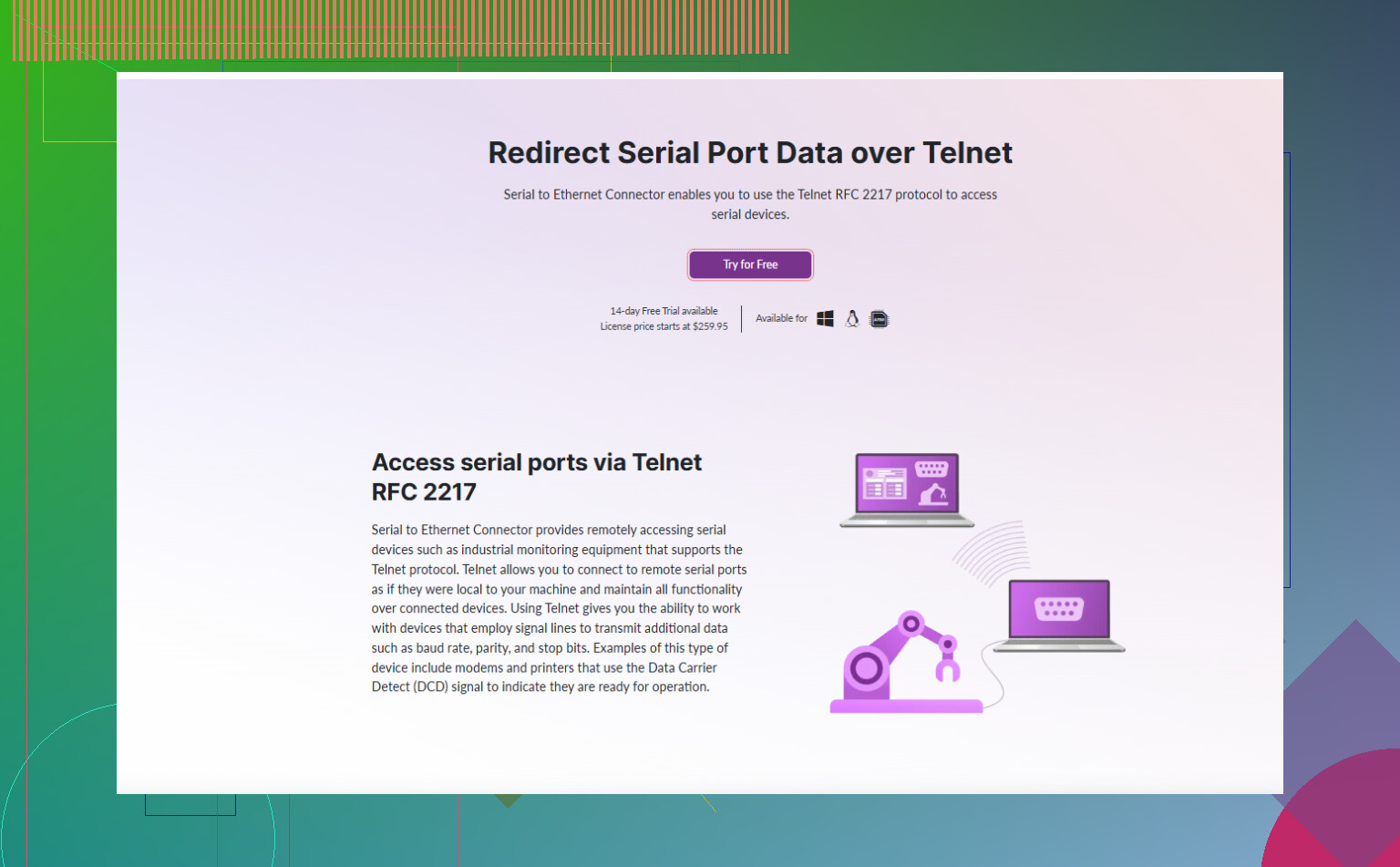
If you do not feel like wrestling config files and stty, a commercial tool like Serial to Ethernet Connector basically gives you a point and click interface to:
- Pick your serial port
- Set baud rate and other options
- Expose it as a TCP or Telnet server
- Let remote clients connect without touching low level serial settings
Useful if you have multiple serial devices or Windows hosts and want something stable that you can hand over to non‑CLI folks.
3. Step by step how‑to resource
There is a nice walkthrough on serial to Telnet port mapping that covers setup, port parameters and remote access scenarios. Worth reading if you want a clean checklist style guide:
Practical tips for mapping a local COM port to Telnet
If you only need one quick console, socat or ser2net will do the job. If this turns into “we have a rack of devices and people keep breaking configs,” using Serial to Ethernet Connector starts to look way less annoying.
29 Likes
If you just want “serial on the network so I can telnet to it,” I’d actually avoid re‑implementing what @kakeru already described with socat/ser2net and systemd units. That stuff works great, but it’s also how you end up ssh’d into the box at 2am trying to remember stty flags.
Here are a couple of alternative approaches that hit the same goal without repeating their steps:
1. Use tcpserver + agetty (Linux getty-style console)
If your goal is a real login console over the serial line (like a router console), you can terminate the TCP side with a getty instead of a “raw serial pipe.”
High-level idea:
- Configure the serial port once with
sttyor via/etc/serial.conf. - Use something like
tcpserverorinetd/xinetdto listen on a TCP port. - Have that spawn
agettyon the serial device.
Example using old-school inetd conceptually:
-
In
/etc/inetd.confyou’d have a line that runs a small wrapper script on connection. -
That wrapper script basically does:
- Attach stdin/stdout to
/dev/ttyS0 - Exec
agetty 115200 /dev/ttyS0 vt100
- Attach stdin/stdout to
Result: each telnet client gets an actual login prompt like they were plugged into the serial console. This approach is nicer if what you want is “remote system console,” not just a dumb serial stream.
Caveat: you must pay attention to permissions and make sure only trusted networks can hit that port, or lock it behind an SSH tunnel.
2. Use tcpser for devices that behave like modems
If your serial device is legacy or expects modem-style commands, tcpser can be a neat fit:
- It converts an incoming TCP connection into a “virtual modem” on the serial port.
- The remote side can speak Telnet or raw TCP.
- You can integrate it into lab setups where older gear still expects dial‑up style connections.
Not for every use case, but it solves some weird edge scenarios much better than just socat.
3. Use a full Serial over Ethernet tool when you want less yak‑shaving
This is where I slightly disagree with the “just do it with stock tools” angle. That’s fine if it is one box you control. The second you have multiple devices, mixed OSes, or people on your team who do not live in the terminal, CLI glue starts to be fragile and annoying.
A dedicated tool like Serial to Ethernet Connector makes this way simpler:
- Pick the local COM/TTY port in a GUI.
- Set baud rate, parity, stop bits, etc.
- Expose it as a Telnet or raw TCP server.
- Let remote users connect from Windows, Linux, or other software without caring about
sttyvoodoo.
If you’re on Windows or you just don’t want to babysit config files, it’s by far the least painful approach. You can grab it from the vendor here:
download Serial to Ethernet Connector for easy serial-to-Telnet sharing
That “software” basically turns any machine into a small serial device server, and in practice it’s a lot more maintainable in labs and production racks than juggling socat and hand-written unit files.
4. Please think about Telnet security
Tiny rant: Telnet is plaintext. Passwords, data, all of it. If this is more than a throwaway lab box:
-
Use a firewall so only a jump host or VPN subnet can reach the Telnet port.
-
Or better: do not expose it at all and connect via SSH tunnel, like:
- Local:
ssh -L 2000:localhost:2000 user@host - Then:
telnet localhost 2000
- Local:
So your Telnet traffic is wrapped inside SSH, which is a lot less “1995 called, it wants your security posture back.”
TL;DR version:
- Want a real login console experience: tie TCP to
agettyon the serial port. - Have modem-like gear: look at
tcpser. - Want point-and-click, multi-device, cross-platform, and less hassle: use Serial to Ethernet Connector from the link above.
- Whatever you do, keep Telnet off the open internet or wrap it in SSH/VPN.
You basically have three families of options, and the “right” one depends on how many devices you have and who has to maintain this later.
1. Systemd-native approach (no extra daemons)
Since @sognonotturno and @kakeru already covered socat and ser2net, here is the “modern Linux” way that does not rely on extra services:
Idea:
Let systemd manage a persistent TCP listener and hand each connection to a small bridge program.
-
Create a tiny bridge script, for example
/usr/local/bin/serial-tcp-bridge:#!/usr/bin/env bash exec socat STDIO,raw,echo=0 FILE:/dev/ttyS0,raw,echo=0,b115200Make it executable:
chmod +x /usr/local/bin/serial-tcp-bridge -
Systemd socket unit
/etc/systemd/system/serial-console.socket:[Unit] Description=TCP socket for serial console [Socket] ListenStream=2000 Accept=yes [Install] WantedBy=sockets.target -
Systemd service template
/etc/systemd/system/serial-console@.service:[Unit] Description=Serial console bridge instance [Service] ExecStart=/usr/local/bin/serial-tcp-bridge StandardInput=socket StandardOutput=socket -
Enable & start:
systemctl enable --now serial-console.socket
Now every telnet host 2000 connection triggers a socket-activated instance, no manual socat command, no separate ser2net config.
I actually like this more than the classic daemons for long term maintainability, especially on a box that already uses systemd heavily.
2. Hardware consoles vs software glue
Mild disagreement with the “just use tools” angle: once you scale past one or two devices, pure software glue on a random PC becomes a liability.
Consider a simple serial console server appliance (Lantronix, OpenGear, etc.) when:
- You have a rack of devices
- You want them available even when the host OS is hosed
- You need out of band access during network incidents
Compared to a DIY approach with socat or ser2net:
Pros of a dedicated console server
- Independent from your main OS and configs
- Usually supports SSH directly, not only Telnet
- Often has logged sessions, user management, power integration
Cons
- Costs more than “free tools”
- Another box to manage and secure
- Less flexible about random scripting unless you pick an open platform
If you are still in “one host + one dev board” territory, systemd + socat or ser2net as described by @sognonotturno and @kakeru is fine. Once it is “lab for 20 routers,” a dedicated box starts to pay for itself.
3. GUI route with Serial to Ethernet Connector
If you are on Windows or mixed OS and do not want to explain stty and unit files to every colleague, Serial to Ethernet Connector is an option worth considering alongside the CLI stuff above.
Pros
- GUI driven: pick COM/TTY, specify baud and parity, and expose it as a TCP or Telnet server
- Works for multiple ports with distinct configs
- Easy for non-Linux folks to understand and manage
- Good when you need stable, repeatable mappings on lab machines
Cons
- Not free, unlike
socatorser2net - Extra software layer to install and keep updated
- Less transparent than a plain text config if you prefer “infrastructure as code”
In other words, if you are the only person touching this and you are happy on the command line, what @sognonotturno and @kakeru described plus the systemd variant above is ideal.
If you are setting up a shared lab PC or Windows box and do not want to be “that person everyone pings to fix the serial bridge,” Serial to Ethernet Connector trades money for time and fewer midnight calls.
4. Security & usability sanity check
Quick checklist regardless of which route you pick:
- Only allow Telnet from a trusted subnet or via VPN
- Prefer to wrap Telnet in SSH tunneling
- Decide if you need “raw serial stream” versus a login prompt (in which case systemd +
agettyis nicer) - Test break conditions: what happens when the serial device reboots, is unplugged, or you have multiple clients connecting?
If you answer those questions up front, the choice between systemd, hardware console, or Serial to Ethernet Connector becomes pretty straightforward.
If Telnet itself is optional, try picocom through your host’s existing SSH access. This replaces the Telnet bridge with a remote terminal session.
Install picocom on your host, then run this from your remote computer:
ssh -t user@host ‘picocom -b 115200 /dev/ttyUSB0’
Replace user, host, and the serial path with your own values. Match 115200 to your device’s baud rate.
Check your account’s serial-port permissions befor connecting. You’ll recieve live output and type commands back. Press Ctrl+A, then Ctrl+X to exit.
Watch out for the fork option in that socat line. With TCP-LISTEN and fork, more than one person can connect to the same serial port at once, and when two sessions both write to the device you get interleaved garbage and a confused console. For a single login box you probably want to cap it at one client, or use ser2net which at least handles concurrent connections in a defined way.
@datalogic1525one’s picocom-over-ssh trick is the one I’d reach for first if Telnet isn’t a hard requirement. No listener to secure, you lean on SSH you already have, and the serial port only gets claimed while you’re actually connected. Simpler to reason about than a persistent bridge.
On Serial to Ethernet Connector, I’d frame it a bit differently than the earlier posts. The GUI and baud-rate pickers aren’t really the selling point, since stty does that in one line. Where it actually pulls its weight is the client side: it can spin up a virtual COM port on the remote machine, so old Windows software that insists on talking to a real COMx just works without knowing there’s a network in between. Telnet to a port doesn’t give you that. If none of your clients need a fake local COM port, you’re paying for something you won’t use.