I’ve been in this exact mess with a Canon body, and the first move is boring but important. Stop shooting now. Don’t take one more frame. Don’t record video. Pull the SD card out of the camera. If the card has a lock tab, switch it to read-only.
The reason is simple. When a Canon camera deletes photos, or when you do a quick format, it usually does not erase the photo data right away. It marks the space as free in the file system. The old files often still sit there until new shots land on top of them. Canon bodies do not give you a trash folder or a recovery bin, so once new data overwrites the old stuff, recovery usually ends there. I learned this the hard way once and lost half a weekend shoot. Since then, I treat the card like evidence. Out of the camera, untouched.
Before you mess with recovery tools, check the obvious stuff people skip when they panic. If you use Canon’s cloud flow, look in image.canon. Some uploads stay there for up to 30 days. If the files were removed on your computer after import, check Recycle Bin on Windows or Trash on macOS. Sounds dumb, I know. Still worth 20 seconds.
If no backup shows up, your next step is recovery software on a computer with an SD card reader. Use a reader, not the camera over USB. A direct card connection tends to give recovery apps better access to the card itself. I’ve had cleaner scans that way, esp on RAW files.
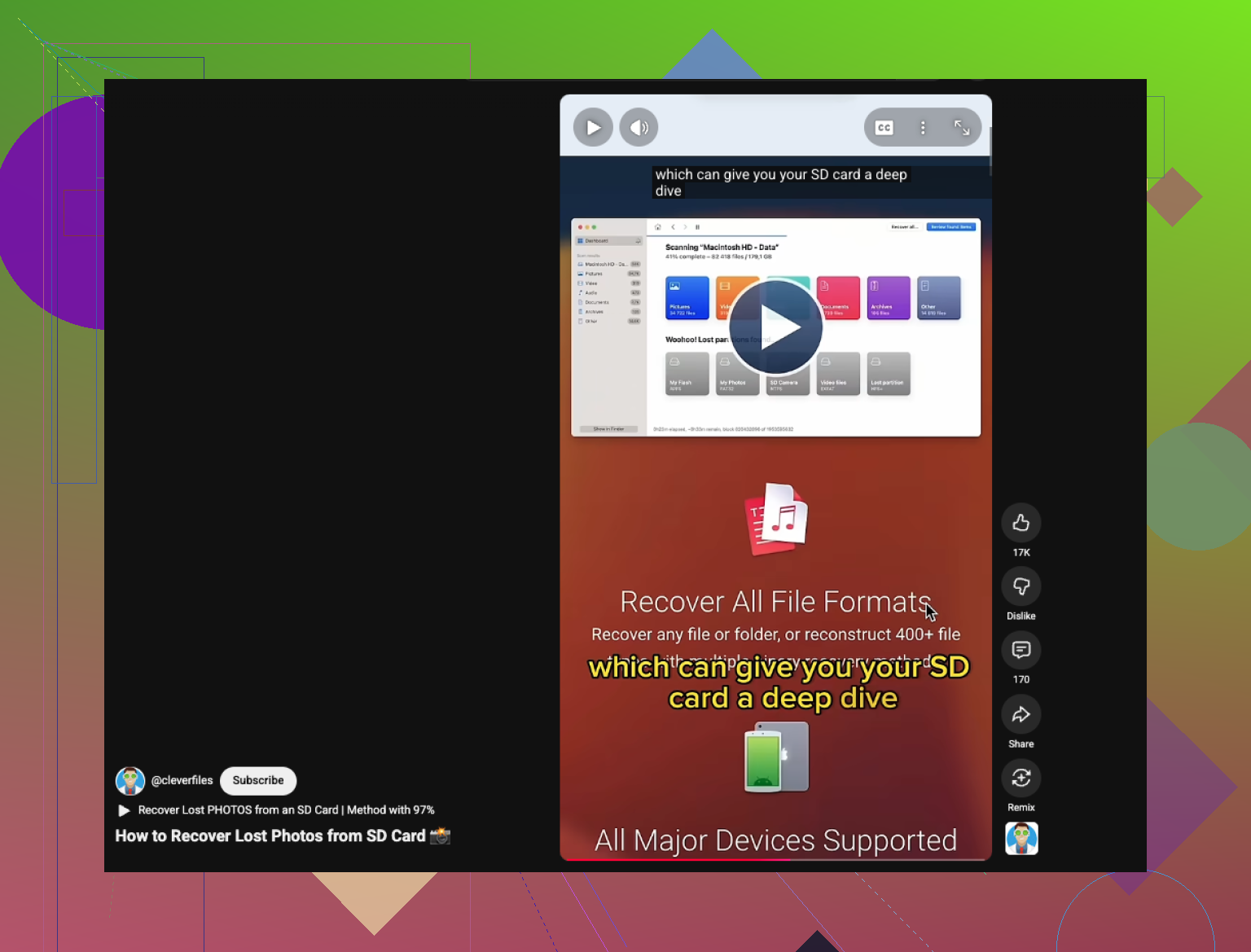
Out of the usual options, Disk Drill gave me the best results on Canon cards. It picked up CR2 and CR3 files without much fuss, plus JPEGs and video clips. The preview part helped a lot because I could check whether the files were intact before saving anything. On Windows, there’s a small free recovery allowance, which is enough to test whether your lost shots are there before you spend time sorting the rest.
If you want a free route and don’t mind something rougher, PhotoRec still gets mentioned for a reason. It digs up files well. The tradeoff is usability. It runs in a text-based window, and the output is messy. You usually lose original filenames and folder layout, so you end up sorting a pile of recovered files by hand. Recuva is easier on Windows, but on camera cards I found it weaker with Canon RAW recovery once the scan got deep.
The process is mostly the same no matter which tool you pick.
Install the recovery app on your computer, never on the SD card you’re trying to save.
Insert the card into a reader, choose it in the app, then run a deep scan. Large cards take time. Let it finish.
Save recovered files to your computer or another drive. Do not write them back to the same SD card. Doing that risks wiping out the stuff you’re trying to get back.
If the scan finds your photos, recover them first, then back them up somewhere else before you do anything with the card. Afterward, I’d format the card in-camera before using it again. I stopped deleting files one by one years ago because cards seem to behave better with a clean in-camera format.
That’s the whole play here. Keep the card untouched, scan it from a reader, recover to a different drive, and sort the results after.