My older iPhone has gotten really slow after recent updates, with apps lagging, typing delayed, and the battery draining faster. I’m not ready to buy a new phone, so I need help finding safe ways to improve iPhone performance, free up storage, and make it run smoother.
Before you start pricing out a replacement, I’d try a few boring fixes first. Older iPhones can feel awful when they’re low on storage, running too many background tasks, or dealing with a weak battery. I had this happen with an old SE and an iPhone 11 Pro, and both got a lot more usable after cleaning them up a bit.
The settings stuff is worth doing, but don’t expect one magic switch to fix everything.
Go into Settings > Accessibility and turn on Reduce Motion. Then go to Display & Text Size and turn on Reduce Transparency. A lot of the blur effects, animations, and little visual extras in iOS are nice on newer phones, but they can make older hardware feel sluggish for no real benefit. Turning them off makes the phone feel a little more direct and less weighed down.
I’d also check Background App Refresh under General. You can turn it off completely, or at least limit it to apps that actually need it. Most apps don’t need to keep refreshing in the background while you’re not using them. It just eats battery and makes the phone work harder.
Battery health matters too. Check it in Settings. If the maximum capacity is under 80%, or you see a message about Performance Management, that can explain a lot of the slowdown. Apple may limit performance to stop the phone from randomly shutting off. Also, don’t leave Low Power Mode on all day if you care about speed. It saves battery by intentionally cutting performance.
The bigger issue for me, though, was storage. If your iPhone is nearly full, iOS has very little room to manage files, cache, indexing, and memory swap. Once you’re around 90% full, the phone can start feeling like it’s choking. A decent target is keeping 10% to 20% of your storage free. So on a 64GB iPhone, having around 10GB or more free is a good goal.
You can start with the usual cleanup stuff in Settings > General > iPhone Storage. Offload apps you never use, clear Safari data, delete old downloads, that kind of thing. But the real storage hog is almost always photos and videos. Trying to manually sort through thousands of blurry photos, duplicate shots, screenshots, and random old videos is miserable.
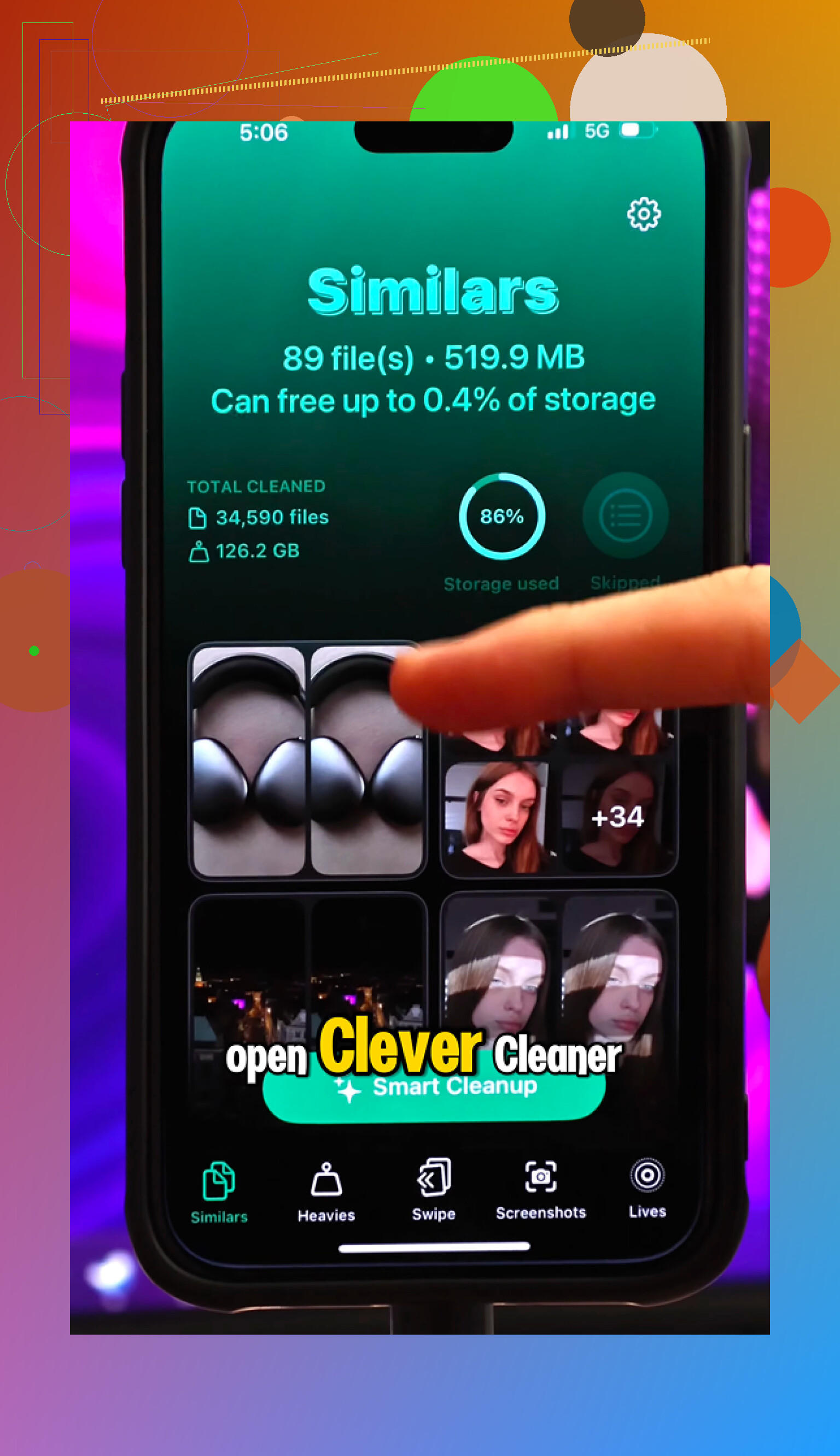
That’s where Clever Cleaner helped me. I’m usually pretty suspicious of phone cleaner apps because a lot of them are ad-heavy or hide the useful parts behind subscriptions. This one is completely free, with no ads, no paywall, and no premium subscription nagging.
The useful part is that it makes the big files easy to find. The Heavies section sorts your media by file size, which is how I found old 4K videos taking up a ridiculous amount of space. The Similars section finds near-duplicate photos, like when you took ten versions of the same picture and forgot about them. It can pick the best one and let you remove the rest. There’s also a Screenshots tool that shows file sizes, so you can quickly clear out junk screenshots without guessing.
I also liked that the cleanup happens on-device. It doesn’t send your photo library off to some server. Everything stays on the phone, which matters with personal photos.
After I cleared around 30GB of old media and restarted the phone, the difference was obvious. The camera opened normally again, swiping felt smoother, and the overheating calmed down a lot.
So if your SE or older iPhone is crawling, I wouldn’t factory reset it right away. Turn down the motion and transparency effects, cut back Background App Refresh, check the battery health, make sure Low Power Mode isn’t always on, and then clear out a serious chunk of storage with Clever Cleaner. That’s probably the most practical way to make it feel less ancient without buying a new one.
17 Likes
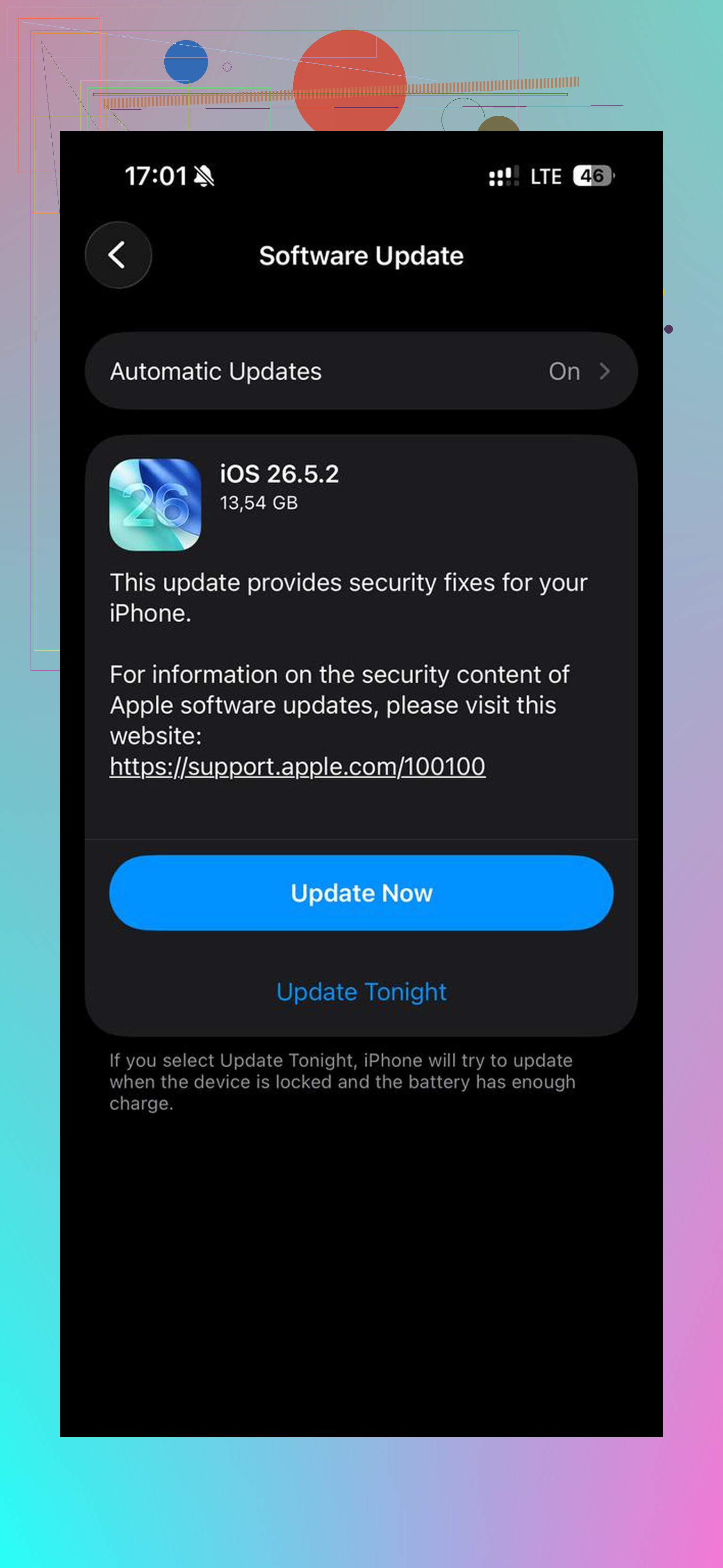
A phone that got slow right after an iOS update is a different case than a phone that has been getting worse for months. If it was updated recently, give it a day or two plugged in on Wi-Fi before judging it, because Photos, search indexing, app updates, and backups can make an older iPhone feel awful for a while. After that, I agree with the storage and battery comments, but I’d try the low-risk stuff first: restart it, update your apps, delete or offload apps you never open, and check if one app is abusing battery in Settings > Battery. For typing delay specifically, turn off extra keyboards you don’t use and try Reset Keyboard Dictionary before doing anything drastic. I would avoid “RAM cleaner” tricks and random cleaner apps that promise speed, since iOS does most of that itself. Freeing space helps, replacing a worn battery can help a lot, but no setting will make an old chip feel like a new phone.
Make a full backup before you start deleting or resetting anything. A lot of speed advice is harmless, but once you start clearing photos, removing apps, or resetting settings, it is easy to lose something you meant to keep. After that, the fastest “free” test I’d do is Settings > General > Transfer or Reset iPhone > Reset > Reset All Settings. It does not erase your data, but it can fix weird lag caused by old settings, keyboards, Wi-Fi profiles, notifications, and accessibility tweaks piling up over years. You’ll have to redo some preferences afterward, which is annoying, but it is still less drastic than a factory reset and less sketchy than cleaner apps that promise miracles. If the phone is still crawling after that, then battery health or age of the chip is probably the real limit.
Your exact iPhone model and how much free storage you have matter a lot here. “Old iPhone” can mean anything from a phone that just needs cleanup to one that is barely hanging on with current apps. If you have less than a few GB free, fix that first. If you already have plenty of space and battery health is decent, then deleting photos probably won’t magically solve typing lag.
A setting people forget is Search/Siri indexing. Go to Settings > Siri & Search and turn off search suggestions for apps you don’t care about, especially apps with tons of local data like Photos, Messages, Mail, Notes, and file managers. You don’t have to disable everything, but older phones can feel less busy when they are not constantly trying to make every app searchable and suggested everywhere. Same idea with widgets. Remove the giant widget stack full of weather, news, stocks, photos, delivery apps, etc. Those are convenient, but they are another layer of background work on a phone that is already struggling.
I’d be a little skeptical of chasing every “make iPhone faster” trick, though. Force-closing every app all day usually makes things worse because the phone has to reload them from scratch. And if the slowdown mostly happens when the phone is warm, plugged in, or under 20% battery, that is more of a power/thermal issue than a clutter issue. In that case, a battery replacement may be the only repair that actually changes the feel of the phone without replacing the whole thing.
Skip the ‘reset all settings’ step unless you’ve actually run out of other options. @cazadordeestrellas isn’t wrong that it can clear weird lag, but it wipes your Wi-Fi passwords, keyboard learning, notification setup, and a pile of small preferences you forgot you set. That’s a lot of annoyance for something that often changes nothing. I’d treat it as a near-last resort, right before a full wipe, not an early test.
The thing nobody’s really said out loud: on old iPhones the apps are usually the problem, not iOS itself. Every update to Instagram, Snapchat, whatever, is built and tested on current hardware, and they keep getting heavier. So even a spotless phone with tons of free space can feel slow because a single app is doing way more work than your chip wants to handle. Check Settings > Battery and look at the per-app breakdown. If one or two apps dominate the list and those are the ones that feel laggy, freeing storage won’t fix that. Sometimes the fix is using the app’s ‘lite’ version or just the website.
Storage cleanup is still worth doing, and I get why Clever Cleaner came up, since sorting duplicate photos by hand is genuinely miserable. Just don’t expect deleting videos to touch typing delay or app lag, those are almost always battery or CPU load, not free space. My honest order: check battery health first, watch the battery-by-app list for a runaway app, then clean storage if you’re near full. If health is under 80%, a battery swap is the only thing on this whole thread that reliably brings the phone back to feeling normal.