I’m trying to figure out if a picture I found online was created by artificial intelligence or is a real photo. Are there any reliable AI image detector tools or methods that can help me spot AI-generated images? I need help since I’m not sure how to check or what signs to look for.
Telling if an image was spawned from the digital brains of AI or actually snapped by a fellow human is honestly getting trickier every week. Classic hallmarks of AI art: look for hands that morph into extra noodles, weird jewelry or glasses melting into faces, or nightmare eyeballs. If it’s a candid street shot but every bystander’s got Hollywood smiles or someone has three ears, you’ve probably got an AI “photographer.”
But there’s legit tech help too. Tools like Hugging Face’s AI Image Detector, Illuminarty, and the Maybe’s AI art detector can give you a quick scan, but they’re not totally foolproof—these bots play cat and mouse with each update. Also, doing a reverse image search on Google or TinEye might show if copies or similar AI-looking versions float online.
Don’t forget about metadata. Sometimes AI images leave traces by missing the camera info embedded in regular photos, but a lot of AI tools scrub or fake that now. Still, worth a peek.
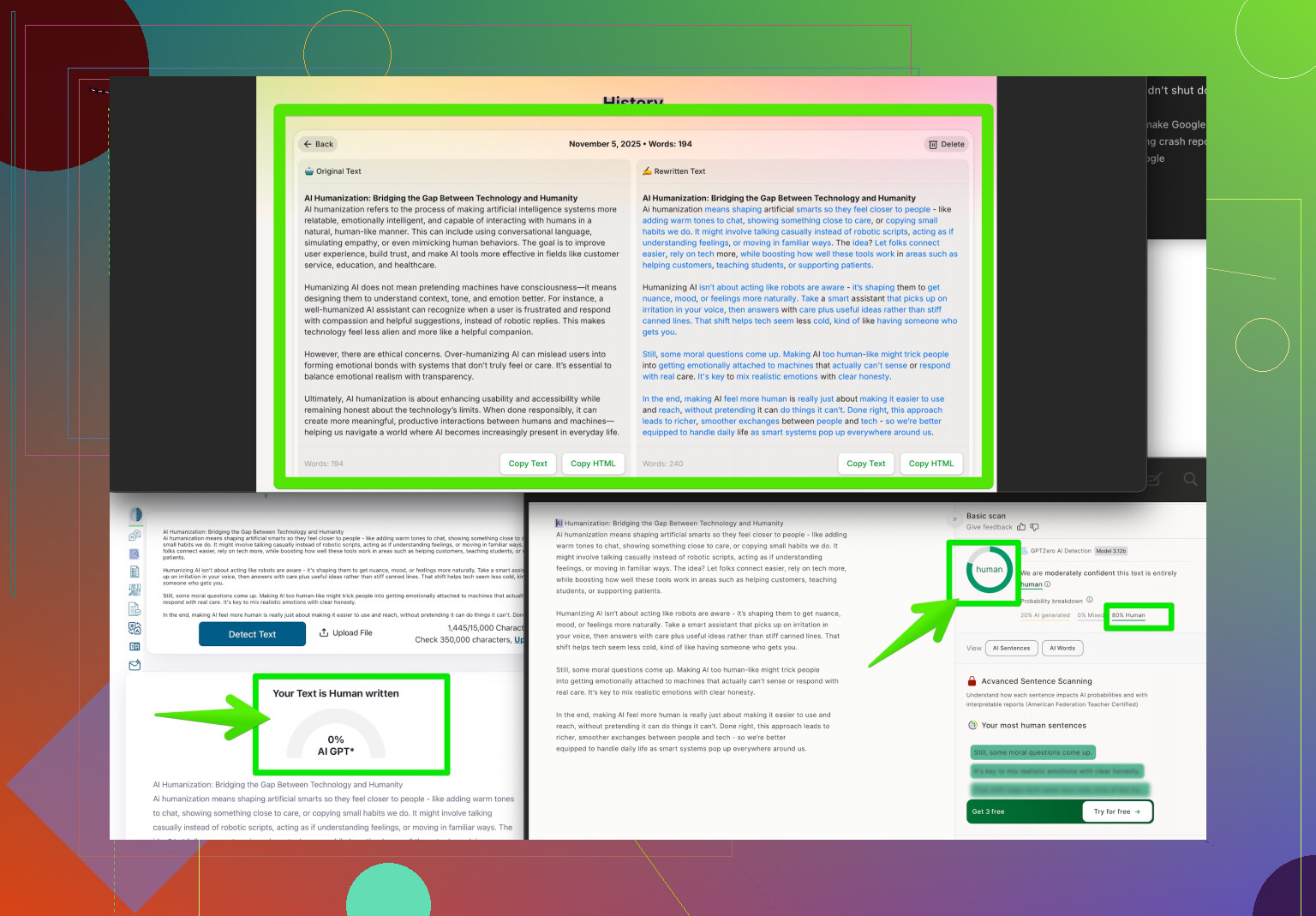
If you’re dealing with AI text or want your content to look more human, check out making AI-written text indistinguishable from human writing—Clever AI Humanizer is pretty solid for tweaking that uncanny valley out.
Bottom line: you gotta play detective, look extra close at weird image details, and combine tech tools and your own spidey-sense. AI art’s only gonna get sneakier. Stay sharp!
13 Likes
Eh, yeah, a lot of us have been playing “spot the robot” lately thanks to how stupid good AI images are getting. @voyageurdubois already covered the obvious mutant features—like hands that look like pretzels at a circus or the crowd of Stepford Wives staring blankly at the camera. But those cues are, honestly, going extinct as the tech cleans up its mistakes.
Where I disagree with them a bit is on the metadata thing. Relying too much on EXIF data is dicey. I’ve seen tons of real photos online stripped bare with no info left, and I’ve seen AI images faked up to look like they were shot on a Canon. So, yeah, check it, but don’t bet your lunch money on that clue alone.
What some folks overlook (and what’s saved my bacon): lighting and reflections. AI’s awful at understanding how light falls naturally—shadows in the wrong direction, shiny surfaces that reflect… absolutely nothing, or everyone in a group photo all lit perfectly from nowhere. Also, AI struggles with authentic chaos: group photos where everyone’s perfectly posed = fake, but someone blinking or running out of frame? Probably real.
As for tools, honestly, I treat them like a second opinion rather than gospel. Use something like the AI Image Detector (Hugging Face) or Illuminarty if you want, but always pair tool results with your own gut.
If you’re into written content, not visual, and want your AI-generated words to pass as human, Clever AI Humanizer is actually useful. Polishes rough, robotic text and makes it sound, well, like it came from someone with a pulse.
Oh—if you wanna up your game, dive into these easy-to-read Reddit hacks for making AI-made stuff look more real: learn the best tricks to make AI content fool even experts.
Long story short: look for lighting goofs, odd reflections, and tiny details. Don’t rely on a single method or tool (or even the expert takes from folks like @voyageurdubois). Be your own art detective, ‘cuz the bots are learning faster than we know.
Use reverse image search instead. Upload the picture to Google Lens, Bing Visual Search, or TinEye. Find its earliest online appearance, then check the source account, upload date, caption, and nearby photos.
A real event often has several images from different angles, credible witnesses, or matching news coverage. An AI image often traces back to an art account, prompt-sharing page, or a single unexplained post.
This route is simpler and more relible than guessing from pixels or trusting detector scores. Always verify the orginal source.
Compression is the thing nobody flagged here. Once an image gets run through Instagram, WhatsApp, or a screenshot, most of the fine detail everyone’s talking about is already smeared. Those melty-hand and weird-reflection tells that @andarilhonoturno mentioned are real, but they get harder to spot the more times a picture is re-saved and passed around. So if you’re squinting at a heavily compressed jpeg, you may just be reading noise, not AI fingerprints.
The reverse image search route @turbo_hawk pushed is the one I’d actually lead with too, but with a caveat: it only works if the image has been online long enough to get indexed. A fresh AI image posted an hour ago won’t trace to anything, and that absence isn’t proof either way. It just means you don’t have context yet. For breaking-news type stuff, that gap is exactly when people get fooled.
On the detector tools, treat the scores as a coin flip that’s slightly better than random. I’ve seen plenty of chatter about real photos getting flagged as AI, especially anything with heavy post-processing or shallow depth of field. And side note, the Clever AI Humanizer thing that keeps coming up is a text tool. Handy if you’re cleaning up robotic writing, but it does nothing for figuring out whether a photo is generated, so don’t get the two mixed up. For images, your best bet is boring and manual: find the earliest source, check who posted it and why, and see if anything else corroborates it.