GPTZero free access is prompting me to sign up

I’m on a shared work computer and can’t create a new account here. I pasted a 683-word draft into GPTZero for a one-off check, but I hit a sign-up prompt before getting a result. I need to decide whether to wait until I can register on my own computer or keep looking for the guest option.

Is there still a free check without signing up, or does free access now mean using a registered account?

I was working through a small English-language detector comparison using AI writing, human writing, and human text with light AI editing. I wanted to see what I could check without signing in.


The gap I care about is the missing human result. This session couldn’t tell me whether GPTZero would wrongly flag the genuine human passage or how it would handle limited AI copy-editing. Neither received a completed scan. I tested on October 2, 2026, and this was a brand-owned review: Clever AI Detector is our product. That matters when reading my preference for its workflow.

The sample set was fixed before testing. Here’s what actually reached a result in GPTZero, with the unfinished cases left visible rather than treated as failures.

NameOriginCompleted result
Library essayAI-generated argumentFlagged as AI
Invoice memoAI-generated business writingFlagged as AI
Essay paraphraseAI rewrite of the library essayFlagged as AI
Personal storyAI-generated fictionNot tested
Historical excerptHuman, public domainNot tested
Edited passageHuman with limited AI copy-editingNot tested

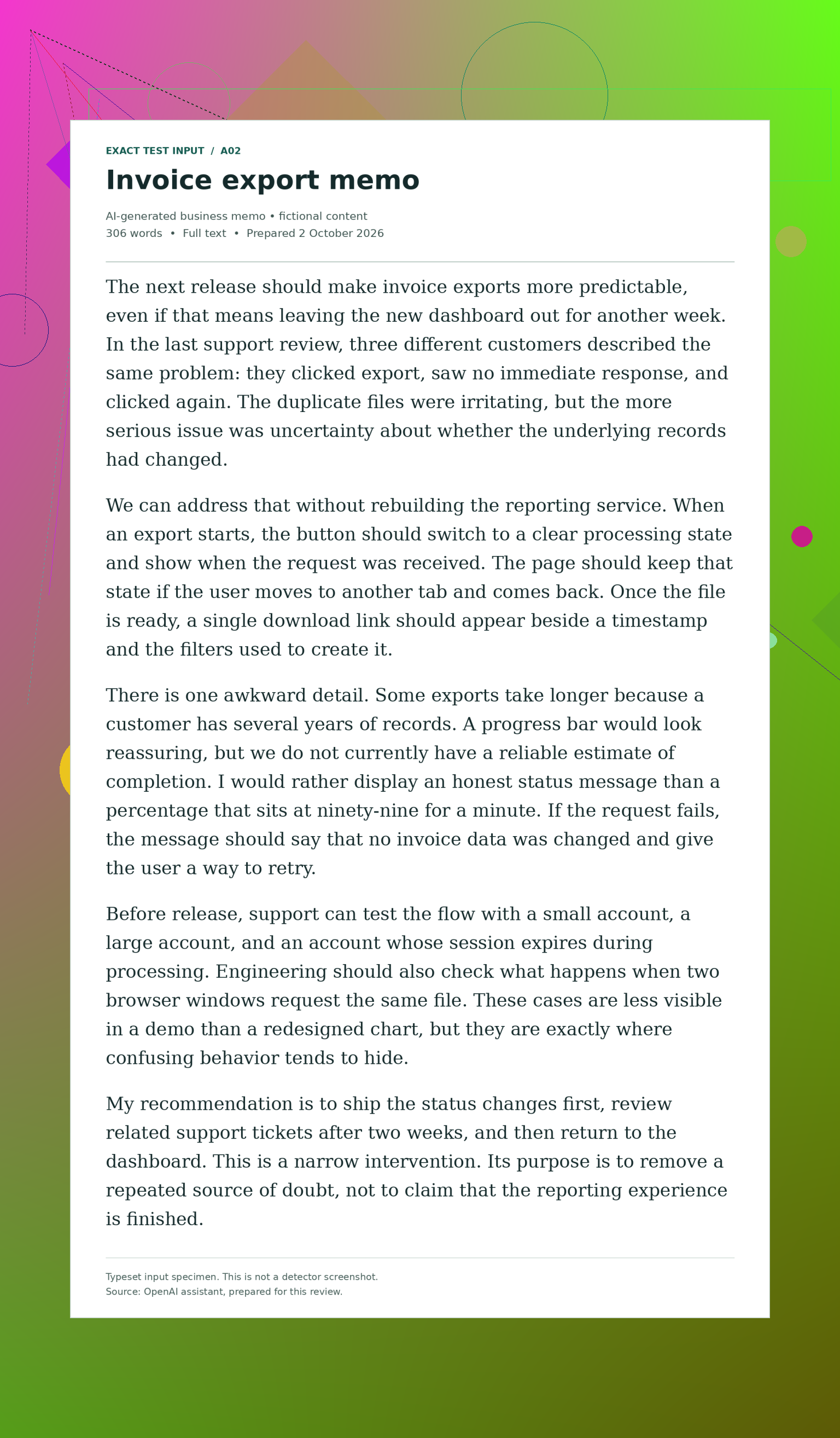
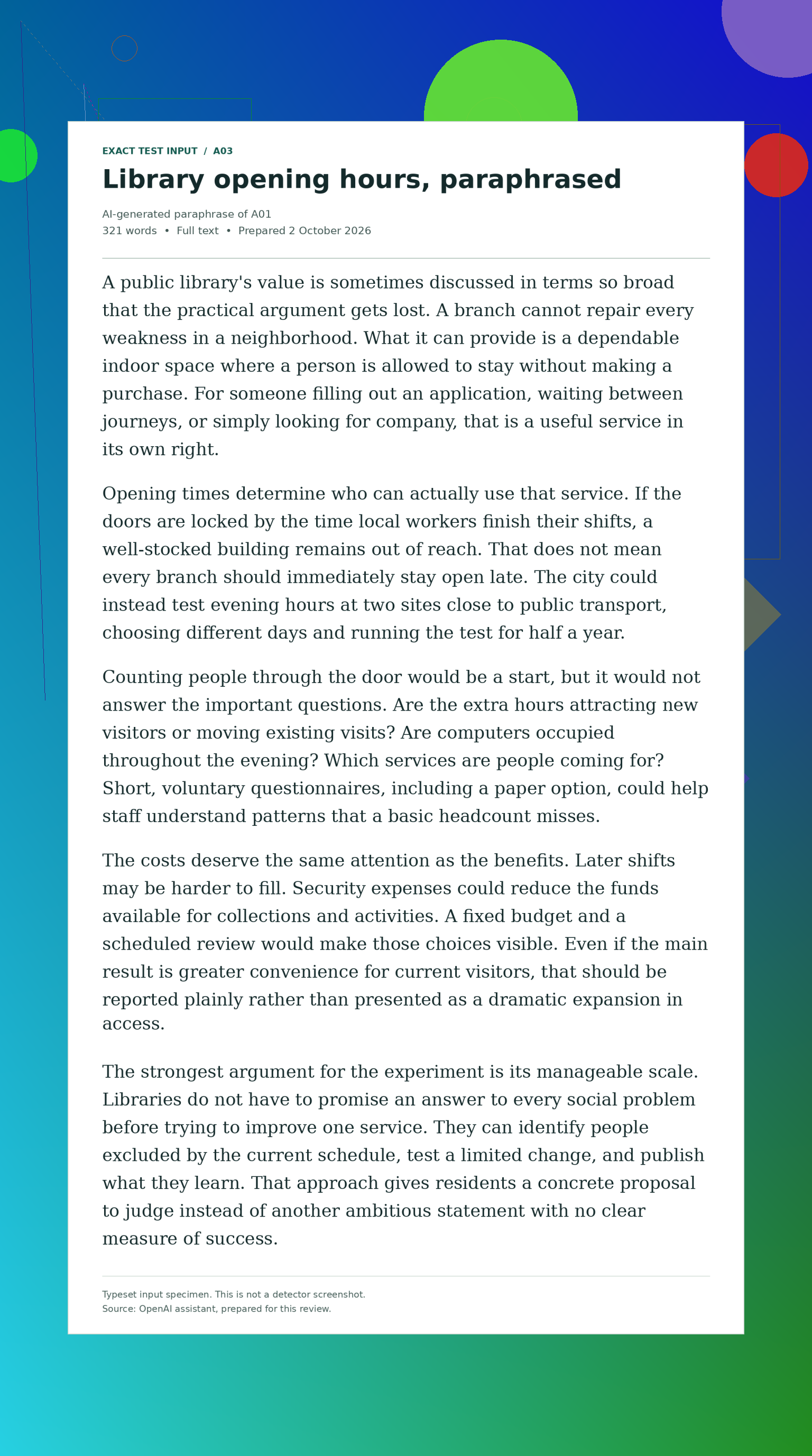
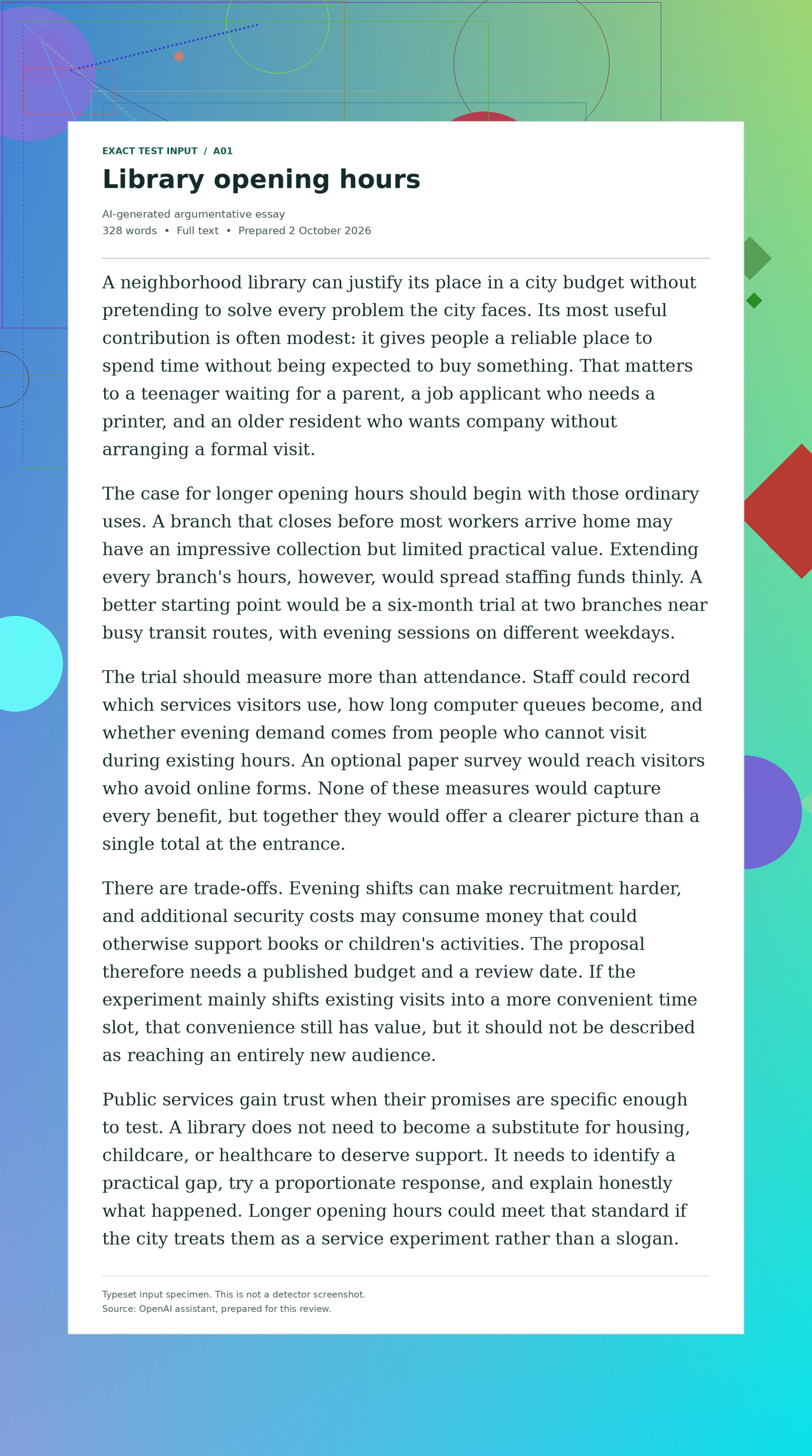
The submitted GPTZero essay specimen argues for trying longer library hours. The GPTZero memo specimen concerns unclear invoice exports, while the GPTZero paraphrase specimen rewrites the library argument. Those are typeset inputs, not detector screenshots. The paraphrase adds a rewriting case, but not an independent topic or a commercial humanizer test.

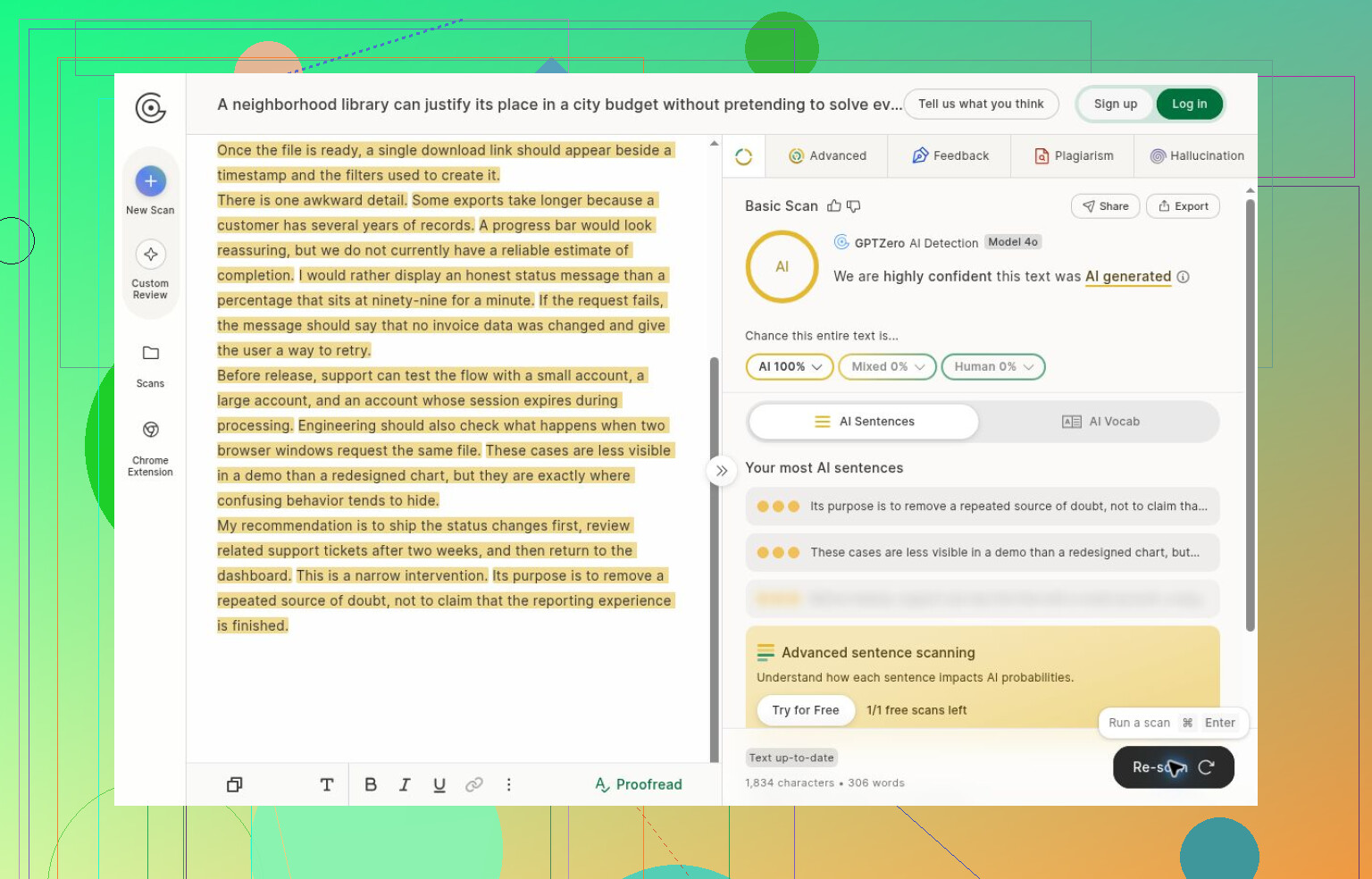
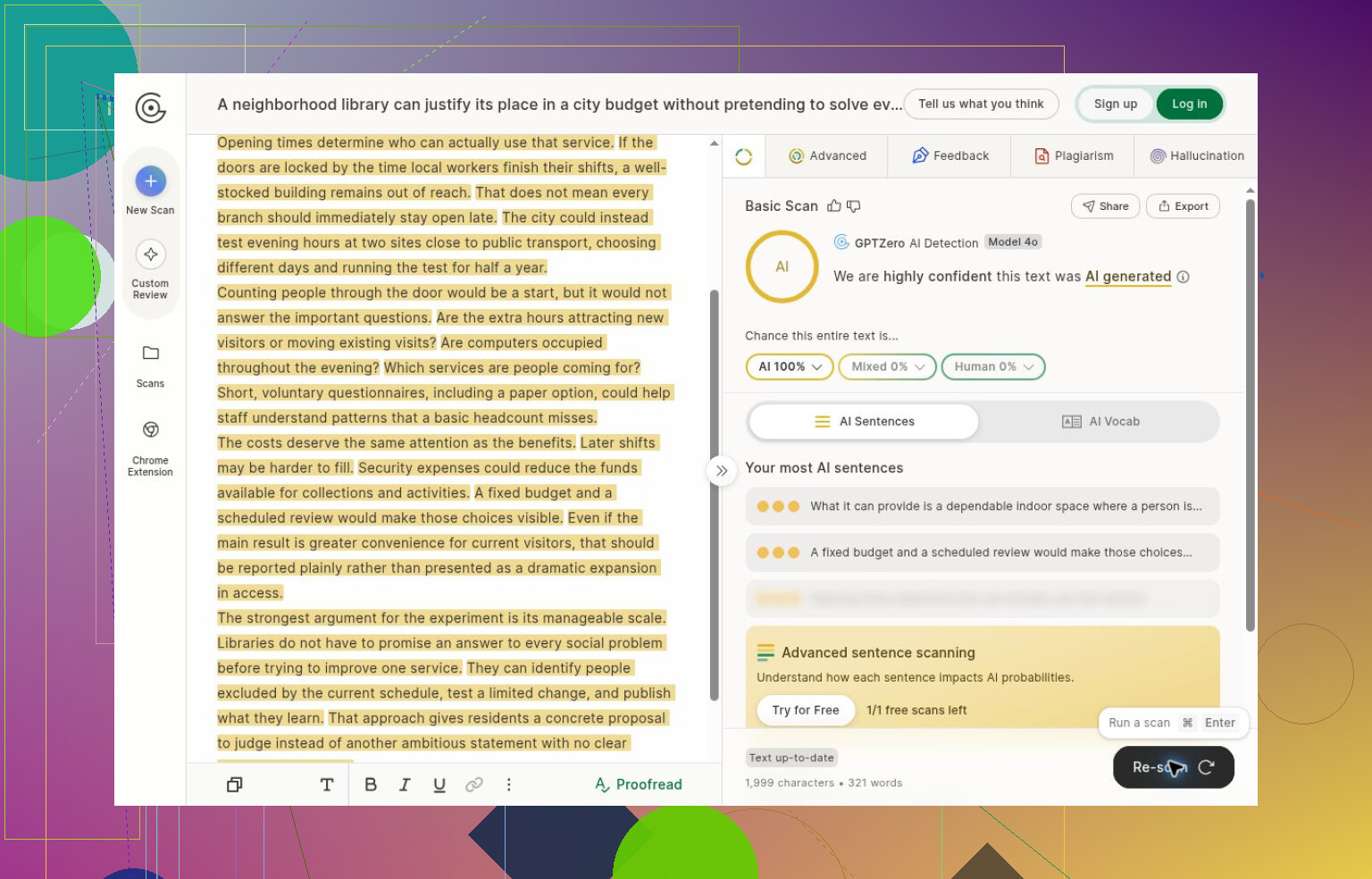
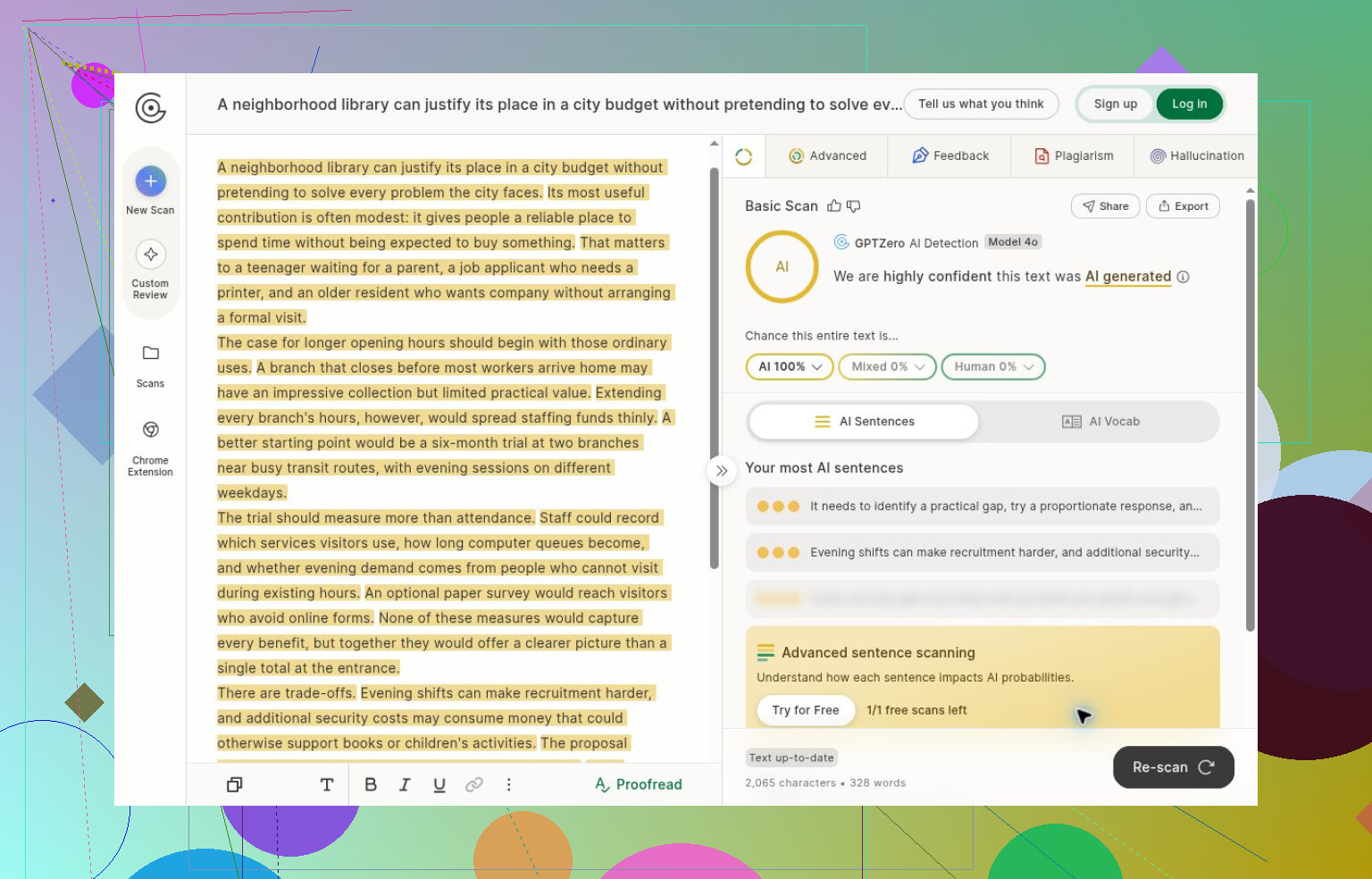
Every completed scan displayed AI 100%, with no mixed or human allocation. That’s a whole-document class estimate, not a verified measurement of how many words came from AI. Sentence highlighting is separate. I wouldn’t compare that display directly with another detector’s lower score and call it an accuracy win. Different score definitions don’t become interchangeable because they share a percent sign.

The practical problem came when I tried to continue. Basic Scan had accepted the earlier samples without an account, then a signup prompt blocked the next completed analysis. An old score remained visible behind the prompt. The editor also said the changed text needed scanning, so I excluded that old score. It belonged to the previous input. A visible credit balance didn’t provide continued guest access, either.

For this particular job, Clever AI Detector let me finish the entire planned set without creating an account. It flagged the same completed AI samples, so there wasn’t a detection victory unique to Clever. My preference for the Clever AI Detector tool is about finishing the checks. Its free interface advertises unlimited use; the observation here is narrower, since I only completed this set. Its separate review also notes weaknesses in its explanations.

The saved GPTZero result shows the essay classification. The GPTZero capture records the memo, and the GPTZero screenshot records the paraphrase. Basic Scan exposed document probabilities, highlighted prose, and influential sentences. Other options were visible, including plagiarism checking and writing feedback, but I didn’t evaluate them or buy a paid plan.

I’d keep the scope narrow. The AI material came from the same assistant session, and repeat-run reliability wasn’t systematically tested. Long documents and other languages weren’t tested. The historical human excerpt wouldn’t represent all present-day student or workplace writing even with a result. GPTZero’s FAQ acknowledges classification errors and advises against using results to punish students. Drafts and source material still matter.

There’s also a screenshot detail worth checking. Comparing the GPTZero specimen with the GPTZero header establishes the original essay title. That title remained when the GPTZero document was submitted through the GPTZero rescan workflow. The later GPTZero text likewise matches the body in the GPTZero editor, not the retained title. Bodies and updated results were checked against the submissions. Paragraph separators were normalized by the editor, changing displayed character counts without changing the prose.
10 Likes

If this draft contains work information, check your employer’s upload policy before trying another detector. I get @kevinthesignal’s preference for fewer signup hurdles, but I’d pause rather than switch services just for guest access, even once you’re on your own computer.

Unless someone specifically requires a GPTZero report, I wouldn’t put the draft on hold over this. Waiting makes sense if you want to create an account later on a device where that’s allowed. If you don’t want an account at all, moving to your own computer isn’t a plan I’d rely on. You’ve hit a signup prompt, and there’s no promise in the comparison that a different device will get you through without one.

I’d separate @kevinthesignal’s workflow result from an access guarantee. Getting several guest scans in that session doesn’t establish an allowance you can count on, especially when your session stopped before returning anything. That’s frustrating, but it doesn’t mean you did something wrong or need to keep adjusting the draft.

If the check is required, ask whoever requested it how you’re supposed to access the service under your workplace restrictions. If it’s just for your own reassurance, I’d skip this check rather than make account setup a prerequisite for finishing the draft.

You haven’t said whether the prompt offers free registration or sends you toward a paid plan. That distinction matters before you spend money or wait for another computer. “Free” and “no account required” are separate promises. Based on what you described, you’ve encountered an account requirement, not evidence that you need to buy anything.

I’d leave the draft intact. There’s no length-error message in your description, so trimming paragraphs to get past this would be troubleshooting a problem you haven’t actually identified. The completed scans in @not_a_wolf’s comparison don’t explain why your attempt stopped. I wouldn’t use that session as a target number of tries you’re somehow supposed to get.

For now, save the exact wording of the prompt, or a cropped screenshot if your workplace permits that. Keep the draft and any account details out of the capture. If this check is part of a handoff, “Check blocked by registration requirement; no result returned” is a useful status to send along. It distinguishes an unfinished check from a bad result without making anyone guess.

Waiting is worth it only if you’re willing and allowed to register later. I wouldn’t postpone the draft merely to find out whether a different computer offers a luckier guest session.

If you’re about to leave that shared computer, I’d deal with the pasted draft before worrying about another scan. Save your working copy in your approved work location, remove the text from the detector’s editor, and close the tab. If you copied it to the clipboard, follow your workplace’s usual cleanup procedure for that too. I wouldn’t wipe the entire browser’s history or cookies on a shared workstation just to troubleshoot this.

@corepilot8838’s upload concern matters for the attempt you’ve made, not only for whichever service you might try next. A registration prompt tells you that you didn’t get a result. It doesn’t establish whether the service received or retained the pasted text. I’m not claiming GPTZero stored it, only that “the scan never finished” isn’t confirmation that nothing was submitted. Removing it from the screen is local cleanup, not a way to undo a possible upload. If the draft contains restricted work material, that’s worth checking through your normal internal process.

For the access decision, I’d wait only if you have an approved way to use your own account later. I would rule out borrowing a coworker’s login or using an account someone left signed in, even for a single check. That trades a signup inconvenience for uncertainty about whose account holds the activity. You can keep working on the draft while leaving the detector check explicitly unfinished.

You could spend time setting up an account and still not satisfy whoever asked for the check. Building on @not_a_wolf’s point, first confirm whether they need a GPTZero report specifically or just want you to review the writing. If they require a report, ask what they’ll accept and what happens if the result is disputed before arranging access. If this is only for your own reassurance, I’d finish the draft rather than wait. Make the account decision after you know what the check is supposed to accomplish.

Expect the guest wall to move around. These free tiers quietly change how many checks they hand out before login, so even if you hop to your own machine later, you might hit the same prompt at a different point. Planning around ‘I’ll just get the free scan elsewhere’ is planning around something that isn’t stable.

Here’s the part that bugs me more than the signup though. A draft that short is exactly where detectors get twitchy. On a few hundred words you can get a confident-looking score that flips if you reword two sentences. So the thing you’re fighting to unlock is a number I wouldn’t lean on hard anyway. @omegahive5590lab is right that you’ve only confirmed an account requirement, not a paywall, and I’d stretch that further: even a completed result on text this length tells you less than the clean percentage makes it look.

If someone actually asked for this check, do what @primeshift7379 said and pin down what they’ll accept before you spend any effort on access. If it’s just you wanting peace of mind, I’d drop it. Reading your own draft critically does more for a short piece than any classifier that’s going to shrug at that word count.

A check done later could cover different wording from what you actually hand over. That’s the small catch with “keep editing and scan when you get home.” I’d build on @primeshift7379’s point by asking whether whoever requested the report needs this draft checked or the final submission. If it’s required, keep a clearly labeled copy of the version you send in your approved work storage, and arrange permitted access around that. Otherwise, I wouldn’t delay the draft to set up an account for a check you only wanted for yourself.