I tried creating an AI headshot for my profile, but the results looked fake and didn’t really look like me. I’m not sure which app, settings, or photo types work best, and I need a polished, realistic AI headshot for LinkedIn and job applications. Looking for advice on the best way to create a professional AI headshot.
How I’ve been doing AI headshots
I thought this stuff would be annoying the first time I tried it. It wasn’t. The whole process is mostly upload photos, wait, sort through the outputs, keep the ones that don’t look weird.
The app I used:
What it does is simple. You feed it a batch of selfies. The model builds a face profile from those shots, then spits out a set of polished portraits. Usually you get a mix of looks, office-style headshots, cleaner studio-looking ones, business casual stuff, profile-photo material.
A few I made:
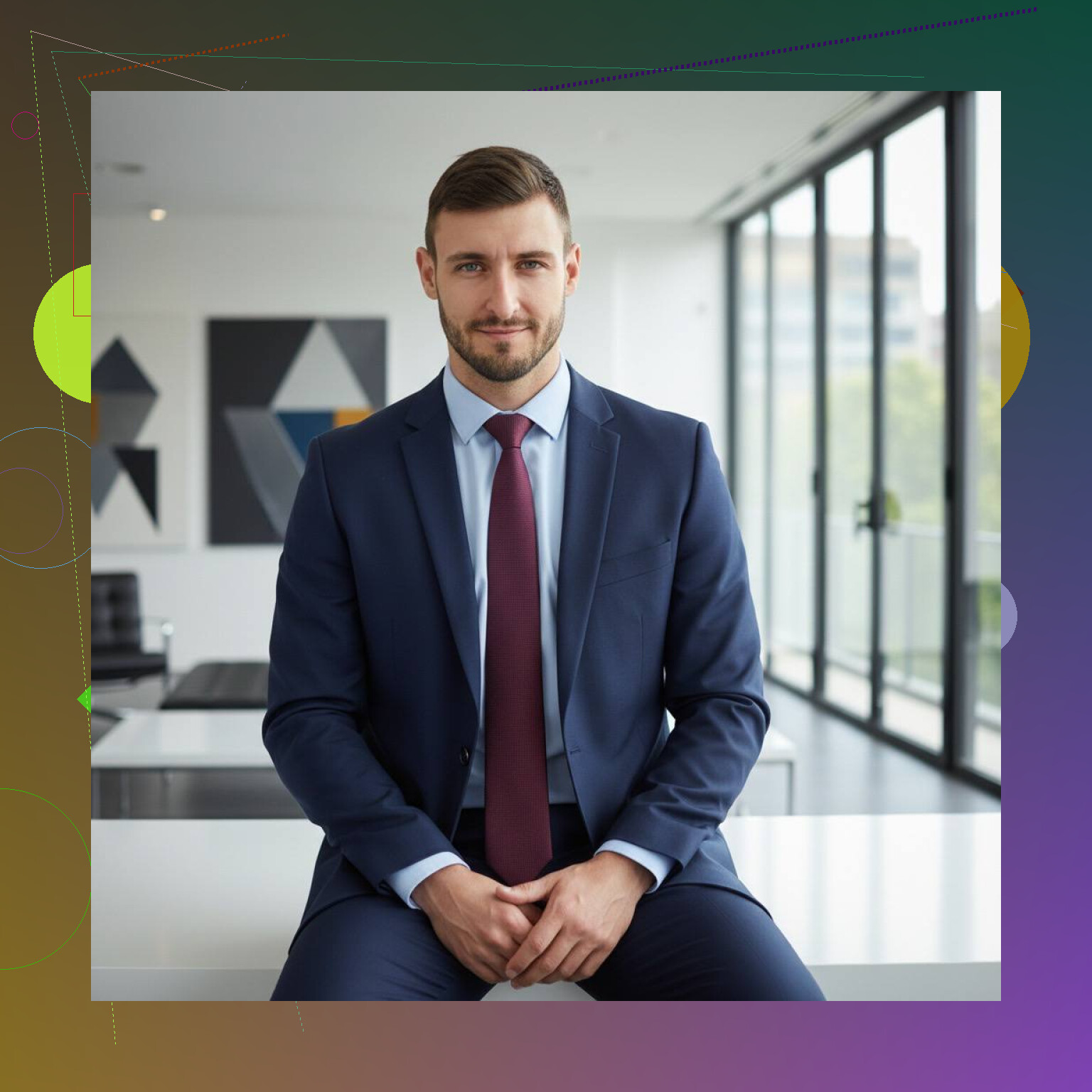
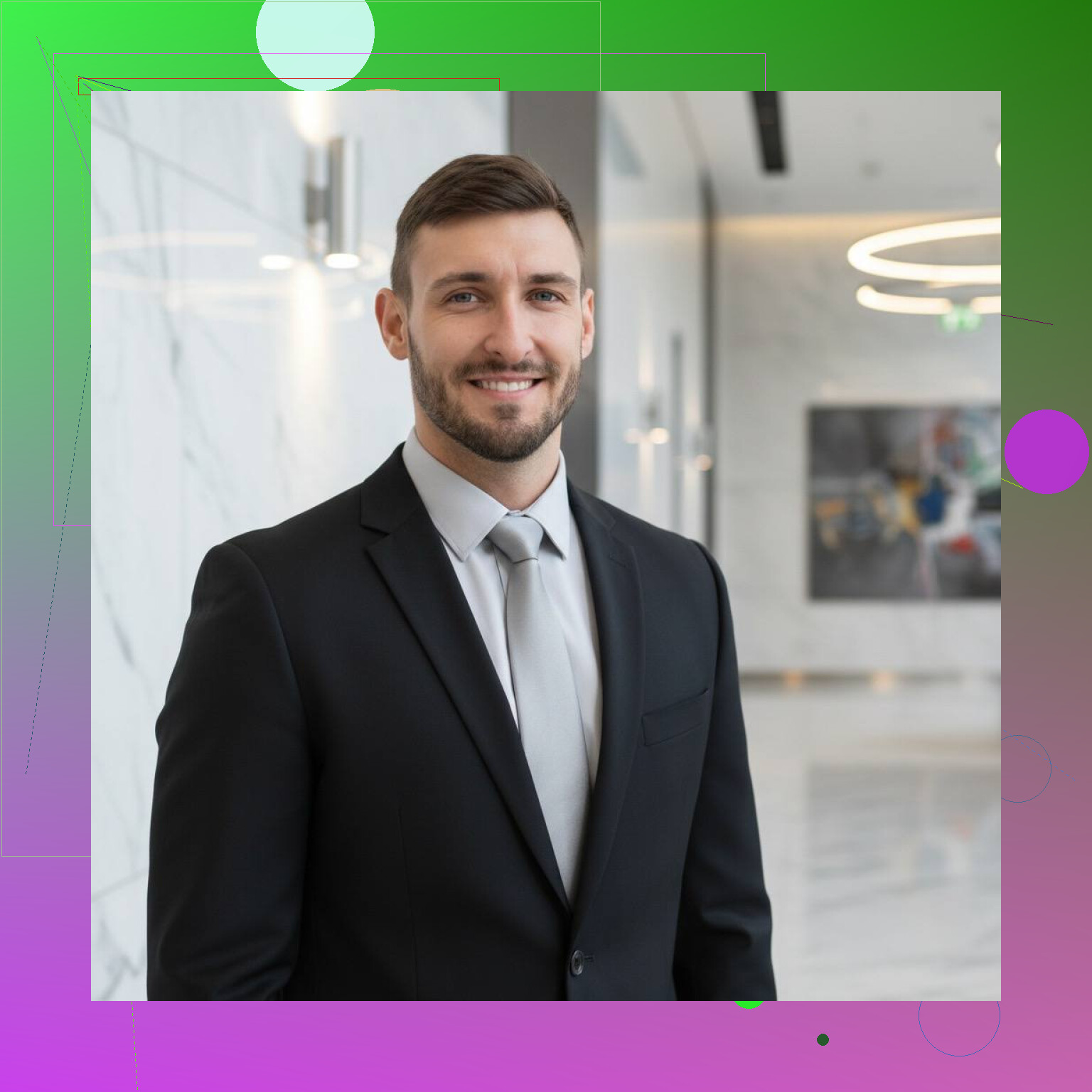
The upload step matters more than people think. When I used clear photos with plain lighting and a few different face angles, the results were better by a lot. When I tested junk selfies, dim room, heavy filters, half my face turned away, the output looked off fast. Skin got smoothed too much. Eyes looked strange. Hair edges went mushy.
My rough checklist for uploads:
- use sharp photos
- keep lighting even
- include front and slight side angles
- skip beauty filters
- don’t mix in sunglasses or face coverings
- give it a few expressions, but nothing extreme
Then you wait a bit. After generation, you go through the set and start cutting. Some images will look good at a glance and fall apart when you zoom in. Some will look stiff. Some are weirdly perfect, which is its own problem. Still, I usually find a few usable ones in the batch.
I’ve seen people mention Aragon AI and HeadshotPro too. Same general flow from what I saw. Upload. Generate. Pick the least fake-looking winners.
My take
For LinkedIn, resumes, freelance platforms, team pages, stuff like that, I think AI headshots are good enough most of the time. I’d rather do this than book a photographer, drive across town, change shirts, then wait for edits.
There are limits. If the photo is for press, brand campaigns, or anything where people will inspect it closely, I’d still go with a real photographer. AI still leaves little tells. Teeth look odd. Fabric goes soft. Earrings drift. Background blur gets funky. You notice it more the longer you stare.
Still, if you need a clean professional photo fast, this route works. Not flawless, no. Useful, yep.
15 Likes
I’d focus less on the app and more on the input set plus the final edit. @mikeappsreviewer covered the upload side well. I disagree a bit on one thing though. Some AI batches look polished, but too polished hurts LinkedIn. People trust a photo more when it looks like a clean photo, not a magazine ad.
What worked for me:
- Use 12 to 20 photos from the last 6 to 12 months. Same haircut, similar weight, normal glasses if you wear them daily.
- Include 2 or 3 photos taken by someone else, not all selfies. Selfies distort your face.
- Wear plain tops in dark blue, gray, or white. Busy patterns confuse the model.
- Pick outputs with minor skin texture. If your skin looks airbrushed, skip it.
- After generation, fix only crop, brightness, and white balance. Don’t keep stacking edits or it gets fake fast.
Best setting, if the app offers it, is “realistic” or “professional,” not “cinematic” or “studio glam.” Also avoid teeth-showing smiles in the source photos if your last batch gave uncanny results. Teeth are still where AI messes up alot.
If every result looks off, stop feeding more photos into the same tool. Try a different generator with a smaller, cleaner set. More photos is not always better. Sometimes it makes the face drift.
If it keeps looking fake, the issue usually is not just the app. It’s that the generator is trying to average too many different versions of your face into one “professional human-ish” person.
I agree with @mikeappsreviewer on input quality mattering a lot, but I slightly disagree with the idea that more variation is always helpful. Too much variation can make the face drift. If one pic has glasses, one has no glasses, one has a beard shadow, one is super close-up, one is wide-angle selfie, the model starts guessing. That’s when you get the “kinda you, kinda your cousin” effect.
For LinkedIn specifically, I’d do this:
- use photos from the same general look
- same haircut/facial hair
- similar lighting style
- avoid ultra close selfies from a phone lens
- avoid old pics even if you like them more
Also, don’t chase “perfect.” Real headshots have tiny flaws. A slightly uneven smile or normal skin texture is better than wax-face AI. People on LinkedIn are not hiring a Marvel character.
One thing @sterrenkijker said that I def agree with: stop overediting after generation. If you retouch the AI result again, it gets uncanny real fast.
My extra tip: compare the final image next to 3 candid photos of yourself. Not your mirror selfie. Real photos. If the nose, eye spacing, or jawline looks off side-by-side, toss it. Your brain can miss this when you stare at one image too long.
If you keep getting bad outputs, honestly, try one clean batch in something like Eltima AI Headshor Generator, Aragon AI, or HeadshotPro, then pick the most boring result. Boring is usally the most believable.
I’d tweak the goal a bit: don’t aim for the most “impressive” AI headshot, aim for the one that would pass as a normal photo in a recruiter’s feed.
I agree with @sterrenkijker and @codecrafter that realism beats glam, and @mikeappsreviewer is right that input quality drives most of the result. Where I disagree a little is the common advice to keep retrying batches until one looks perfect. Usually the more you chase perfection, the more synthetic it gets.
What I’d do differently:
- Start by deciding your LinkedIn look first: approachable, corporate, startup, or creative. If you don’t define that, the generator guesses and often overshoots.
- Check the jawline, ears, and hairline first, not the eyes. Those are usually the dead giveaways.
- Use a background that could exist in real life. Plain wall, soft office blur, muted outdoor. Fancy skyline or dramatic studio backdrops scream AI.
- Downsize slightly before uploading as your final profile image. Ultra sharp exports make AI texture artifacts easier to spot.
- Test it on mobile. A headshot can look weird on desktop zoom but perfectly fine in the small LinkedIn circle.
If you want a quick tool, Eltima AI Headshot Generator is fine for fast iterations.
Pros for Eltima AI Headshot Generator:
- easy workflow
- decent variety
- useful for LinkedIn-type photos
- faster than booking a shoot
Cons:
- can over-smooth skin
- some outputs look too commercial
Competitor-wise, people here already mentioned options like what @mikeappsreviewer used, plus the kinds of tools @sterrenkijker and @codecrafter talked about. At that point it’s less about the brand and more about whether the output still looks like your actual face.
Best final filter: if a coworker would say “nice photo” instead of “wow, that looks so professional,” you probably picked the right one.