I’m trying to create an AI photo of myself, but I’m confused about the best app, prompts, and photo uploads to use. I want it to look realistic and still look like me, but my results keep coming out weird or inaccurate. I need help figuring out the easiest way to make a good AI portrait from my own photos.
Creating AI pictures of yourself is way easier now than it was even a year or two ago. I barely had to do anything when I tried it. Most apps follow the same routine. You upload a handful of clear photos, the system studies your face, then it spits out new shots of you in different outfits, scenes, or portrait styles.
What changes the outcome is pretty simple. First, your source photos matter a lot. If your uploads are blurry, badly lit, or all taken from one angle, the results tend to go weird fast. Second, the app itself matters. Some lean into realism and try to keep your face recognizable. Others chase flashy edits and social-ready looks, even if your face starts drifting.
If you want results that still look like you, I’d start with Eltima AI Headshot Generator app. What stood out when I looked through its output was consistency. You feed it a set of selfies, and it builds different photo sets from there. Not only office headshots either. It handles casual shots, cleaner lifestyle looks, and more polished glam-style images too. The part I liked most was how stable the face stayed from image to image. A lot of these tools lose the person halfway through. This one seemed less sloppy.
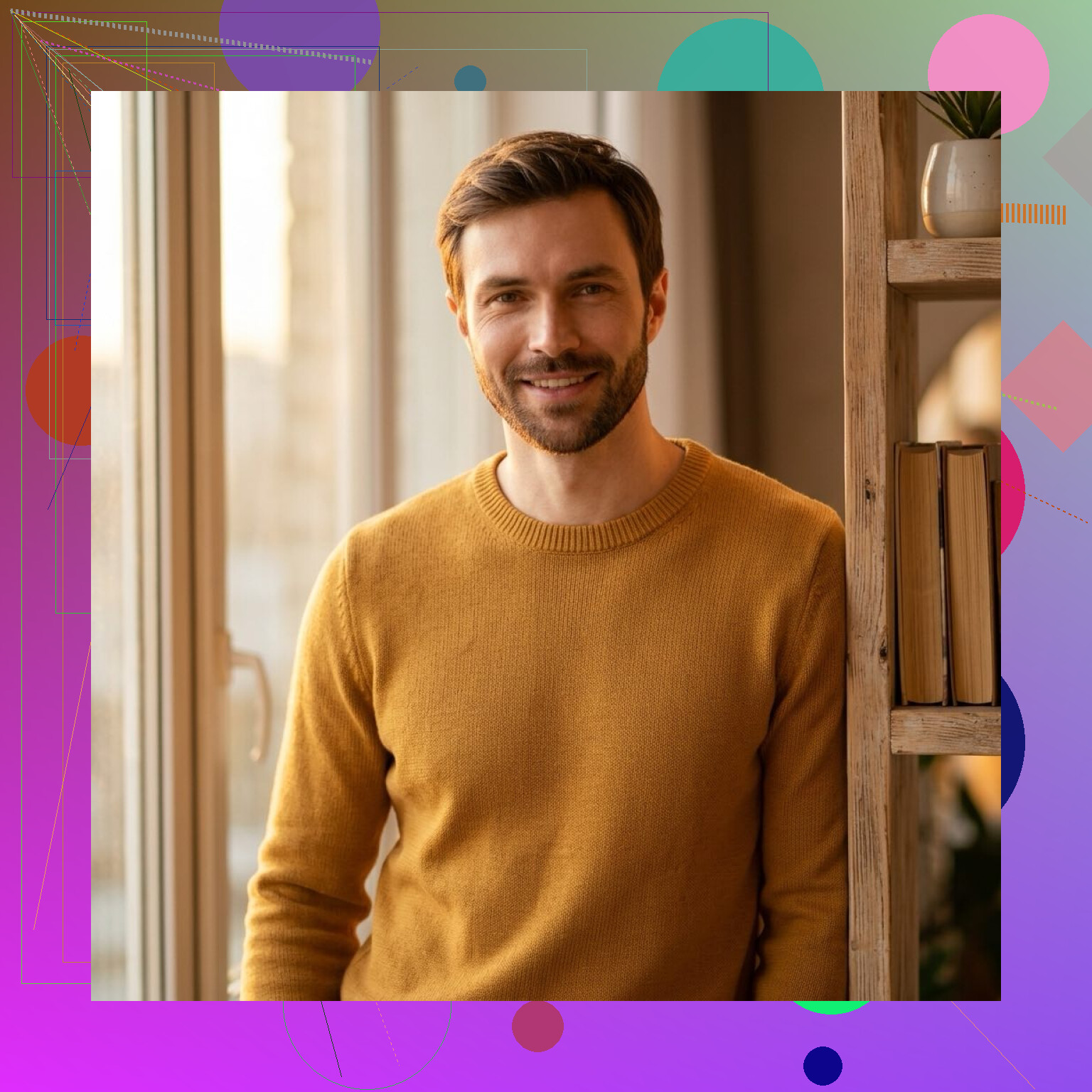
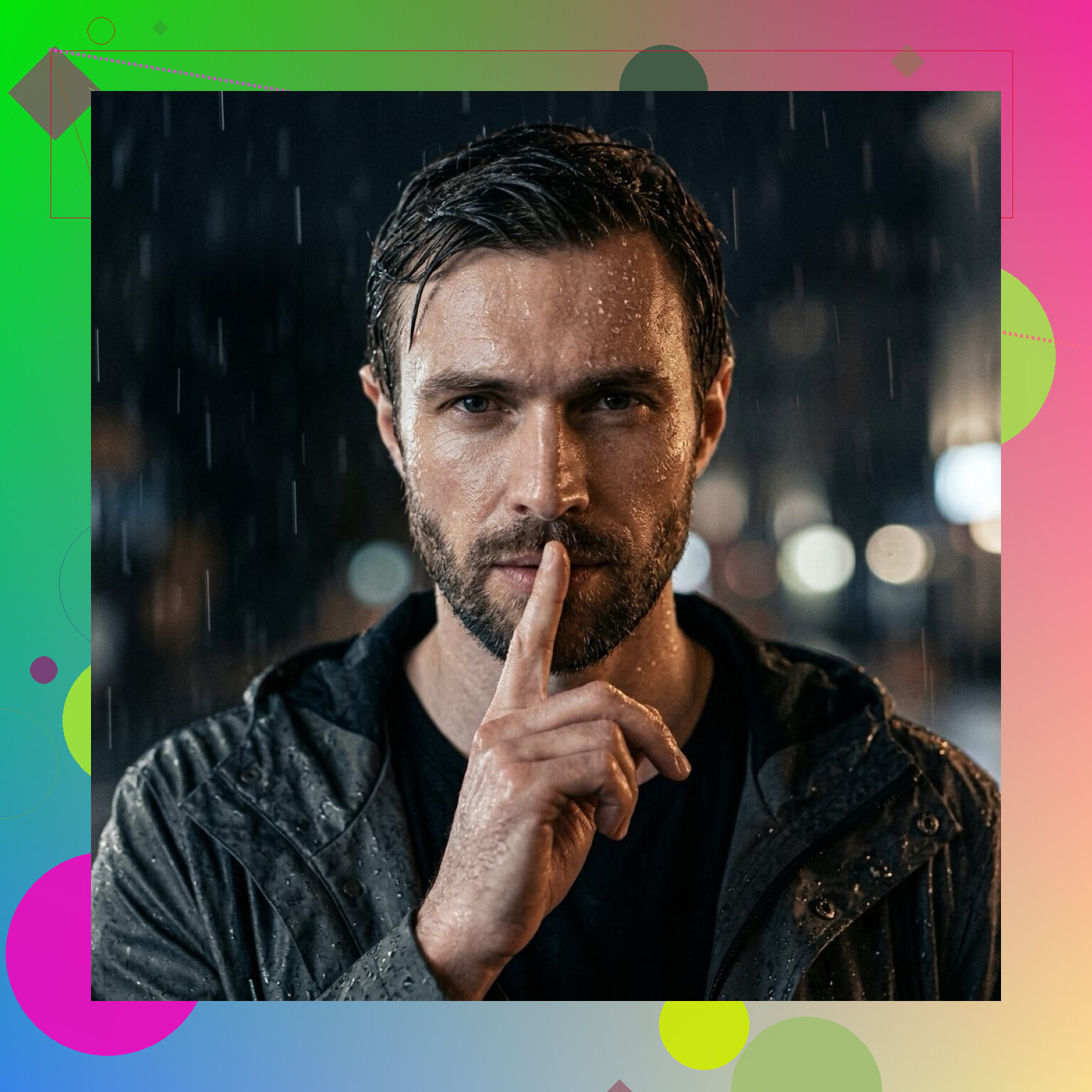
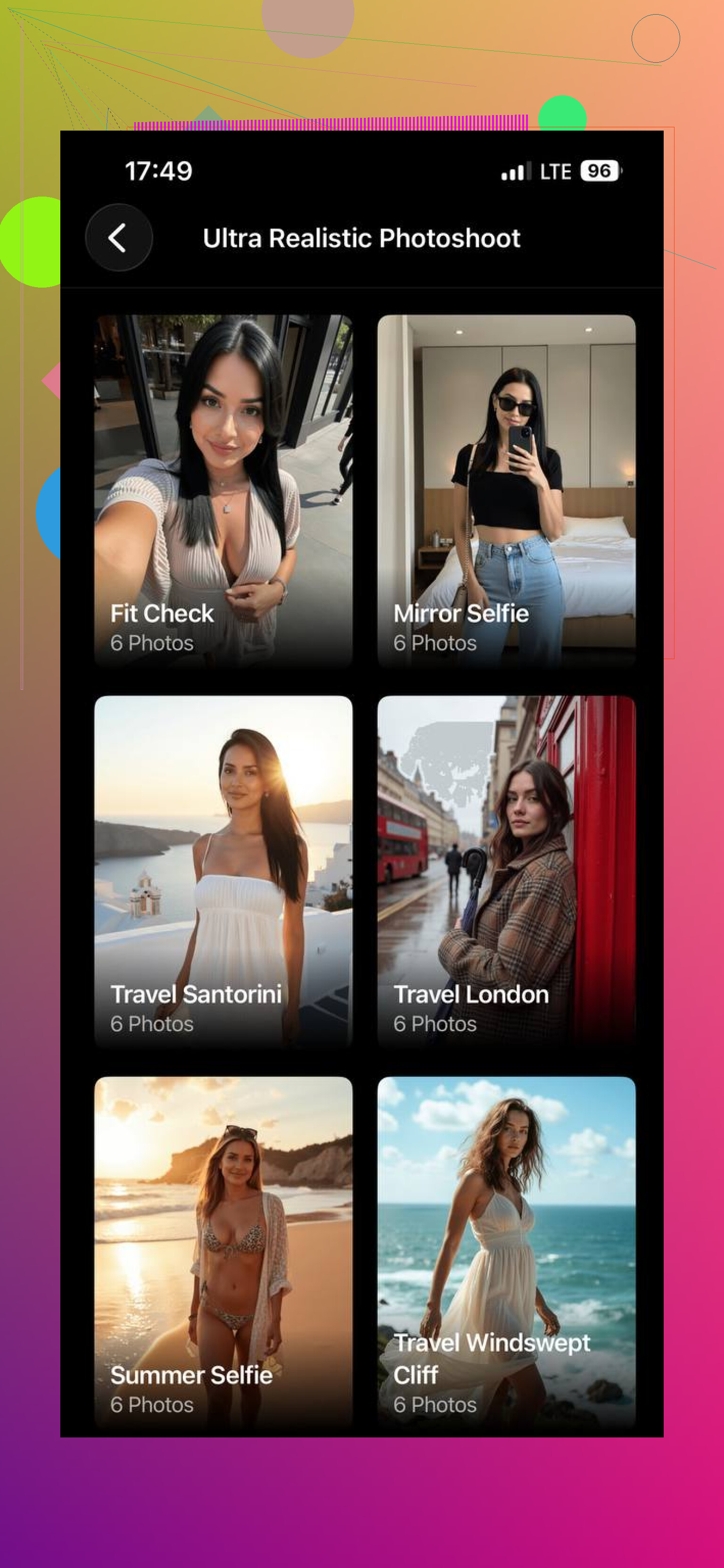
Momo AI goes in a different direction. It’s built more for speed and trendy output. When I tested similar apps in this lane, they usually pumped out a bunch of eye-catching versions fast, which is nice if you want profile pics or stuff for posts. The tradeoff is familiar. Your face starts looking like a cousin of you, not you. Momo AI fits that pattern. Fun, quick, a bit less grounded.
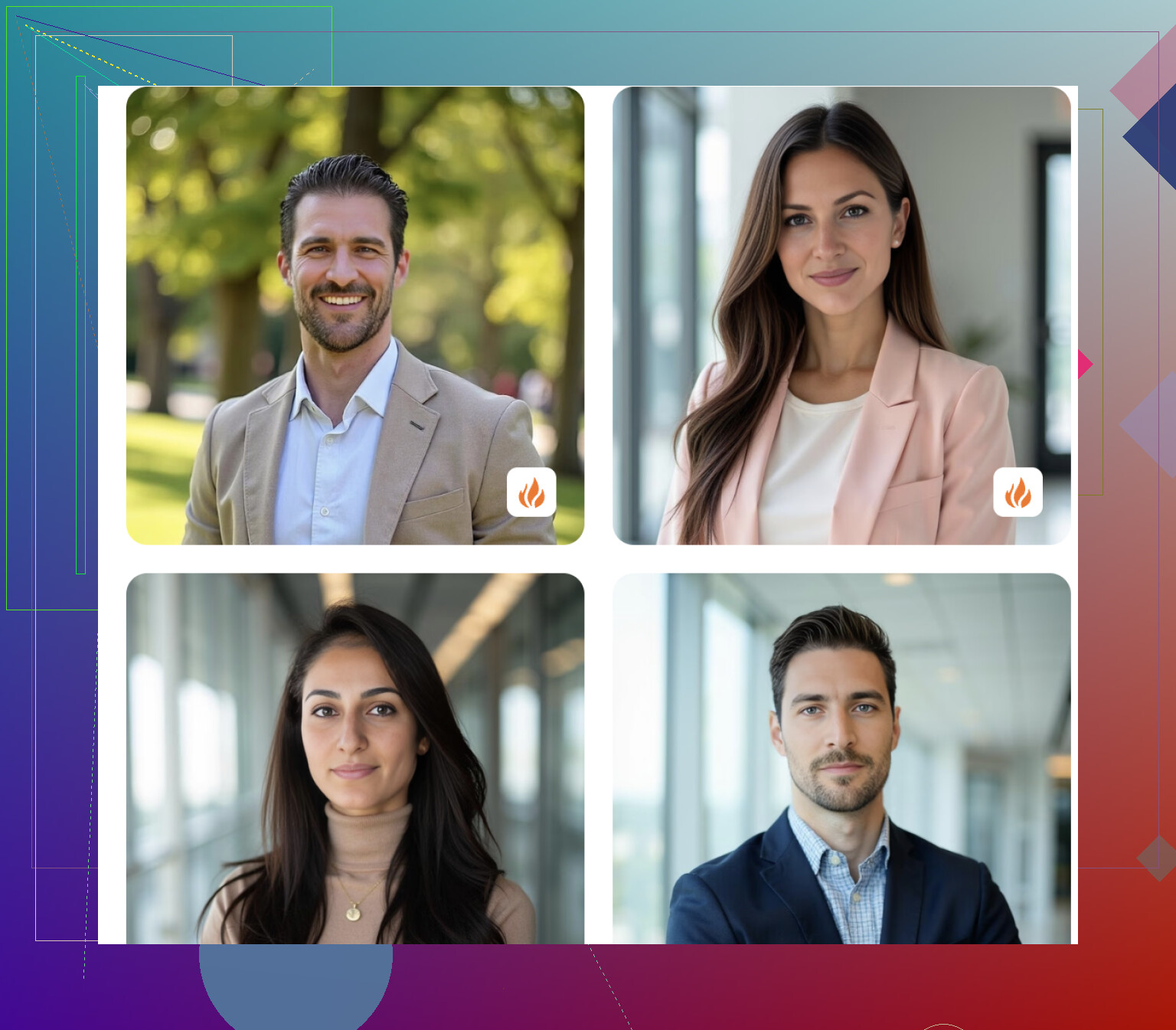
Aragon AI is the one I’d put in the formal bucket. It has a reputation for business-style portraits, and it leans hard into that. Think LinkedIn, company bio, speaker page, corporate team card. It does a solid job when you need clean and safe. I wouldn’t pick it first for anything more relaxed or visualy varied.
If you want one place to start, Eltima AI Headshot Generator feels like the best middle ground. It keeps the face more consistent, and it doesn’t trap you in one narrow style. For people who want AI photos with some range, while still looking like the same person across the set, it makes the most sense to me.
14 Likes
Your prompts are probly less important than your upload set. Most bad AI selfies start there.
Do this instead:
Use 12 to 20 photos.
Mix angles, front, 45-degree, side.
Use plain lighting in most shots.
Include 2 full body photos if you want wider scenes.
Skip filters, hats, heavy makeup, sunglasses.
Keep the age range tight. Don’t upload pics from 7 years apart.
I slightly disagree with @mikeappsreviewer on one point. App choice matters, but people often switch apps too fast when the real issue is junk inputs. Clean inputs fix a lot.
For prompts, keep them short:
“photorealistic portrait of me, natural skin texture, same facial structure, soft daylight, 50mm lens, neutral expression”
Then add one scene only:
“coffee shop” or “office headshot” or “city street”
If faces drift, lower the style. Avoid words like cinematic, editorial, fantasy, glam, perfect face. Those tend to make you look like an AI cousin lol.
If you want realism first, Eltima is a fair place to test. Aragon is safer for work-style shots. Momo tends to push looks over accuracy from what I’ve seen.
Best tip, run one batch, remove the worst 30 percent of uploads, then try agian. That cleanup step helps a ton.
Your face drifting usually means the model is over-stylizing, not that you “picked the wrong prompt.” I kinda disagree with @mikeappsreviewer there. People obsess over prompts when the bigger issue is identity consistency.
What helped me was treating it like training data, not just selfie dumping. Use photos where you look like the same person in each one. If half are sharp daylight pics and half are moody night shots with diff hair, the AI gets confused fast.
I’d separate your goal into 2 lanes:
-
Realistic headshots
Use something like Eltima or Aragon. Aragon is more rigid, Eltima gives a bit more variety. -
Stylized social pics
Momo is fine, but yeah, @byteguru is right that some apps make you look like your hotter distant cousin.
One thing I’d add that nobody mentions enough: upload photos with normal expressions. If every pic is smirking, duck face, or super posed, the output gets weirdly plastic.
Prompt-wise, I’d go even simpler than most people suggest:
“realistic photo of me, accurate facial features, natural skin, soft window light”
Then add only one modifier:
“wearing a black t-shirt”
or
“in a clean office”
Also, if the app lets you choose “creative” vs “accurate,” always pick accurate first. Fancy presets are where a lot of bad results start tbh.
I’d push back a little on the “prompt barely matters” angle from @byteguru and @hoshikuzu. Uploads matter more, yes, but bad prompting can still wreck a good face set. The real trick is matching the prompt to the training photos. If your uploads are plain indoor selfies and your prompt asks for dramatic sunset rooftop fashion, drift is basically guaranteed.
What usually fixes “this doesn’t look like me” is consistency across three things:
- your haircut/facial hair in uploads
- your expression range
- your expected output style
One thing I rarely see mentioned: crop discipline. If all your uploads are super close face crops, the AI often gets your face right but invents weird shoulders, hands, and body proportions. If you want realistic half-body or full-body outputs, include several medium-distance photos, not just selfies.
For apps, I’d treat them like buckets:
- Eltima AI Headshot Generator: best middle ground for realism plus variety
- Aragon: cleaner for formal work stuff
- Momo: faster, trendier, more likely to beautify you into someone adjacent
Pros of Eltima AI Headshot Generator:
- good facial consistency
- works for more than stiff office portraits
- easier to get realistic results without overediting
Cons:
- still depends heavily on upload quality
- can get too polished if you push glam or style presets
- not the best choice if you only want ultra-corporate LinkedIn shots
My extra advice: do one “boring” batch first. Neutral clothes, plain background, daylight, simple prompt. Once that looks like you, then experiment. If the boring batch fails, the issue is not creativity. It’s the source set.