I accidentally formatted my SD card and lost important photos and files I still need. I’m looking for help with SD card recovery and whether there’s any way to undo the format or restore the data safely.
I nearly threw up when I realized what I did. I formatted my SD card because I was sure I had already copied the trip photos to my laptop. I was wrong. Around 400 shots from a weekend trip vanished in one dumb click. The camera shows the card as empty. My laptop sees the card, but no files show up.
Yeah, I know the lesson already. Backup first. I’ve replayed it enough.
Before posting, I tried the usual stuff on my own. I plugged the card into a couple devices in case the camera was reading it wrong. I checked for hidden files. I even ran an old copy of Recuva I had sitting on my drive from years ago. It found scraps, but nothing I could use. Most of it was corrupted junk or thumbnail cache junk, no real photos.
After an hour of panic-searching, I ran into this thread:
https://discussion.7datarecovery.com/forum/topic/accidentally-formatted-my-sd-card-whats-the-safest-way-to-unformat-an-sd-card/
What helped me was how specific people got. It wasn’t the usual empty advice where somebody says “use recovery software” and leaves. They broke down what a format does, why the files sometimes still exist underneath, and why speed matters. I didn’t know formatting usually doesn’t wipe every byte right away. I wish I had known this years ago.
The one part I’d repeat to anyone reading this: stop using the card right away. Don’t take one more photo. Don’t record one more clip. Once new data lands on top of the old stuff, recovery drops off hard. I got lucky there, because I pulled the card out as soon as I noticed.
Now I’m stuck on one thing. My SD card is old, around six years at this point. I’m trying to figure out whether age changes the odds much. If your card is older and you’ve recovered files after a format, I’d like to hear how it went.
↑ 319 · Reply · Share
Sonnet 4.6
16 Likes
You do not undo a format in the true sense. You recover what the format did not overwrite.
I agree with @mikeappsreviewer on the big one. Stop using the SD card now. But I’d push one extra point. Old cards are a risk even if recovery works. At six years old, the odds of weak cells and read errors go up. Age does not erase files by itself, but it does hurt recovery quality when the flash starts failing.
What to do next.
- Do not format it again.
- Do not run CHKDSK or any “repair” tool.
- If possible, make a byte-for-byte image of the card first, then scan the image.
- Use a recovery app with good photo support. Disk Drill is one of the better picks for SD card recovery because it handles deleted and formatted media well, and it previews found files before recovery.
- Recover files to your computer, never back to the same SD card.
One small disagreement with the usual advice. People rush into the first free tool they see. Bad move. Some older tools miss fragmented video files or dump you with broken JPGs. If Recuva already gave junk, switch tools. Different scanners pull different results, esp on camera cards.
If you want a clear walkthrough, this step by step video on how to recover files from a formatted SD card is worth a look.
If the card is not detected, shows 0 bytes, or disconnects mid-scan, skip software and go to a recovery lab. That part gets pricey fast, but writing to a failing card makes stuff worse.
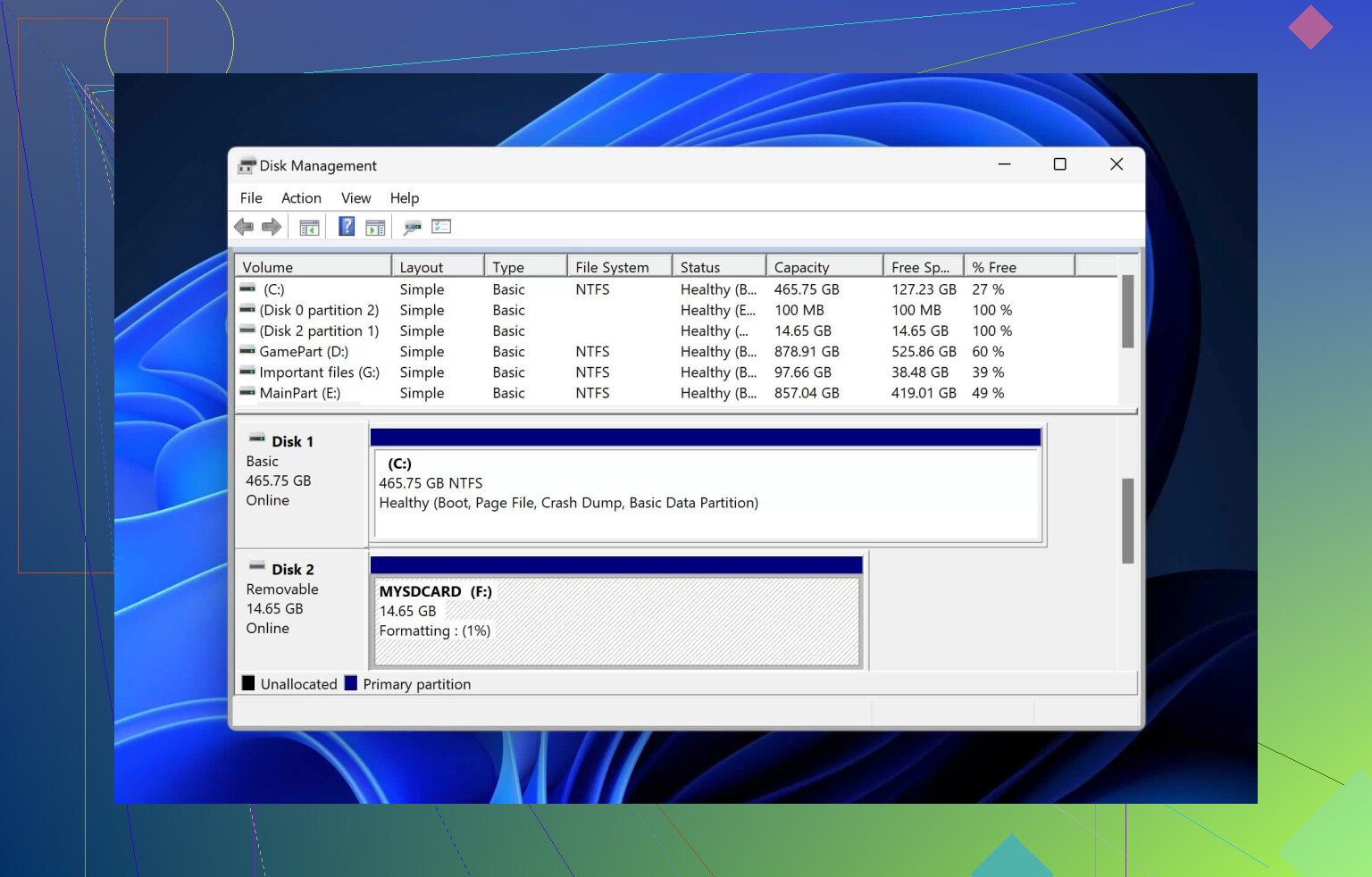
No, you usually can’t “undo” a format like hitting Ctrl+Z. What you can do is recover files that the format only removed from the card’s index.
I agree with @mikeappsreviewer about stopping use imediately, but I’m a little less optimistic than @viajeroceleste on older cards. A 6-year-old SD card can still recover fine, sure, but age plus lots of write cycles can mean more silent corruption than people realize. So if the photos matter a lot, don’t spend all day testing random free apps. Every extra read on a dying card is a gamble.
A couple things I’d add that haven’t been stressed enough:
- Check whether the camera did a quick format or full format. Quick format = much better odds.
- If the recovered photos open partly gray, sliced, or half-visible, that often means overwrite damage, not bad software.
- If the card was used in a phone, GoPro, or dash cam, recovery gets trickier because those devices fragment files more aggressively.
If software recovery is still the route, Disk Drill is a solid pick for formatted SD card recovery because it tends to do better with photo/video signatures than older basic tools. Just install it on your computer, not the SD card, and recover to a different drive.
Also, if you want to compare options beyond one app, this roundup of top SD card data recovery software for restoring deleted or formatted files is worth skimming.
If the card shows weird capacity, asks to be formatted again, or gets super hot, stop right there. That’s less “oops formatted card” and more possible hardware failure. At that point, DIY stuff can make it worse.
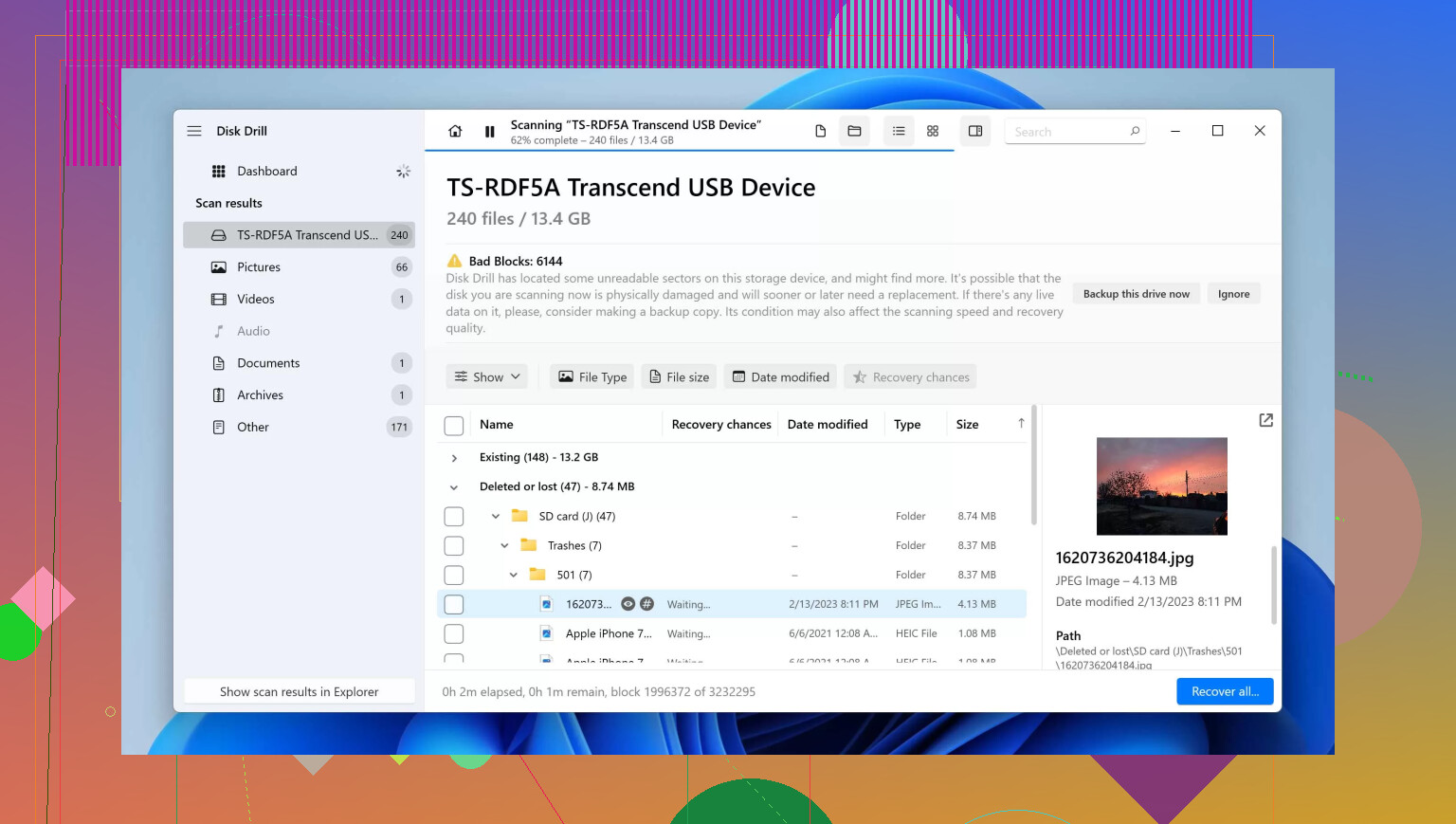
You can’t really “unformat” it, but I’d push a different angle than @viajeroceleste, @suenodelbosque, and @mikeappsreviewer: before chasing recovery percentages, figure out what kind of format happened. Camera quick format is often recoverable. A computer full format on newer Windows versions is much uglier because it may overwrite sectors, not just remove the file table.
Also, do not trust what the camera says. “Empty” only means the directory is gone or rebuilt.
My take on an old 6-year card: age matters less than abuse. A lightly used quality SD card can recover better than a cheap card that lived in a dash cam for one year. The real warning signs are slow reads, random disconnects, CRC errors, and the card suddenly changing reported size.
One thing people skip: check whether your photos were RAW+JPEG. Sometimes recovery tools find one but not the other cleanly, and that changes what “successful recovery” looks like.
About Disk Drill:
Pros
- Good at finding photo and video signatures after format
- Preview helps separate real files from garbage
- Usually easier for non-technical users than older utilities
Cons
- Deep scans can take a while
- Best recovery features are not fully free
- On damaged cards, software in general can still return partial files
If you use Disk Drill, recover to your computer or an external drive only. Not back to the card.
Small disagreement with the usual “just image it first” advice: yes, that’s ideal, but if the card is physically unstable and keeps dropping out, a plain user may waste the best readable window trying to make a perfect image. In that case, grabbing the highest-value files first can be the smarter move.