It can be pretty frustrating to lose important Instagram messages, especially when they contain valuable info for a project. Unfortunately, Instagram doesn’t provide a straightforward way to recover deleted messages within the app itself. However, there are a couple of methods you might try that could potentially help you get those messages back:
-
Request Instagram Data: Instagram allows you to request a copy of your data, which includes messages, photos, videos, and more. Here’s what you can do:
- Go to Instagram’s website on your browser and log in.
- Click on your profile picture in the top right, then go to “Settings”.
- Click on “Privacy and Security” and scroll down to “Data Download”.
- Click “Request Download” and follow the instructions to get a copy of your data. You’ll receive an email with a link to download your data once it’s ready.
- Open the downloaded file and check for a folder named “messages”. This might have some of the messages you’ve lost.
-
Check Connected Facebook Account: If your Instagram was connected to a Facebook account, make sure to check your Facebook Messenger. Sometimes, messages exchanged on Instagram may sync with Facebook Messenger as well.
-
Third-Party Recovery Software: If the above steps don’t work, you might consider using third-party data recovery software like Disk Drill
. Though it’s more commonly used for recovering files from hard drives and other storage devices, some users have reported success in finding deleted Instagram data stored on their devices. Disk Drill offers comprehensive data recovery solutions which might help in your case. For more info, you can check out their site: Disk Drill Data Recovery Software.
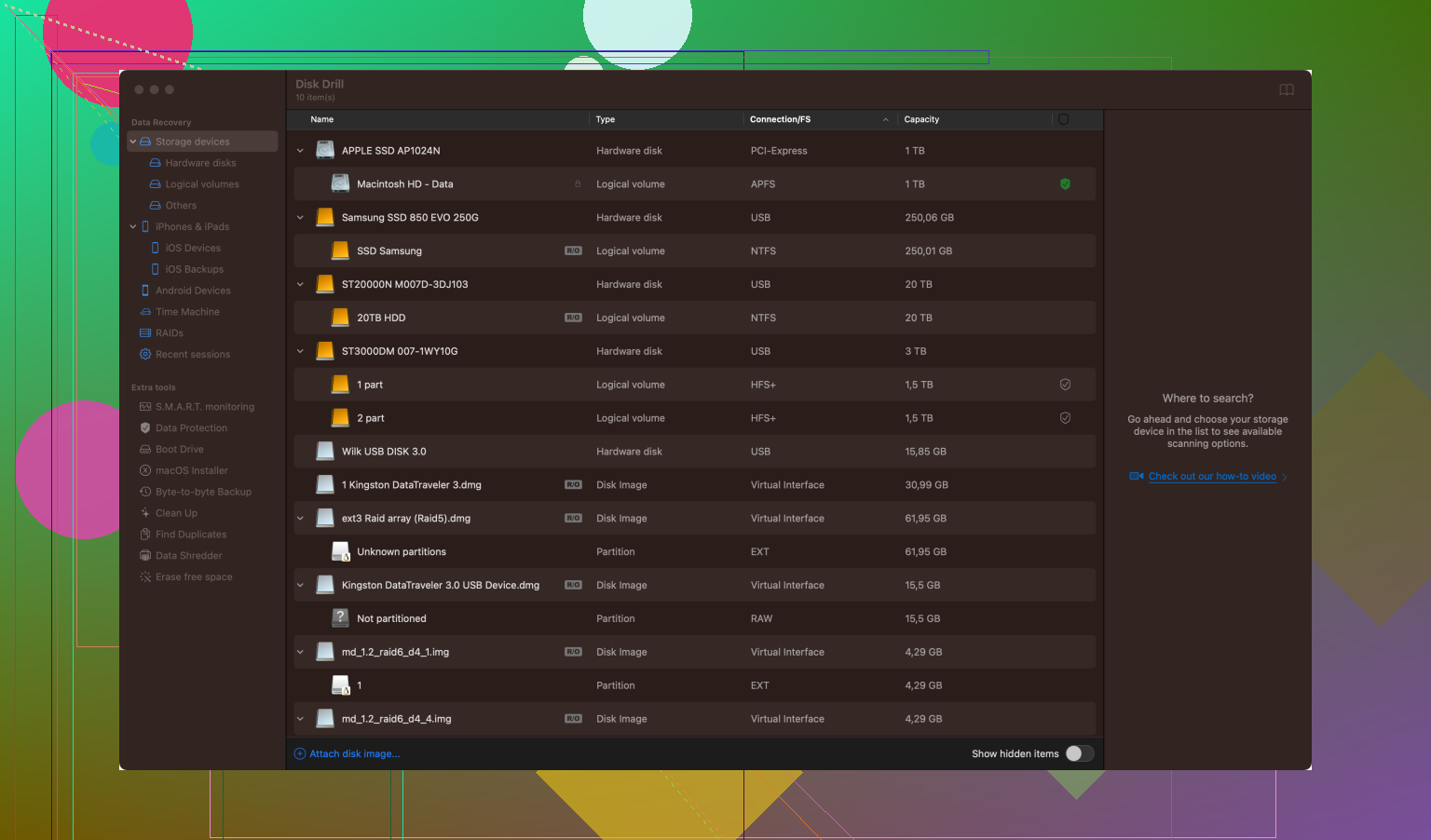
Be mindful that using third-party software can sometimes be a bit tricky, so make sure to follow instructions carefully and perhaps look up some tutorials. If unsure, read reviews and ensure you’re downloading from a reputable source.
Good luck, hope you can get your project back on track!