I’m trying to use my iPad to control my Apple TV because the remote stopped working, but I can’t get them to connect properly. I already checked Wi-Fi and basic settings, and I need help figuring out if this should work and what steps I’m missing.
You can run an Apple TV from an iPad. I did it with an Apple TV 4K, and the setup took maybe a minute once both devices were on the same network.
Option 1, use the remote already built into iPadOS
This is the first thing I’d try, because it’s already on the iPad and you don’t need to install anything.
Steps:
- Put the iPad and Apple TV on the same Wi-Fi network.
- Open Control Center on the iPad.
- Tap Apple TV Remote.
- Pick your Apple TV from the list.
- Type the code shown on your TV.
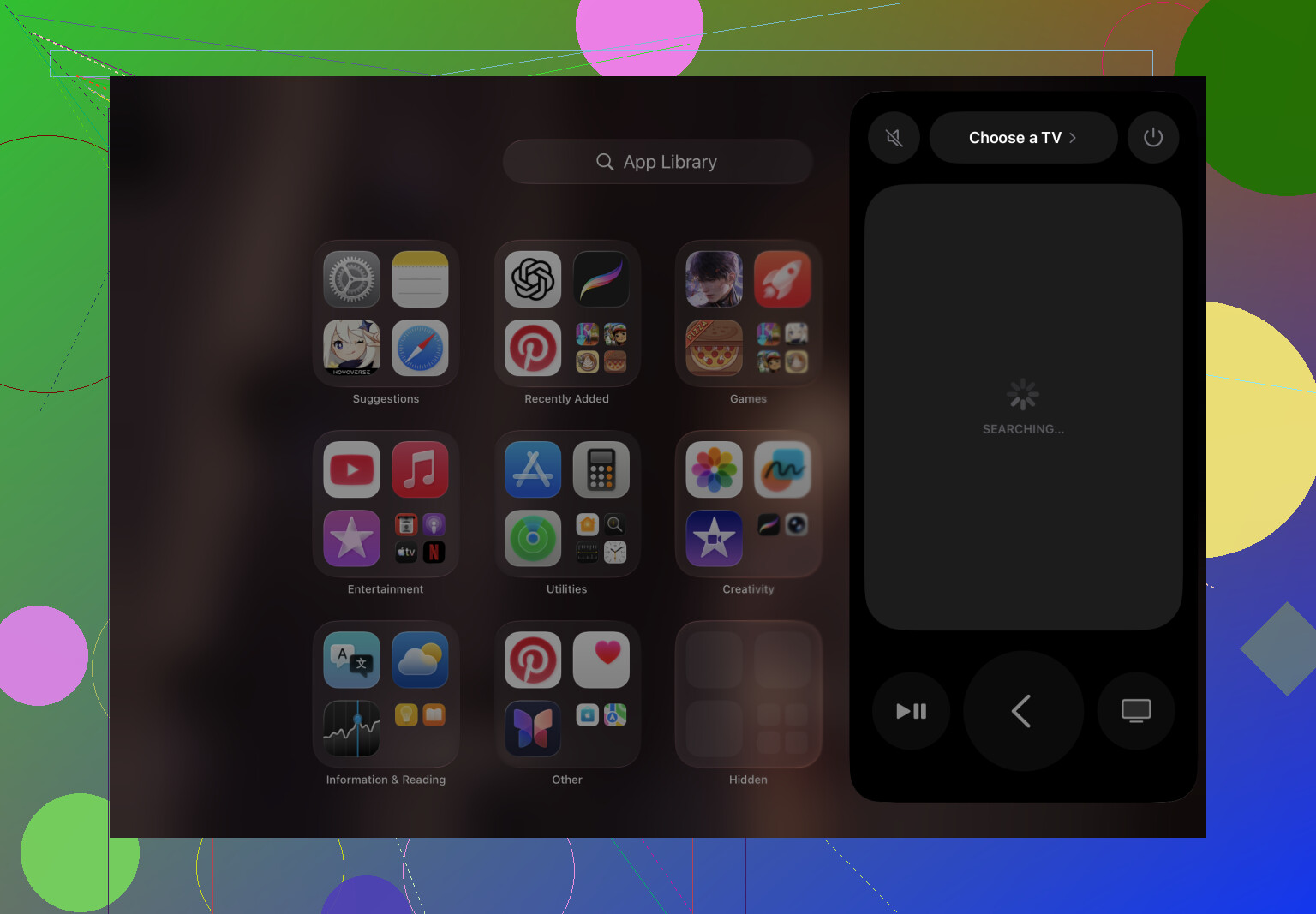
After pairing, I was able to:
Move through menus
Change volume
Open apps
Type with the iPad keyboard, which is way less annoying than pecking through letters on the TV screen
Option 2, use a universal remote app
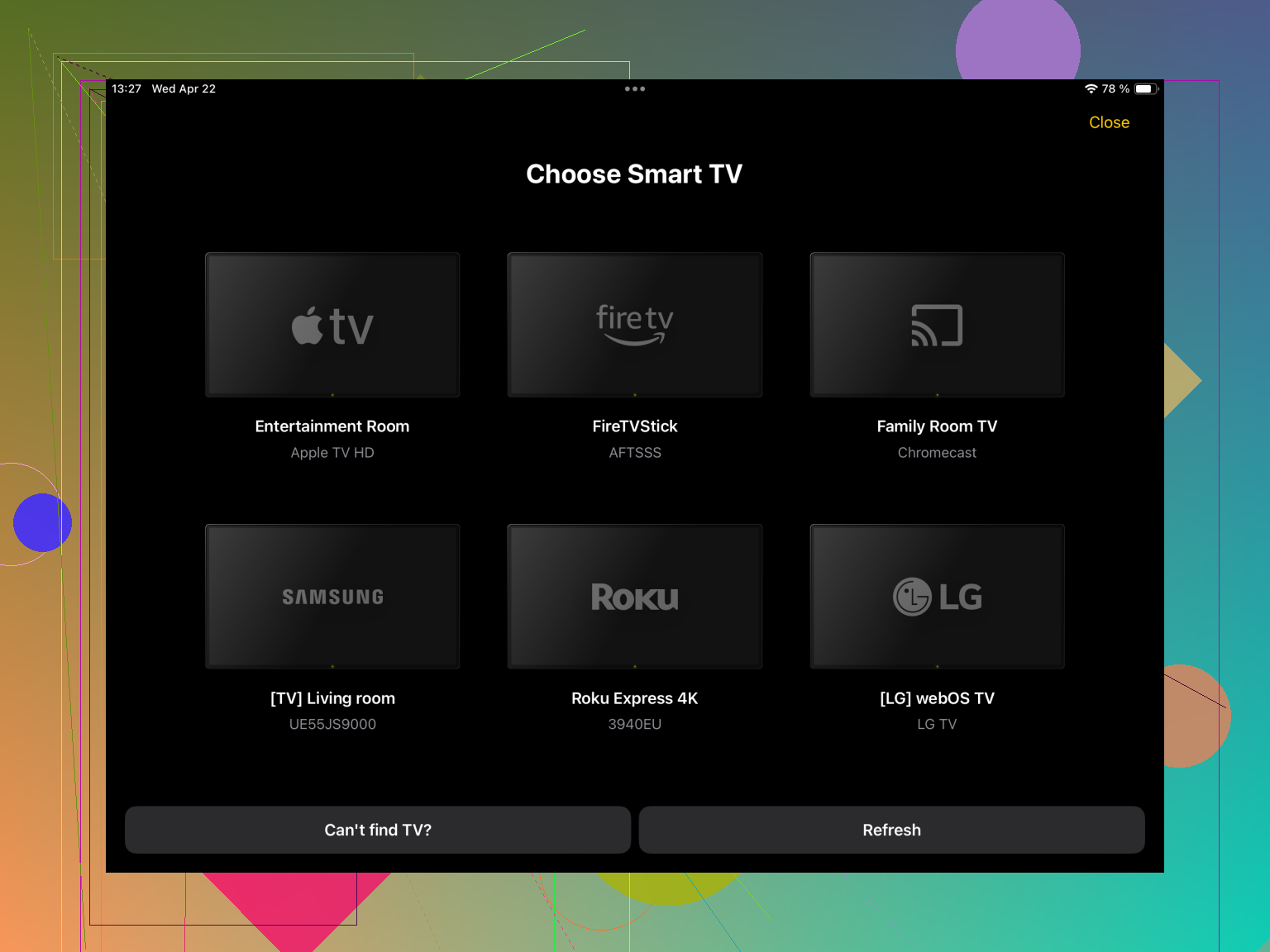
If the built-in remote is missing, flaky, or you’re also dealing with other TVs in the house, a universal app is easier to live with. One example is TVRem – Universal TV Remote App.
Where this helps:
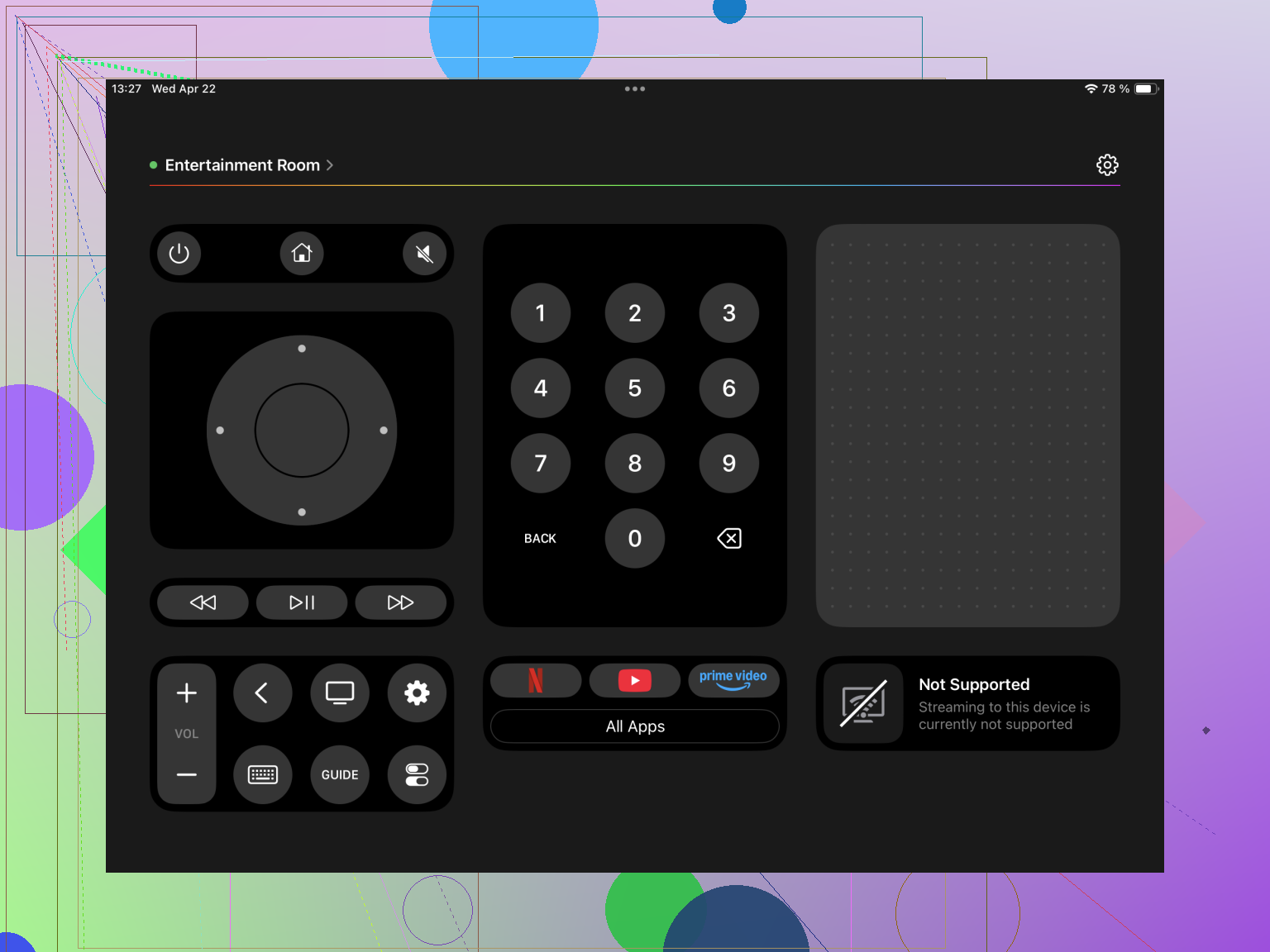
- You switch between several TVs or streaming boxes.
- You want one app instead of a pile of remotes.
- The default Apple remote keeps dropping the connection.
Most apps in this category support things like:
- Apple TV
- Samsung and LG smart TVs
- Roku and Fire TV
- Android TV and Google TV
Plus other devices, depending on the app.
If pairing fails, try this stuff first
I’ve had the iPad fail to see the Apple TV before. These were the fixes worth trying:
Check both devices are on the same Wi-Fi
Restart the Apple TV
Restart the iPad
Make sure Wi-Fi and Bluetooth are both on
Install current software updates on both devices
My take:
The built-in iPad remote is the easiest route and it works fine for basic control. If your setup is messier, like multiple TVs, travel, or a backup for when Apple’s remote goes weird, a universal app such as TVRem makes more sense. It puts Apple TV and other streaming gear in one spot, which saves some fumbling around.
15 Likes
Yes, your iPad should work with Apple TV. If it does not connect, I’d look at two things people skip.
First, Home Sharing and Apple ID. I disagree a bit with @mikeappsreviewer here, same Wi Fi is not always enough. I’ve seen Apple TV show up only after both devices were signed into the same Apple ID, or after Home Sharing got turned on again.
Check this on Apple TV.
Settings, Users and Accounts, iCloud.
Settings, AirPlay and HomeKit.
Make sure it is not stuck on a restricted user profile.
Second, test network isolation. Some routers split 2.4 GHz and 5 GHz in a way Apple devices hate. Guest Wi Fi also blocks device discovery. If your iPad is on guest and Apple TV is on main, they wont see each other. Same if your router has AP isolation on.
If pairing still fails, use Ethernet on the Apple TV for 5 mins, then try the iPad again. Weird fix, but it has worked for me twice.
If none of this works, the Apple TV remote itself might not be the problem, the box may be the issue.
Yes, an iPad can control an Apple TV, but I’d push back a little on the idea that if Wi‑Fi looks fine, then everything else should “just work.” Apple’s remote pairing is weirdly picky sometimes.
A couple things not really covered by @mikeappsreviewer and @hoshikuzu:
- Check Restrictions or MDM on the iPad. If it’s a work/school iPad, device discovery or Control Center access can be limited.
- On Apple TV, make sure AirPlay isn’t locked down to “Current User” in a way that blocks the iPad from seeing it.
- If your Apple TV was paired to an old remote/profile setup, try forcing a fresh remote service restart by unplugging the Apple TV for a full minute, not just a quick reboot.
- Try using the iPad’s keyboard test. Open a text field on Apple TV. If the iPad never shows the keyboard prompt, the two devices are probably not discovering each other at all.
- VPNs, iCloud Private Relay, or security apps on the iPad can sometimes mess with local network detection. I’ve seen this more than once.
Also, volume control is hit or miss on iPad, contrary to what @mikeappsreviewer described. It depends on how your TV/receiver is set up, so don’t use that as the test.
If nothing detects the Apple TV, I’d honestly suspect the Apple TV box more than the dead remote. Kinda annoying, but yeah, your setup should work.