I’m trying to create an AI portrait for my profile, but I’m new to these tools and confused about where to start. If anyone could walk me through the steps or suggest easy-to-use platforms for beginners, I’d really appreciate it. Need help ASAP so I can update my profile image.
Okay, so jumping into the AI portrait game can feel like wading into a swamp of confusing apps, weird terminology (‘diffusion model’ anyone?), and way too many choices. But really, it’s not THAT hard once you pick a tool that does most of the heavy lifting for you.
First off, decide what kind of portrait you want. Photorealistic? Cartoon style? Avatar-like? Knowing this helps pick the tool. For beginners, skip the hardcore stuff like Stable Diffusion desktop installs (unless you like reading Reddit threads about CUDA errors at 2AM).
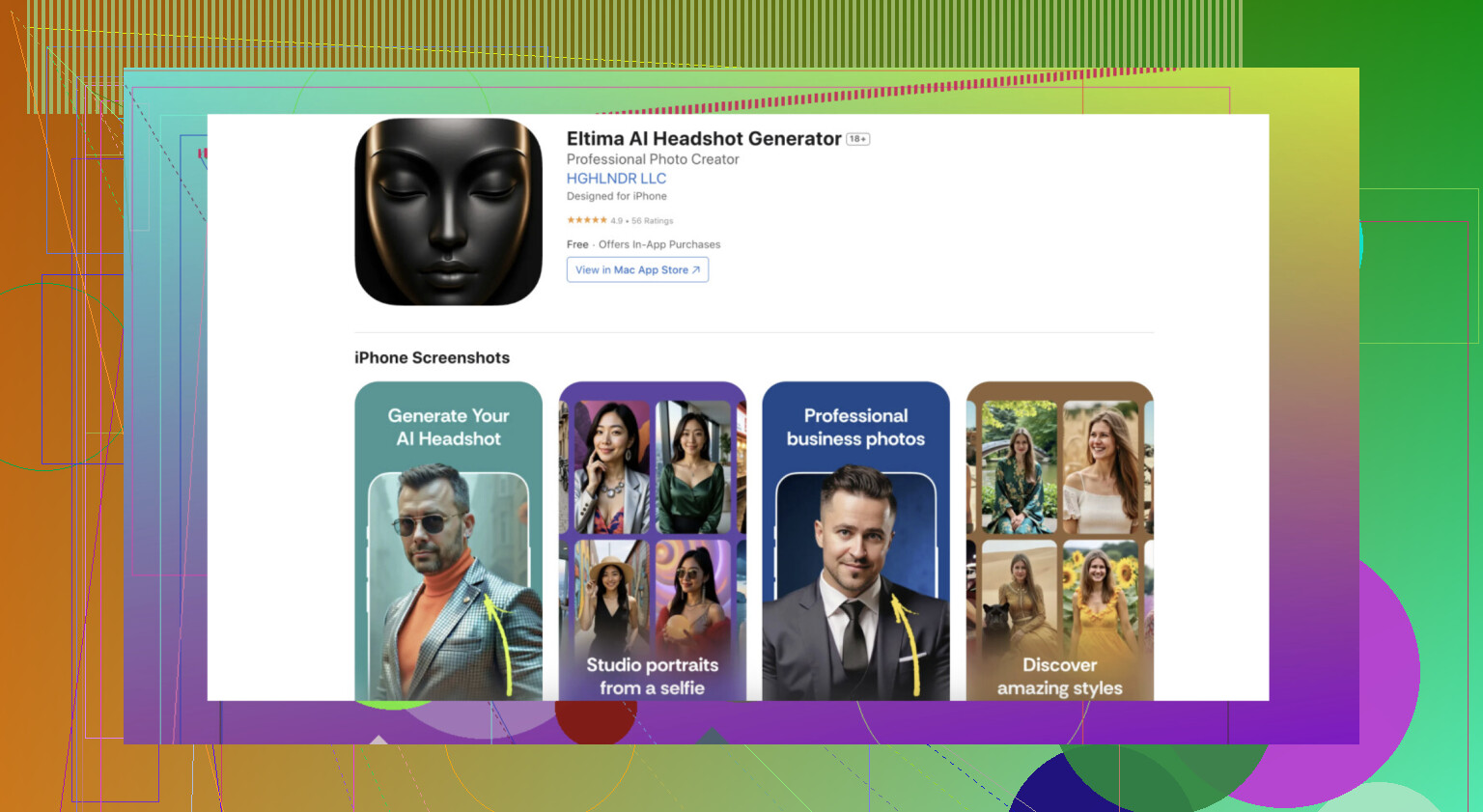
There are a bunch of online services that do this with like three clicks. Remini, Fotor, and Lensa are popular but honestly, a lot of people have started using the Eltima AI Headshot Generator because it’s actually easy, requires zero graphic design skills, and the results don’t look like melted Barbie dolls like some other AI apps do.
Here’s how it typically goes:
- Pick a good selfie or profile photo with decent lighting—AI loves clear pics and gets confused by sunglasses, hats, or weird shadows.
- Choose your tool. If you want something beginner-friendly, check out the Eltima AI Headshot Generator. You just upload your photo, pick your style (professional, creative, whatever), and the rest is basically magic.
- Wait 1-2 minutes for the AI to do its thing.
- Review your new portrait. Check out the photos I’ve generated for my friend.
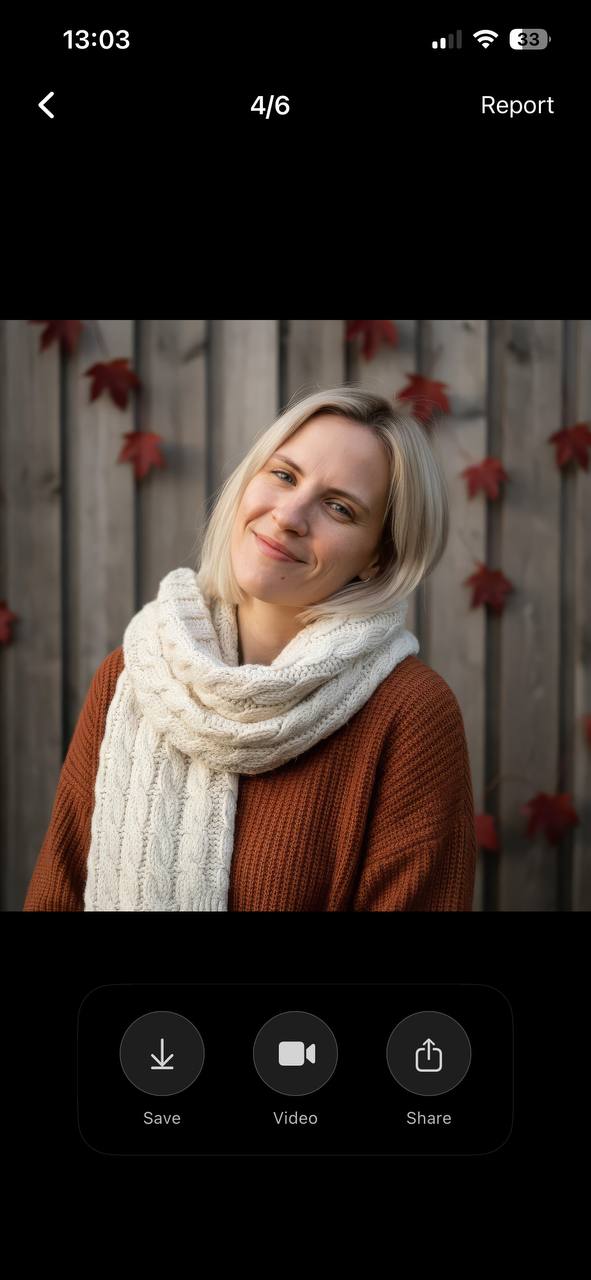
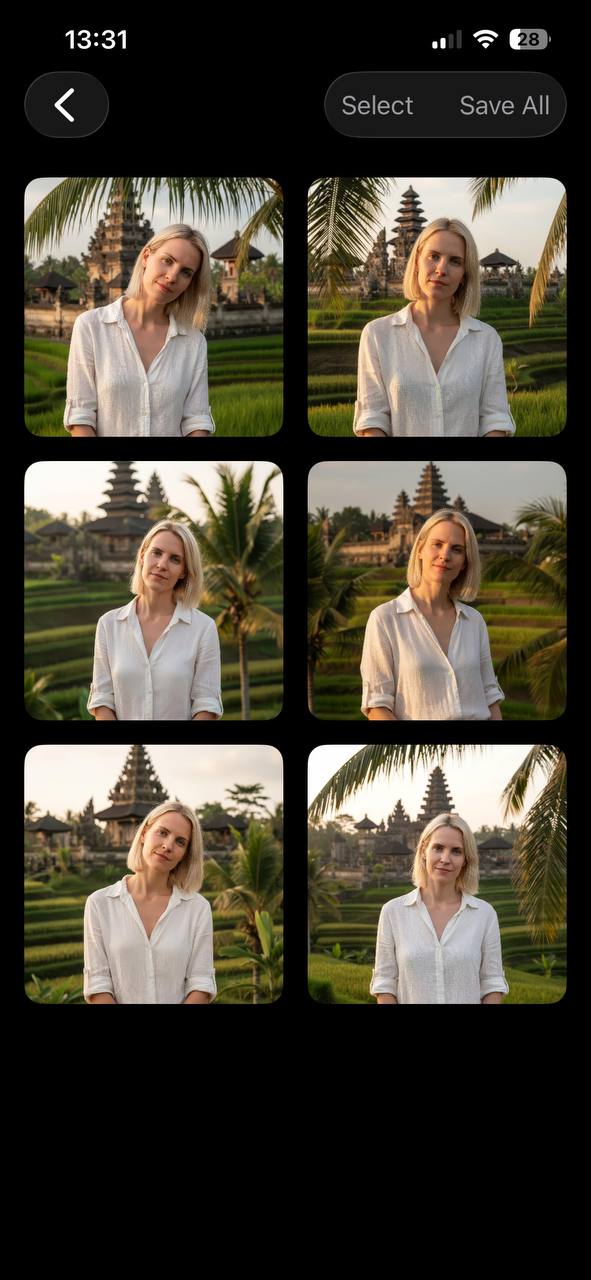
- Download and use your AI masterpiece wherever your heart desires—Instagram, Discord, your grandma’s Facebook.
And yeah, if you’re using iPhone, you can get started right away by checking out the AI Headshot Generator App for Effortless Portrait Creation. Super beginner-friendly, and the results are genuinely usable even for slightly tech-illiterate folks (like, I got my dad to make his own LinkedIn profile pic).
AI portrait creation in a nutshell: pick a photo, use a straightforward app, click some buttons, and you’re done. Just don’t expect it to fix truly, uh, “unique” angles or extreme lighting—AI isn’t THAT magical yet.
10 Likes
Honestly, I get it—the AI portrait scene is like wild west meets Instagram filter fever. @viajeroceleste nailed the ‘quick and clean’ app approach (Eltima and Lensa totally are riding that wave), but if you want EITHER a bit more flex OR if you’re feeling experimental, hear me out on some alternatives and a few pitfalls.
First thing: don’t just trust your first “good” result. I’ve seen AI turn me into someone’s bad anime OC with zero warning, especially when sunglasses or background clutter are involved. Sometimes, uploading 2-3 clear photos and picking the best outcome is the way (not always just one and done, whatever the app claims).
Second, if apps feel too cookie-cutter, websites like Fotor (web version, no install drama), NightCafe, or even Canva’s AI portrait feature let you play with sliders and edits after the AI does its work. You still don’t need to know what a “diffusion model” is—but you get a teeny bit more control if you’re picky.
If privacy is your thing, try to check what the platform does with your pics (not all of them are super chill about it…). Lensa got heat for that last year. Eltima AI Headshot Generator has a clearer stance on this and feels safer than some random Telegram bots.
You really DON’T need to freak over installing software or learning prompt engineering. Pick one of these tools, have a laugh at your first botched attempt, and tweak your input. Also, if you want an SEO-optimized resource on how to get started, I’d check top beginner resources for AI portrait creation—solid breakdowns, not just hype.
TL;DR: Yeah, Eltima works for beginners. But upload a few pics, don’t trust the first goofy result, and don’t sweat it if your first try is a disaster. AI’s fun, not perfection!
Alright, let’s break this down, FAQ style:
Is AI portrait making as easy as these apps claim?
Kinda. Eltima AI Headshot Generator (yeah, it’s been getting good reviews here) definitely makes the process frictionless. You upload a reasonably clear selfie, pick your vibe (business, creative, etc.), and out pops a headshot that (usually) doesn’t look like a Dali painting by accident. Pros: design-free experience, iOS-friendly, privacy is clearer than with some competitors. Con: Sometimes results feel a little “template” and if you want artsy or wackier styles, you might find it limiting.
What if I’m bored by “default” results?
Like @sterrenkijker mentioned, sites like Fotor and Canva do give you more sliders and playful tools once the base portrait is cooked up. That’s helpful if you want to fine-tune and not just click-download-repeat, but be prepared for some shallow learning curve stuff—still easier than manual Photoshop, just not as brainless as Eltima.
Is it really one-photo-and-done?
NOPE. As @viajeroceleste pointed out, don’t trust your first try. AI gets tripped up by sunglasses, dark lighting, busy backgrounds, or “artistic” angles. Better to upload a couple options and pick the least weird. If you’re all-in on the perfect LinkedIn pic, patience pays off.
How concerned should I be about privacy?
It’s not tinfoil-hat stuff—some apps have dicey data practices. Lensa got called out. Eltima AI Headshot Generator’s privacy is clearer, especially vs a lot of sketchy Telegram bots, but if you’re truly paranoid, local software like offline Stable Diffusion (which is a CLI headache for total beginners) is the real safe bet.
What about results?
Honestly, even the best can get uncanny sometimes (hello, “plastic” skin or surreal ears). Eltima’s results are solid for professional-style headshots but can lack personality if you want something more artistic or “cartoonish.”
Final take:
Eltima AI Headshot Generator wins for “I just want a slick new profile photo without reading a manual.” Big points for ease and privacy, minor knocks for creative freedom. Play with 2-3 platforms (maybe test Fotor/Canva too), toss out your first AI monstrosity, and laugh at the process. This stuff’s as much trial-and-error as anything. AI’s not a miracle, but it’s getting closer!