I accidentally deleted important files and emptied the Recycle Bin before realizing I still needed them. I’m looking for an active data recovery forum or community where people can help me figure out the safest way to recover deleted files without making things worse. Any advice on where to post or what recovery steps to try first would really help.
If your drive suddenly shows up as RAW, I would slow down before trying fixes from random posts. I’ve seen people run CHKDSK, reformat, or click through repair prompts too fast, and some of those steps made file recovery harder after.
Sometimes a RAW drive points to simple file system damage. Other times, it’s the first sign the drive itself is going bad. Those are not the same problem, and treating them like they are can cost you files.
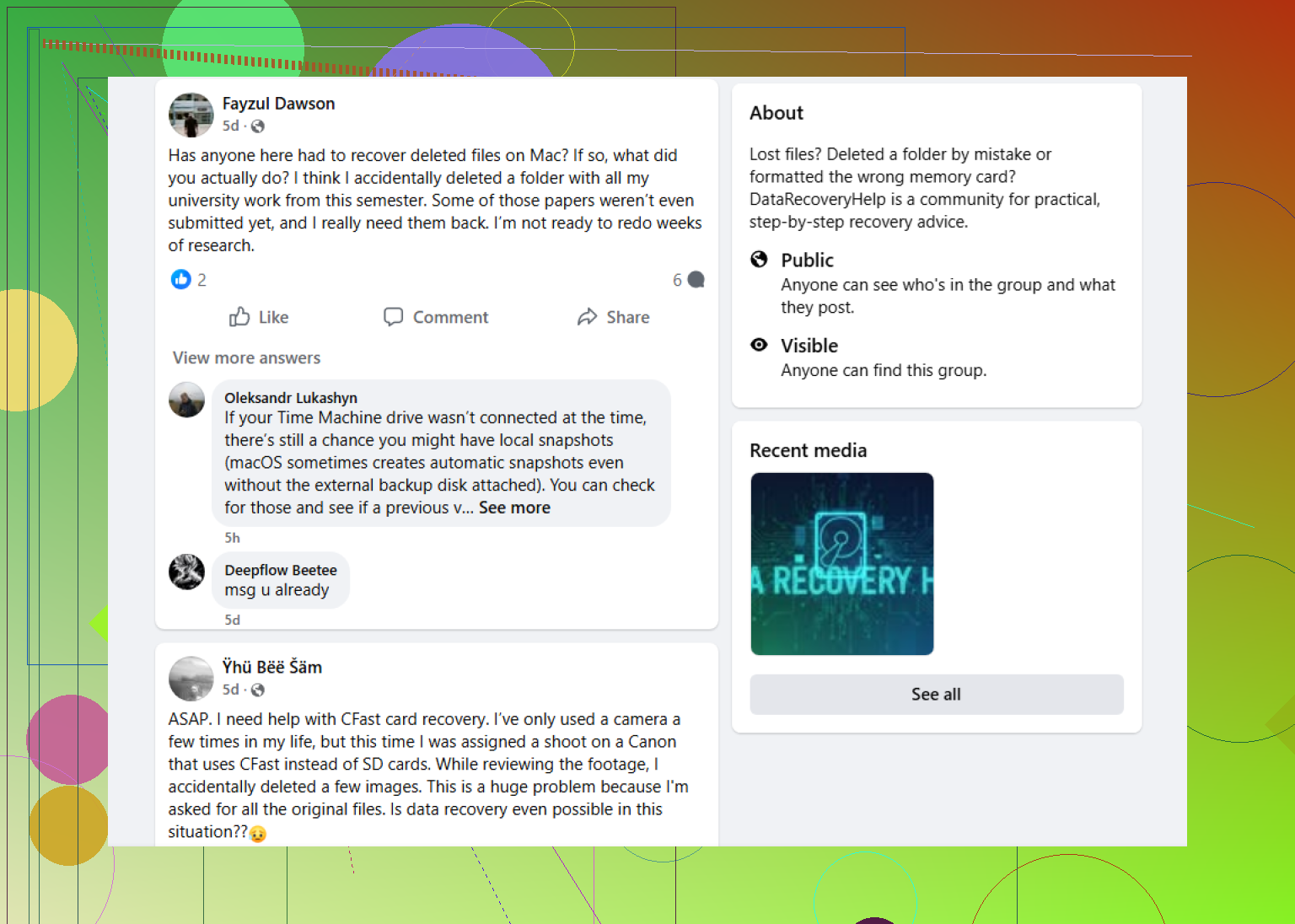
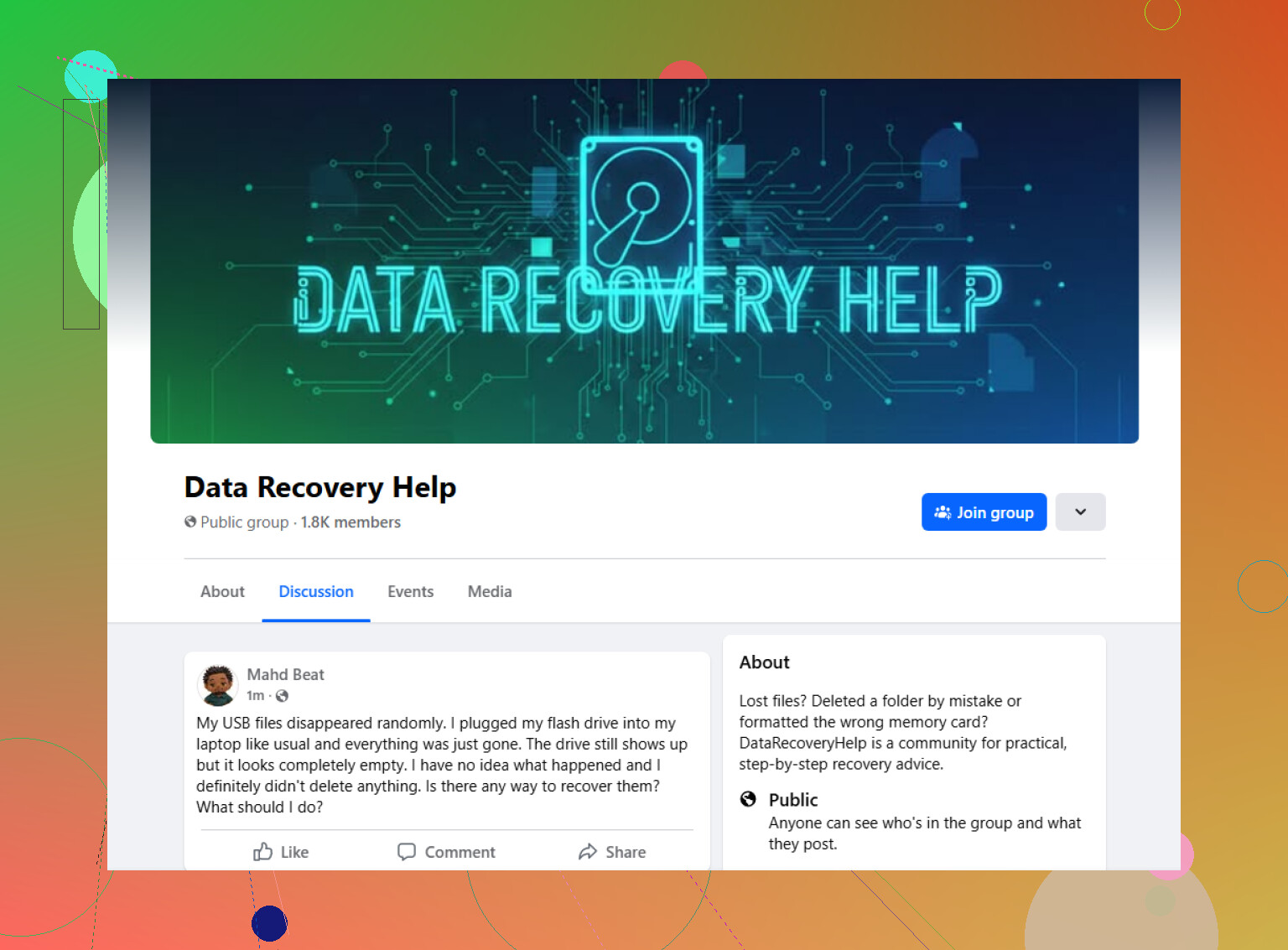
A solid place to ask for live input is this Facebook group:
https://www.facebook.com/groups/datarecoveryhelp
What I like about asking in a recovery-focused group is the back-and-forth. You can post screenshots, explain what happened right before the drive turned RAW, and get replies from people who deal with this stuff all the time. That usually helps more than following some generic guide telling you to run CHKDSK or format first and sort it out later. If your goal is getting the drive working again, those ideas might seem fine. If your goal is saving the files, eh, different story.
Reddit is worth a look too, mostly the data recovery subreddits. I’ve found useful replies there, but the quality jumps around a lot. One person gives careful advice. Another tells you to try something risky with almost no context. I’d use Reddit for extra opinions, not as a green light to test every suggestion you get.
The older tech forums still have value, too. Same for dedicated recovery forums. Those places tend to get more technical, which helps if you’re ready to post things like Disk Management screenshots, SMART info, or what a recovery tool is showing.
Wherever you ask, give people the basic facts up front:
What to include
- Drive type, HDD, SSD, USB external, SD card, etc.
- Capacity
- File system, if you know it
- Your operating system
- What happened before it showed as RAW
- Whether the drive reports the correct size
- Whether it’s making odd noises
- Anything you already tried
If you skip those details, people end up guessing. And guessing is where bad advice starts.
2 Likes
Yes. There are active places for this, and you should ask before you touch the drive again.
If the files were deleted and the Recycle Bin is empty, stop using that drive first. Every write cuts your recovery odds. On SSDs, TRIM makes things worse fast. On HDDs, deleted data often sits there longer if you leave the disk alone.
I agree with @mikeappsreviewer on one point, random repair steps are where people wreck recoverable data. I do disagree a bit on Facebook being the best first stop. It gets fast replies, sure, but Reddit threads are easier to search later and you get more step by step troubleshooting in public.
Try a data recovery community like active Reddit help for deleted file recovery. It stays focused on file recovery, not generic PC fixes. That matters.
Post these details:
Drive type, SSD or HDD.
Internal or external.
Windows or Mac.
What files were deleted.
What you did after deletion.
Whether recovery software already scanned it.
If the files matter a lot, make a byte for byte image first. Then scan the copy, not the original. Thats the safer route.
Yes, there are active places for this, but I’d be a little picky about where you ask. Fast replies are nice, accurate replies are nicer.
@mikeappsreviewer is right about one thing people panic-click way too many “fix” options. @jeff is also right that public Reddit threads are easier to follow later. I’d lean Reddit first for deleted-file cases, not because Facebook is bad, just because the advice is easier to compare in one place.
A solid starting point is a Reddit data recovery community for deleted files. It stays more on-topic than general tech support forums, and that matters when the issue is recovery, not “make Windows stop complaining.”
One small thing I’d add that neither answer really stressed enough: if this was an SSD, time matters a lot more than people think. If it was an HDD, you often have a bit more breathing room. If it was your system drive, stop installing stuff on it. That part trips people up alot.
When you post, include:
- SSD or HDD
- Internal or external
- Exact Windows or macOS version
- Whether the deleted files were on the boot drive
- File types and rough size
- Anything written to the drive since deletion
If the files are truly important, don’t test five different recovery apps just becuase strangers said so. Too many scans, installs, and “repair” attempts can turn a simple recovery into a mess.