Your unstable WiFi could be due to interference from various sources. Here’s how you can identify and locate it. First, be aware of common household items that might interfere with WiFi signals, such as microwaves, cordless phones, and baby monitors. Place your router in a central position away from these devices to prevent interference.
For a more precise method, you can use WiFi analyzer apps and tools. These tools help you determine the strength of your WiFi signal and identify sources of interference. One reliable tool you might want to try is NetSpot
. NetSpot is a WiFi site survey software that provides detailed information about your network environment, helping you pinpoint areas of weak signal and sources of interference. You can grab it from their website at https://www.netspotapp.com.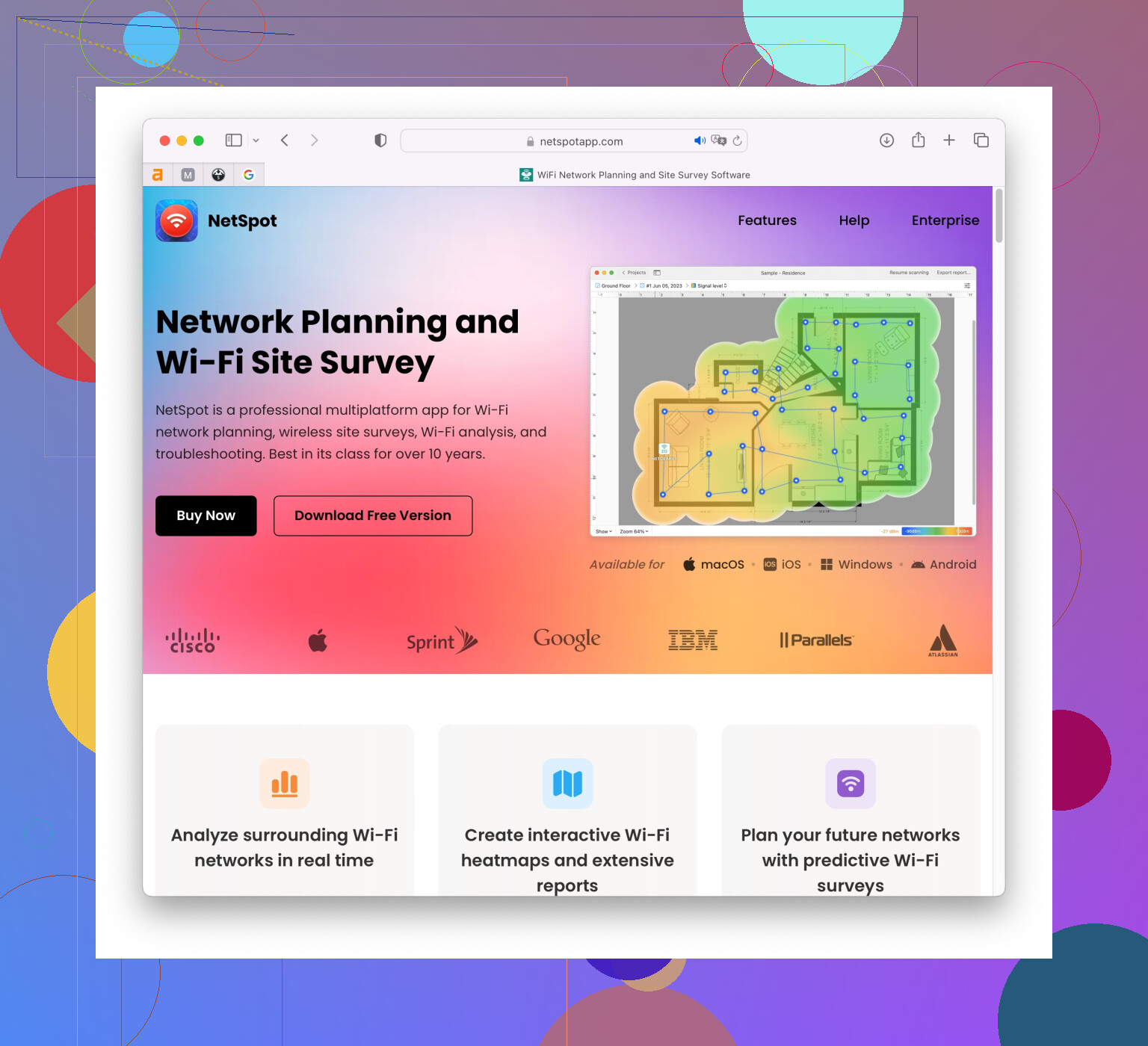
Here’s what you can do:
- Download and Install: Go to the website and download the NetSpot app.
- Run a Survey: Open the app, run a quick survey to get a heatmap of your WiFi coverage. It’ll show you areas with weak WiFi signal.
- Analyze Interference: The app will show you channels used by other nearby networks. Overlapping channels are a common cause of interference.
- Change Channel: Based on the analysis, change the channel of your WiFi to a less congested one. You can usually do this from your router’s settings page.
NetSpot is user-friendly and provides a wealth of information beyond just interference, like signal strength and speed. This can be really helpful in optimizing your WiFi performance. You can also consider upgrading your router to a dual-band router and using the 5 GHz band, which is typically less crowded than the 2.4 GHz band.
Additionally, some other tools worth considering are:
- Acrylic WiFi Home: This tool provides real-time information about your WiFi network environment and is quite user-friendly.
- WiFi Analyzer (Android): This app offers a simple interface to see channel usage and signal strength, available for Android devices.
Pay attention to the signal-to-noise ratio. Aside from home appliances, neighbors’ WiFi networks can also cause interference, especially if you live in a densely populated area.
Remember, relocation and proper router configuration can immensely improve stability. Happy troubleshooting!