Hey there,
Recovering deleted text messages on an Android without using third-party apps can be tricky but it’s not entirely impossible. Here are a few steps you can follow, but keep in mind that success isn’t guaranteed:
-
Check if They’re Actually Deleted: Sometimes we can miss things. Make sure you comb through your messages carefully. Search for the keyword related to the messages in your text app.
-
Sync and Backup: - If you’ve synced your phone with Google, there’s a chance the messages might be backed up. Go to
Settings>Google>Backupand see if your text messages have been backed up. If they have, you can restore your device to an earlier state.- Contacts and Messages Backup: Some phone manufacturers (like Samsung, Huawei) have their own cloud services and they backup SMS. Check in settings or respective cloud app for any backups.
-
Check Device’s Trash or Recycle Bin:
- Some messaging apps have a trash feature where deleted messages stay for a certain period before they are permanently deleted. Open your messaging app and check if such a feature is available.
However, if these methods don’t work, you might have to consider using recovery software like Disk Drill
. It simplifies the process quite a bit. Disk Drill (find it at CleverFiles) is a powerful tool that can recover more than just text messages. It can pull up photos, documents, and other deleted data from your device.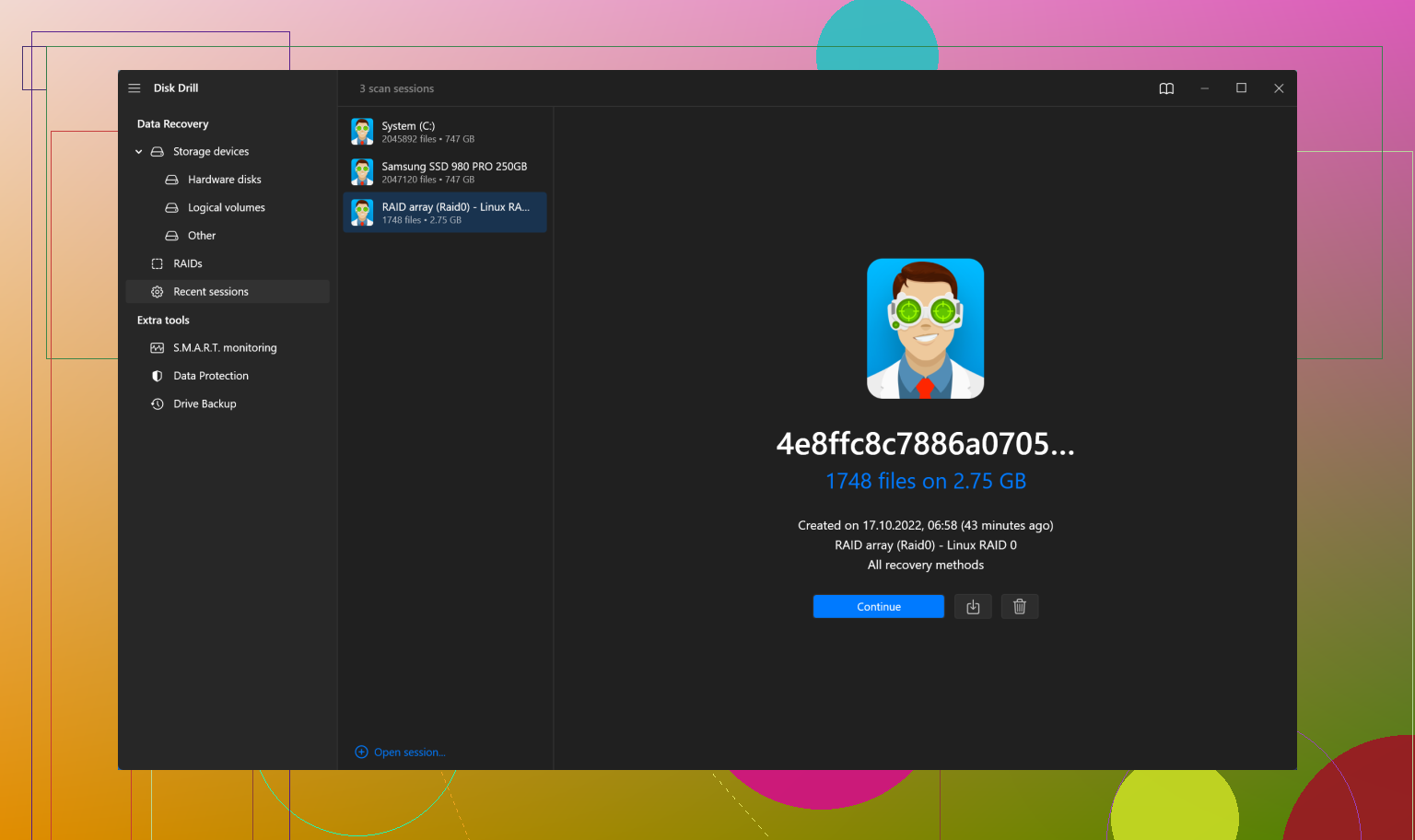
Here’s a brief rundown if you decide to try Disk Drill:
-
Download and Install Disk Drill: You’ll need a computer for this. Install Disk Drill on your computer. You can grab it from the CleverFiles website.
-
Connect Your Android Device: Once installed, connect your Android device to your computer using a USB cable. Make sure it’s detected by your PC.
-
Run a Scan: Open Disk Drill and select your Android device. You’ll quickly find an option to run a scan for lost or deleted files. Choose this option.
-
Preview and Recover: After the scan completes, you can preview the found files, including text messages, and recover them to your computer.
Bear in mind that free versions might have limitations, but it’s a tried and tested tool by many users. Even if manually retrievable methods fail, a tool like Disk Drill could be your saving grace.
If you have any luck with these steps or if anyone has additional suggestions, feel free to share!
Good luck!