Dealing with deleted Instagram messages can be super frustrating, especially when they’re important. Instagram doesn’t have a built-in feature to undo message deletion, but there’s still hope. Here are a few methods you can try to get those messages back.
1. Request Data from Instagram:
This method doesn’t always work, but it’s worth a shot. Instagram allows you to request a copy of your data, which includes messages.
- Go to your Instagram account and navigate to Settings.
- Click on “Security” and then “Download Data.”
- Enter your email address and request the data.
- Instagram will send you an email with a link to download your data within 48 hours. Check the zip file to see if your deleted messages are included.
2. Check Linked Facebook Inbox:
If your Instagram account is linked to your Facebook account, there’s a chance your messages might still be visible in your Facebook inbox. This works because Instagram and Facebook are tightly connected, and sometimes messages are synced between the two platforms.
- Open Facebook and head over to the Messages section.
- Look for the conversation you’re trying to recover.
3. Ask the Other Person:
This one’s more straightforward and often overlooked. If possible, ask the person you were chatting with if they can copy the conversation and send it back to you. Of course, this only works if they haven’t deleted the messages themselves.
4. Third-Party Data Recovery Tools:
If the above methods don’t work, you might need to dive into third-party software. There are several tools out there designed to recover deleted data from your device, including messages. One such tool is Disk Drill
, which has a good rep for data recovery. Here’s how you can use it: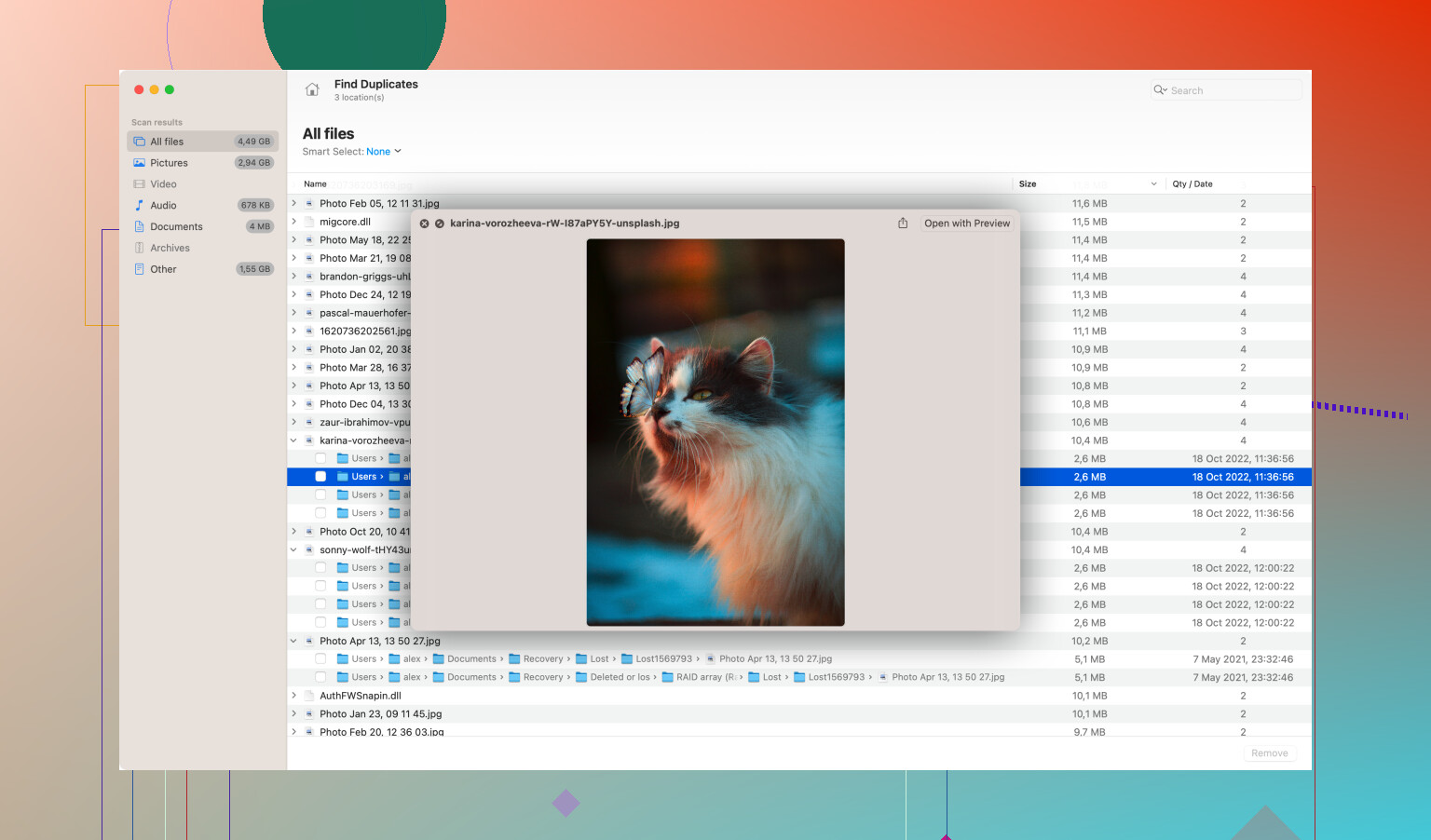
- Download and install Disk Drill: You can find it at Disk Drill Data Recovery Software. The software is available for both Windows and Mac.
- Launch Disk Drill and choose the storage device where Instagram stores its data (usually your phone or tablet).
- Allow the tool to scan the device for deleted files. This process might take some time, depending on your device’s storage size.
- Once the scanning process is complete, browse through the recovered data to see if your Instagram messages are there.
Keep in mind that third-party tools aren’t guaranteed to recover everything. Success largely depends on whether the data hasn’t been overwritten by new files on your device.
5. Regular Backups:
This won’t help you recover already deleted messages, but it’s a good practice moving forward. Regularly back up your Instagram data by following the steps to request data from Instagram. Store this backup in a secure place for future reference.
6. Cloud Backup Solutions:
If you routinely back up your device to a cloud service like Google Drive or iCloud, you might be able to recover your messages through a device restore. Be aware that this could potentially overwrite other current data, so use it as a last resort.
- For Android, check Google Drive settings for device backups.
- For iOS, check iCloud settings and see if any recent backups include your messages.
Important Points to Consider:
1. Time is of the Essence:
The sooner you try to recover the messages, the higher your chances of success. Deleted data can get overwritten by new files.
2. Data Overwriting Risks:
Using your device extensively after deleting the messages decreases the chances of a successful recovery because new data could overwrite the old data.
3. Third-Party Software Risks:
Qualify any third-party tools you use. Not all are reputable, and some could potentially harm your device or compromise your privacy.
Getting back deleted Instagram messages might require a bit of effort, but these methods should provide you with a good starting point. Hope it helps you recover what you need!